






Turn every customer call into eWay-CRM history with Allo. Automatically.
Connect eWay-CRM with Allo and keep customer communication where your team can actually use it.
Every call and SMS is automatically logged to the right contact in eWay-CRM, including AI call summaries, tags, and links to recordings.
No copying notes. No forgotten calls. No gaps in your CRM.

Your phone calls, connected to your CRM
Your sales team talks to customers every day. But unless someone updates the CRM after every conversation, valuable information gets lost. Allo takes care of that automatically.
When you connect Allo with eWay-CRM:
• eWay-CRM contacts sync to Allo
• Allo identifies who is calling
• calls are logged to the matching CRM contact
• SMS messages become CRM journals
• AI call summaries are saved with the call
• recordings stay accessible through a link
Your team makes the call. Allo and eWay-CRM take care of the history.
Know who is calling before you answer
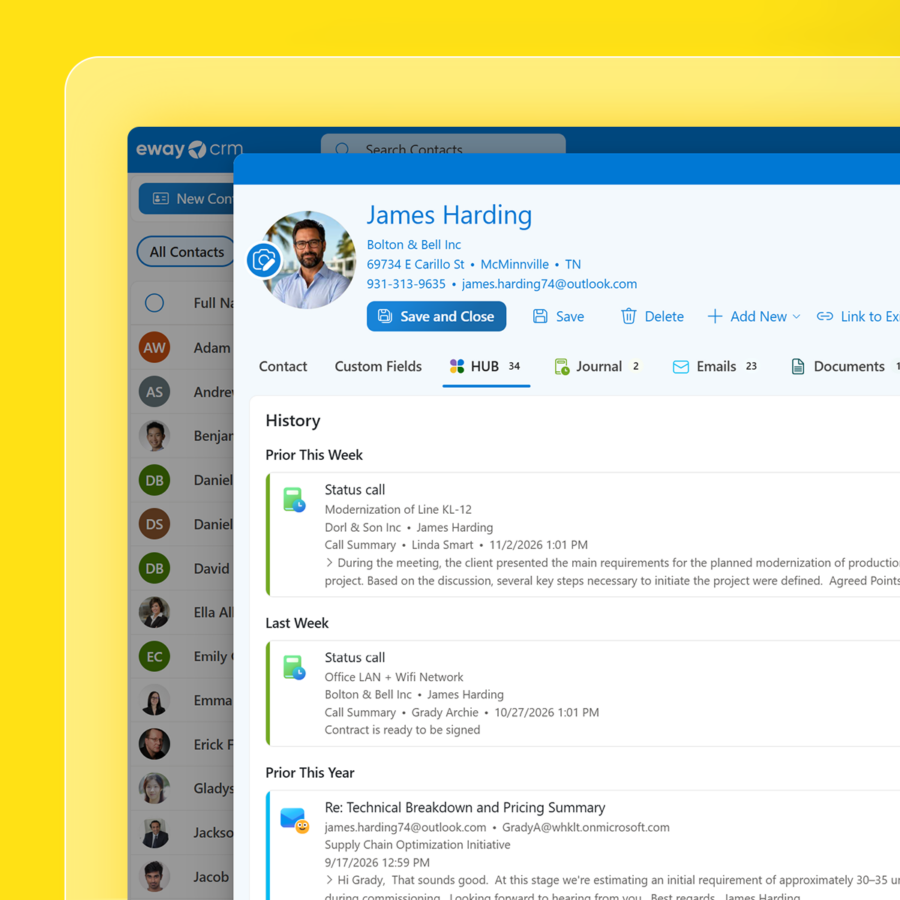
Your eWay-CRM contacts are synchronized with Allo together with their company name and job title.
When someone calls, your team can immediately see who they are dealing with.
Allo only fills empty fields during synchronization. It does not overwrite information already stored in eWay-CRM.
Every call becomes part of the customer history
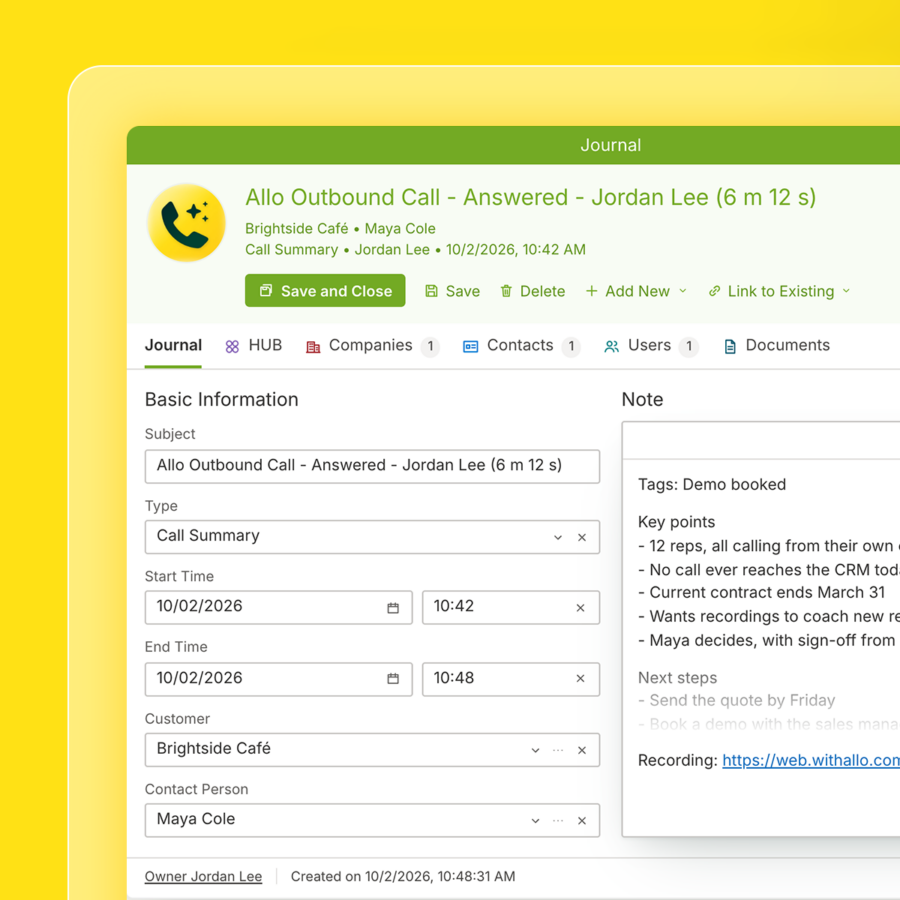
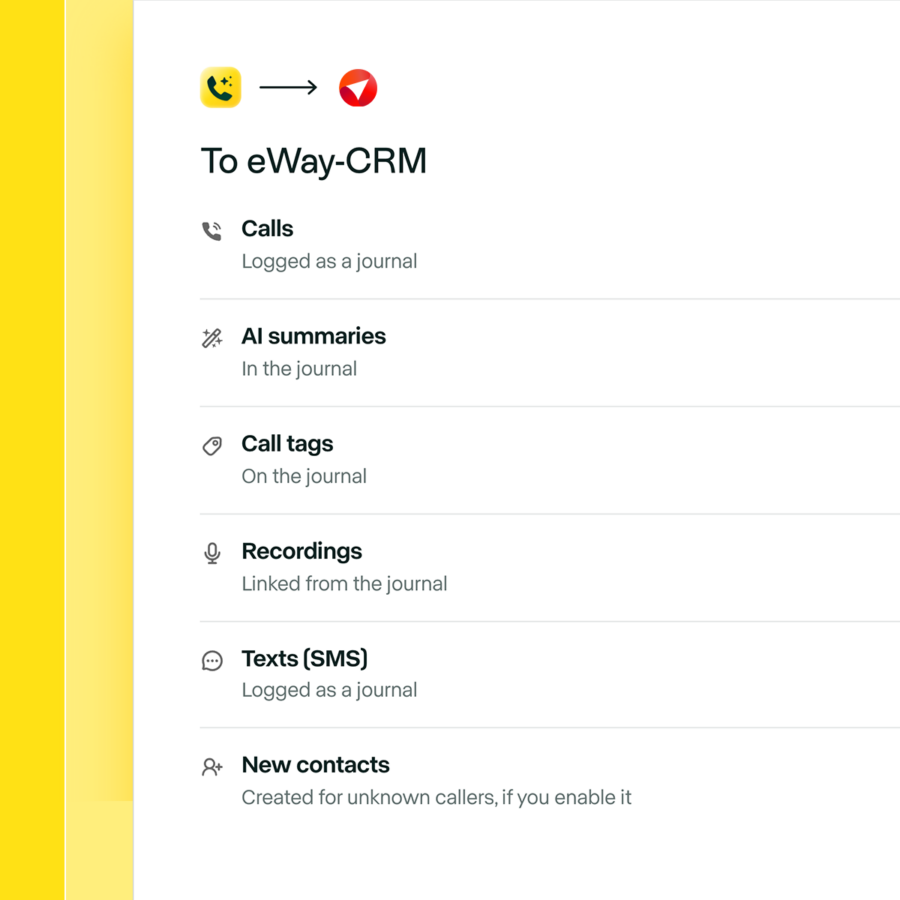
Once the call ends, Allo automatically creates a Call journal for the matching contact in eWay-CRM.
The journal can include:
• AI-generated call summary
• call tags
• date of the call
• link to the recording
• related contact and company
The journal is also assigned to the eWay-CRM user whose email matches the Allo user.
The next time anyone opens the customer in eWay-CRM, the context is already there.
SMS messages stay with the customer too
Phone communication isn’t only about calls.
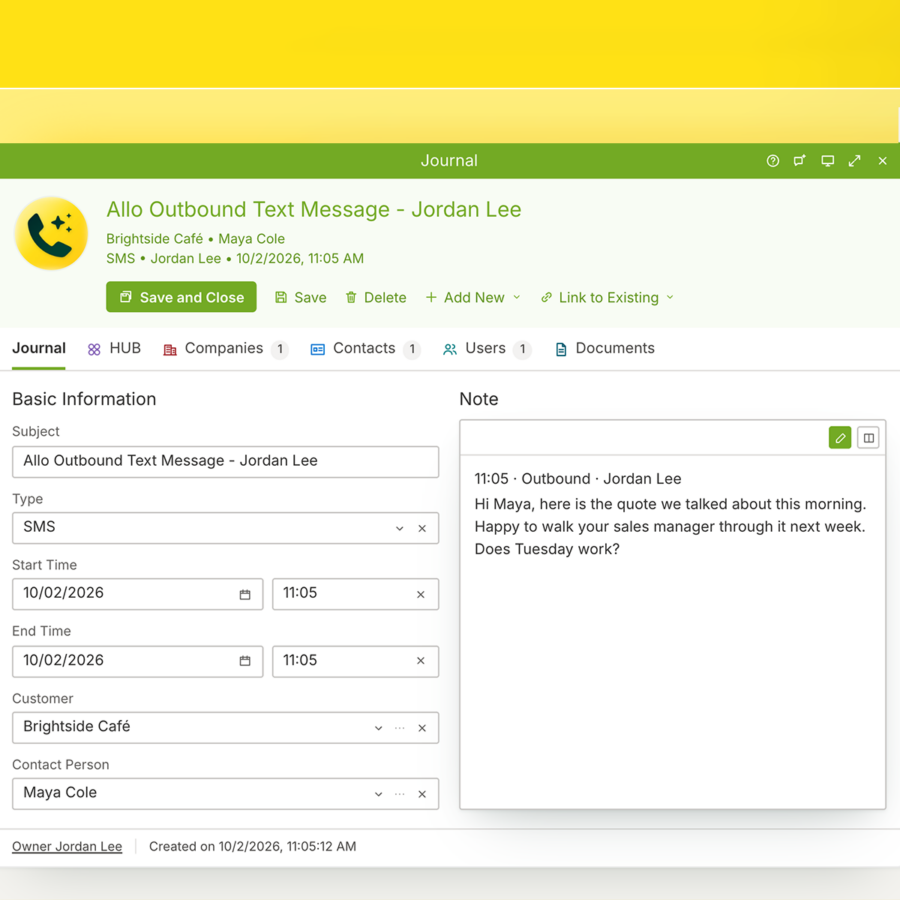
Allo also saves SMS messages to the matching contact in eWay-CRM, including the message content.
If you already have an SMS journal type, Allo uses it. Otherwise, the message is saved as a Note.
Calls, texts, and CRM activity can therefore live together in one customer history.
Let AI write the call notes
Taking notes after every customer call takes time. And sooner or later, someone forgets.
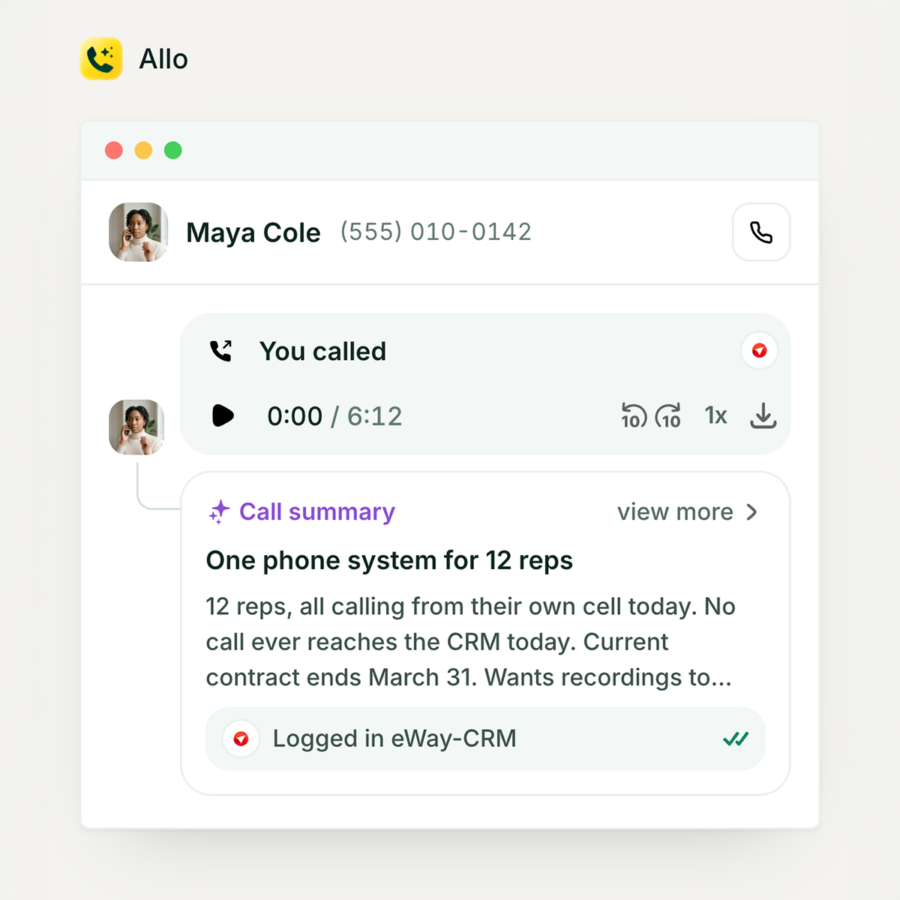
Allo can generate an AI summary of the conversation and save it with the Call journal in eWay-CRM.
Your sales team can focus on the conversation while the important context makes its way into the CRM automatically.
Even new callers don't have to disappear
Someone calling for the first time?
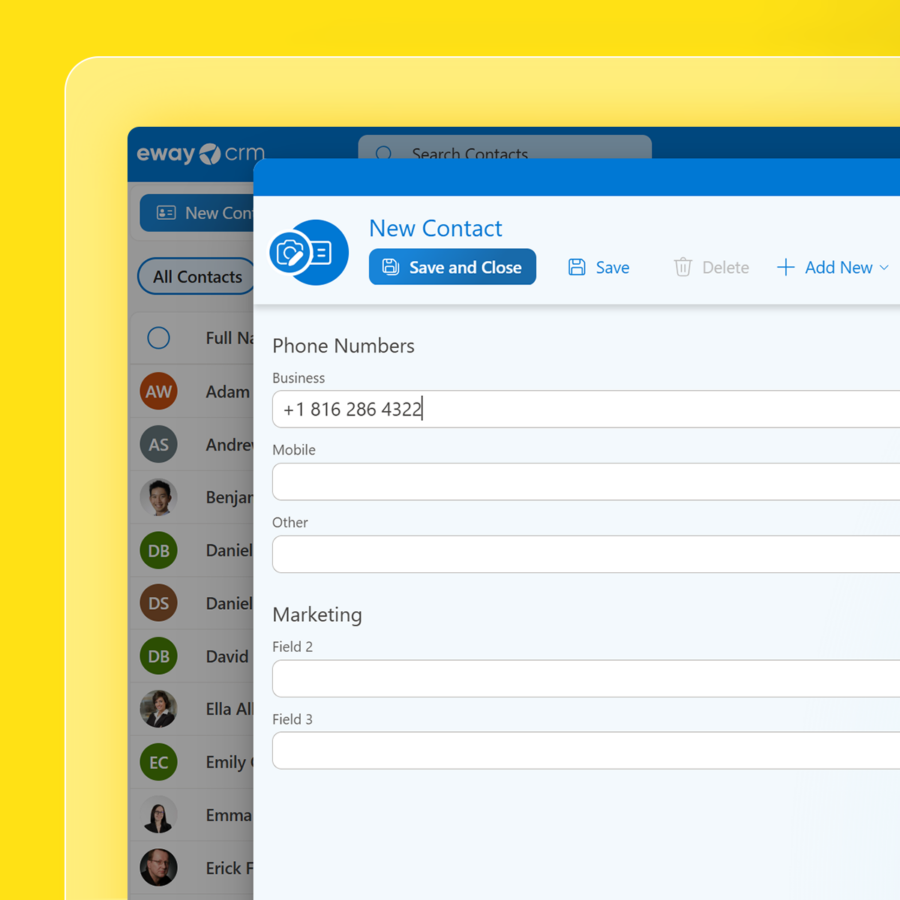
Turn on Create lead for unknown calls and Allo can create a new contact in eWay-CRM when the caller isn’t recognized.
Instead of an unknown phone number disappearing into someone’s call history, it can become a contact your team can follow up with.
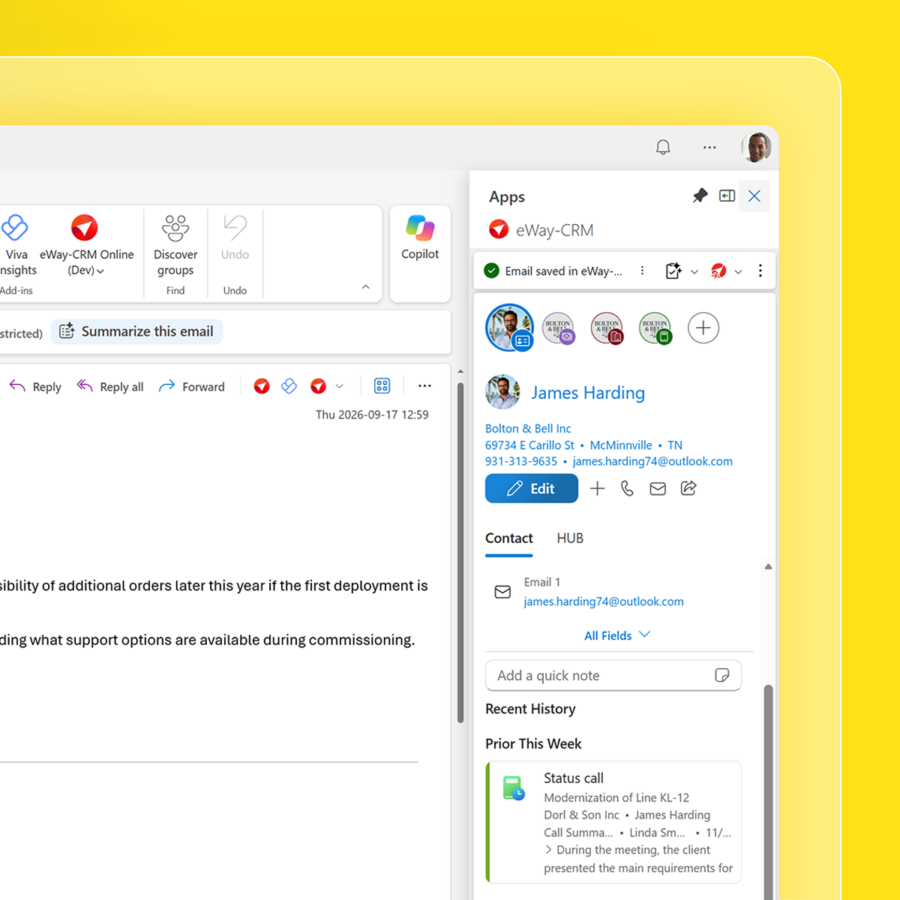
Everything is available from eWay-CRM in Outlook
Allo writes journals directly into eWay-CRM.
That means the call history is available wherever your team uses eWay-CRM, including the Outlook add-in and web app.
Salespeople don’t need another place to check what happened with a customer.
The conversation becomes part of the CRM record they already work with.
Interested in integrating eWay-CRM with Allo?
Connect eWay CRM with Allo and stop writing call notes by hand. Get in touch — we’ll be happy to help you with the setup.