








The Best Free CRM for Outlook and Microsoft 365
Need a free CRM that’s easy to start using? Try eWay-CRM.
Manage contacts, deals, projects, and email marketing directly in Outlook.
Start for free. No credit card required.
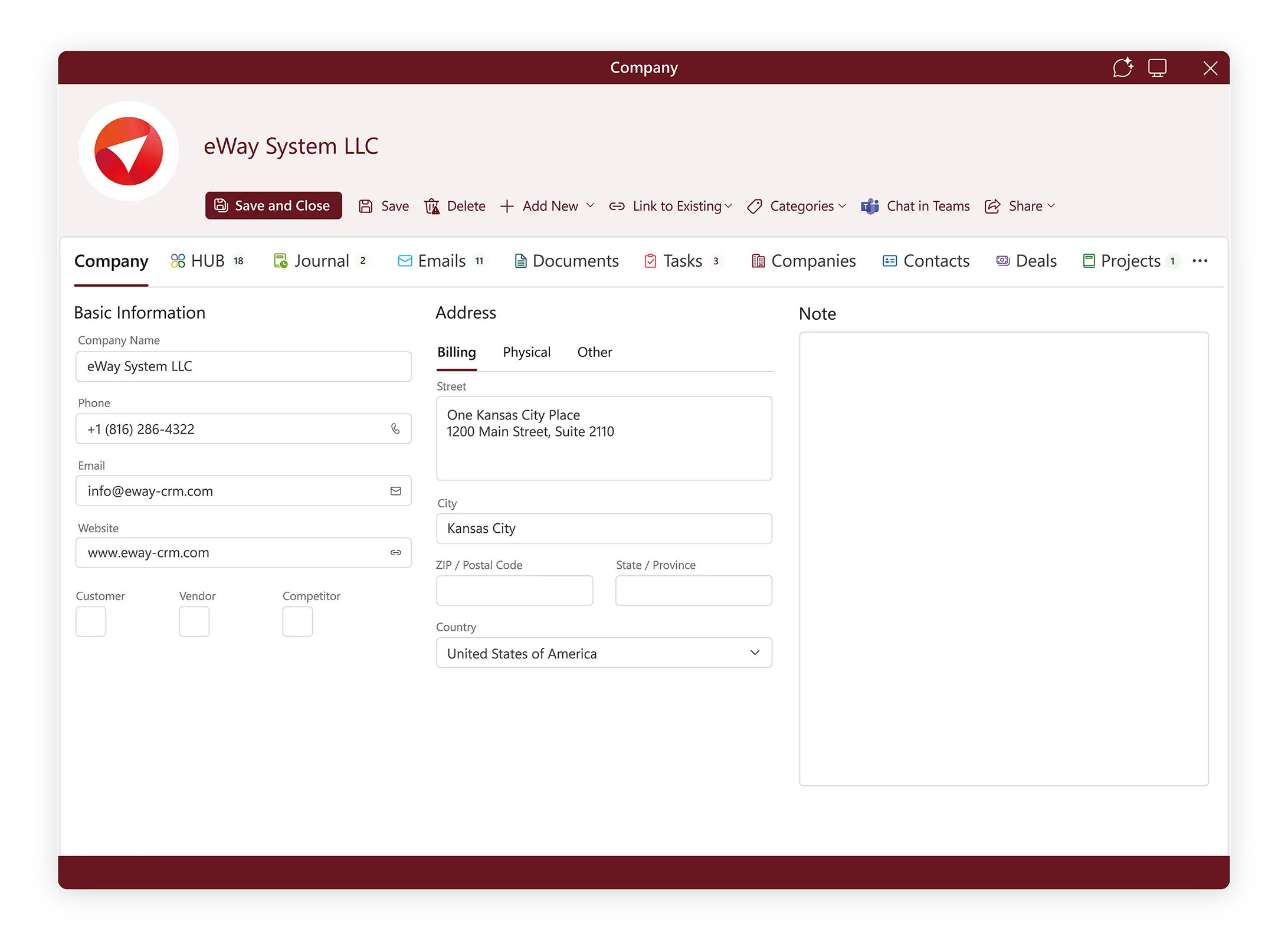
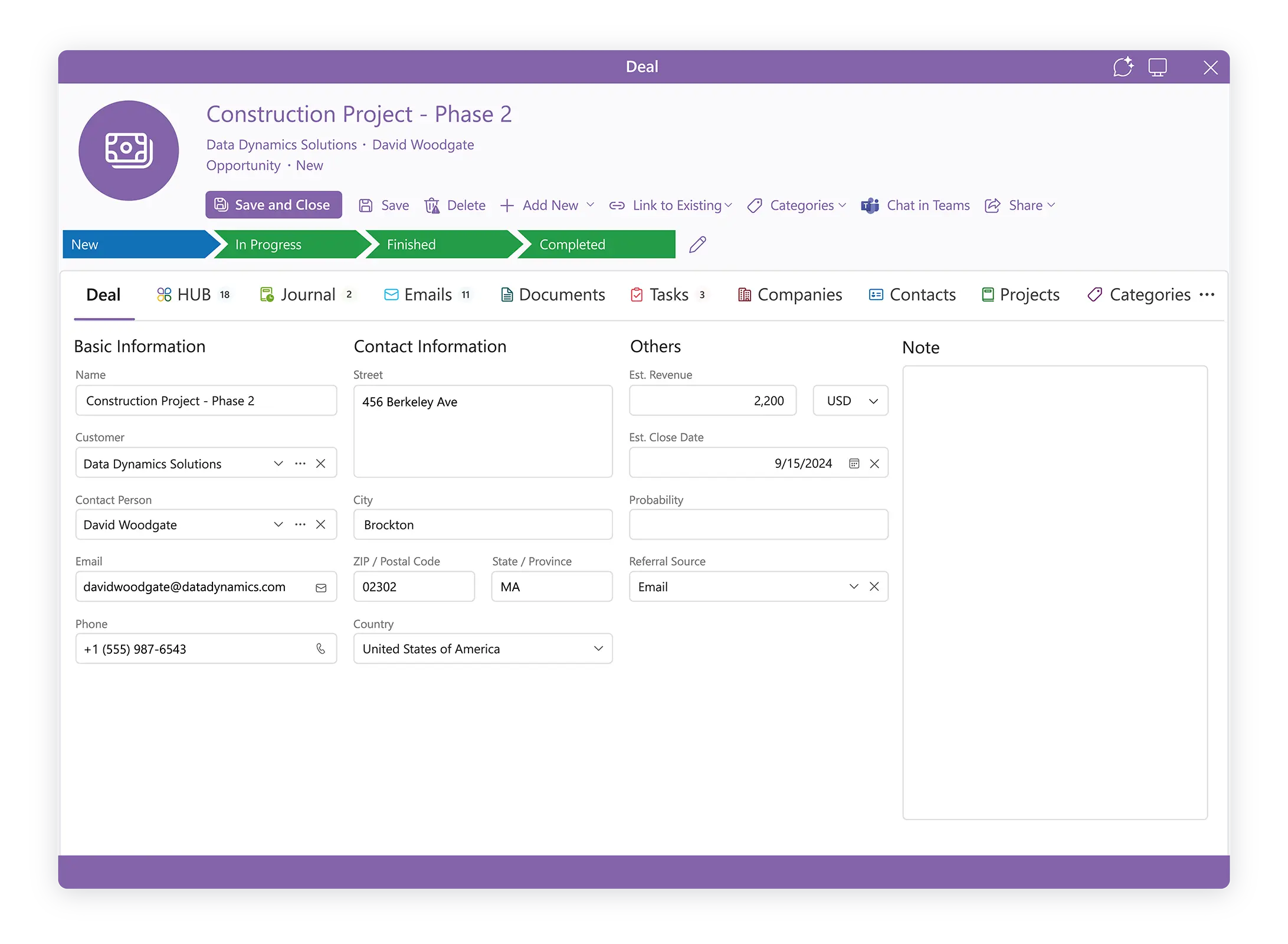
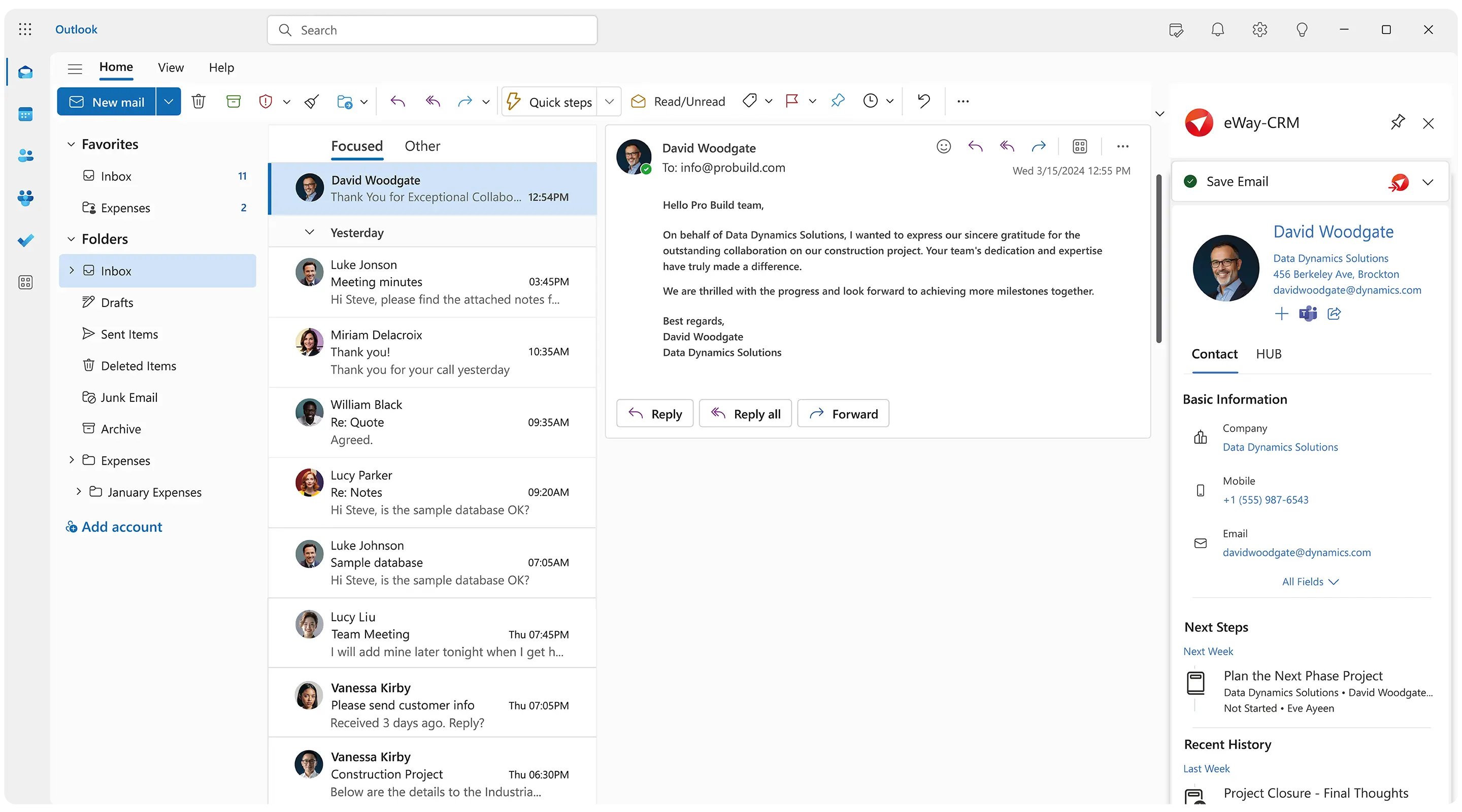
Run Your Business From Microsoft Outlook
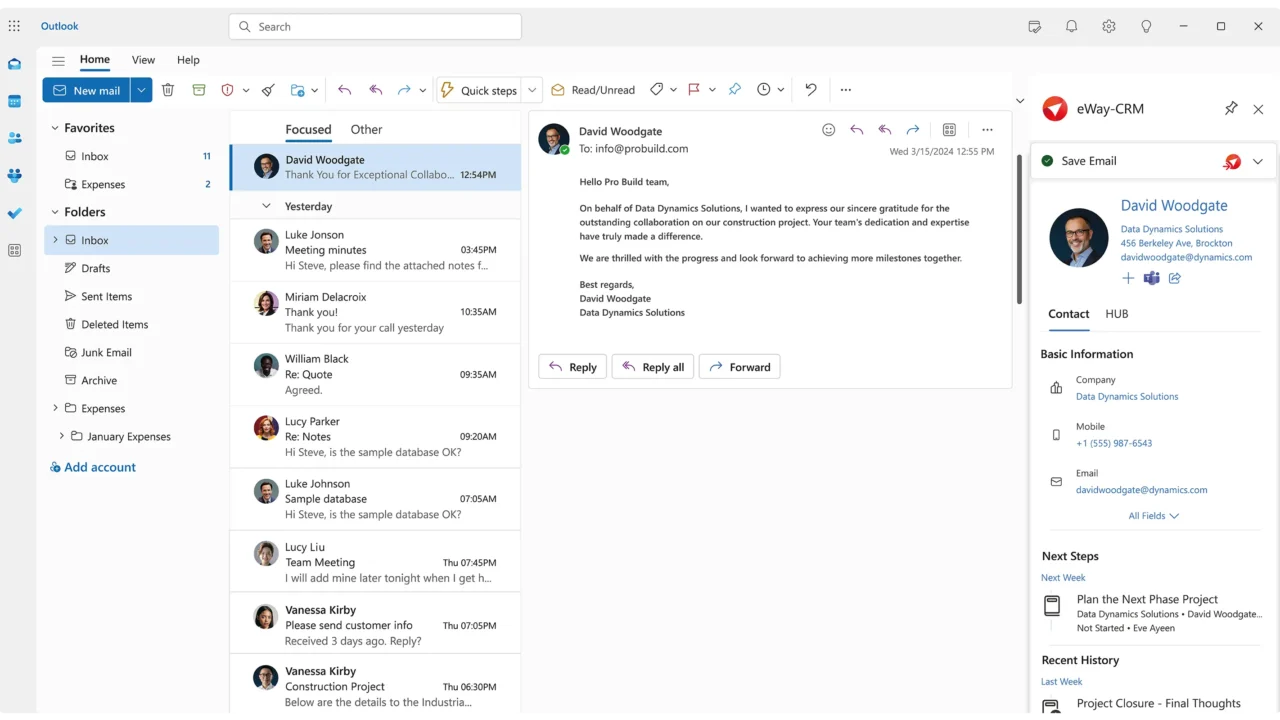
eWay-CRM works directly with Outlook and Microsoft 365.
Keep emails, contacts, deals, and tasks in one place. No switching between apps. No complicated training.
You can start working immediately. Save emails, track deals, schedule meetings, and manage customer relationships from your Outlook inbox.
Simple to learn. Unlimited users. Unlimited time. Robust to enable sales, marketing, and customer service teams right away.
What the eWay-CRM Free Version Includes
Many free CRM tools look good at first. Then you find the limits.
Limits for users. Limits for contacts. Limits for time. “14-day trial” isn’t actually free.
Our free tier is different. It includes unlimited users, unlimited contacts, and unlimited time of use. And it contains all key features.
Your whole team can work in the same CRM database. Build real processes before you decide to upgrade.
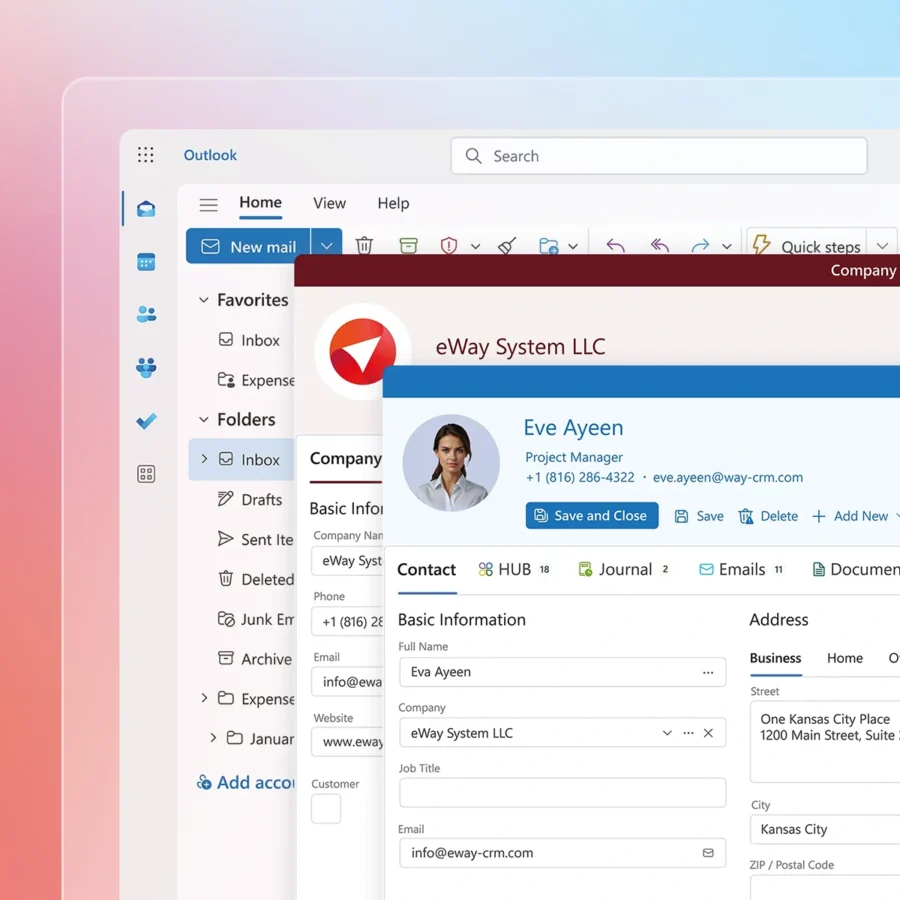
Manage contacts and companies. Track deals and build sales pipelines. Convert emails to tasks. Use project management. Work on mobile or tablet. Connect marketing tools. Use workflow automation.
eWay-CRM Free is not a limited trial. But a truly free CRM software for managing contacts, deals, projects, and emails.
Get a Shared Database For Customer Data
Small businesses often start with spreadsheets. That works for a while.
Then the team grows. The customer list grows. Deals move faster. Follow-ups become easier to miss.
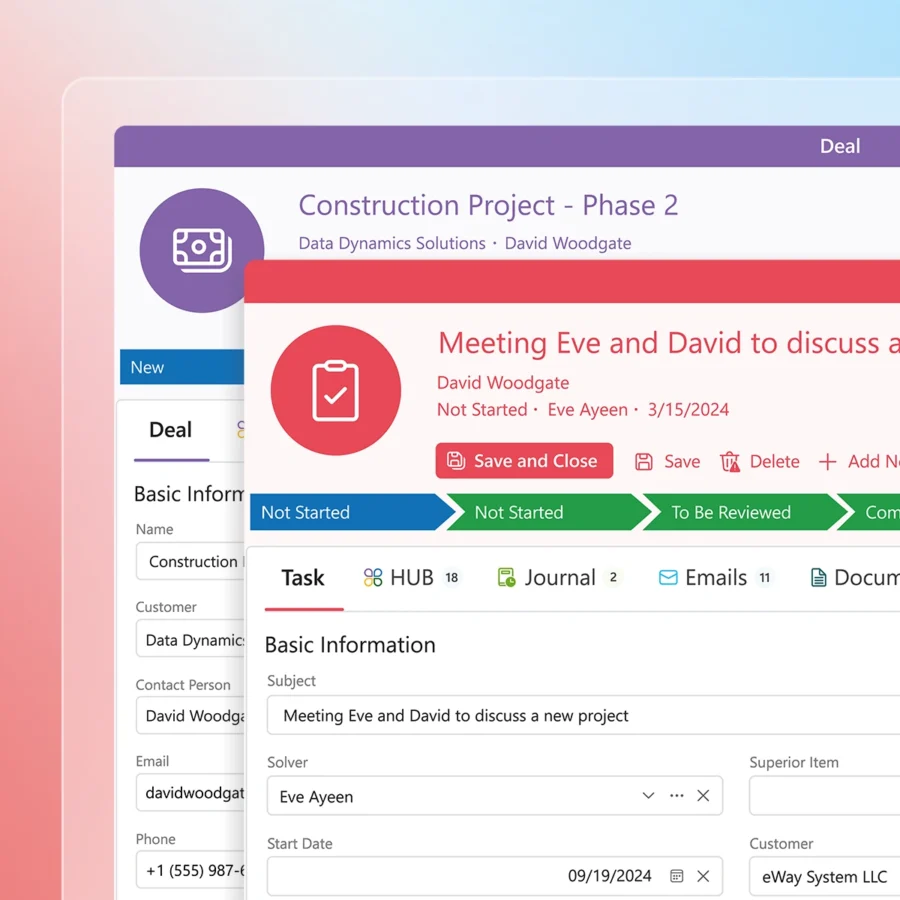
This is exactly where our solution comes in. It gives your team a shared database for customer data.
It shows who owns each deal. It keeps emails linked to contacts. It transforms your everyday Outlook routine into an easy CRM workflow.
And the best part? Your inbox remains familiar, but elevated.
Manage Leads and Sales Pipelines
Every lead needs a clear next step. eWay-CRM Free eliminates chaos in sales process.
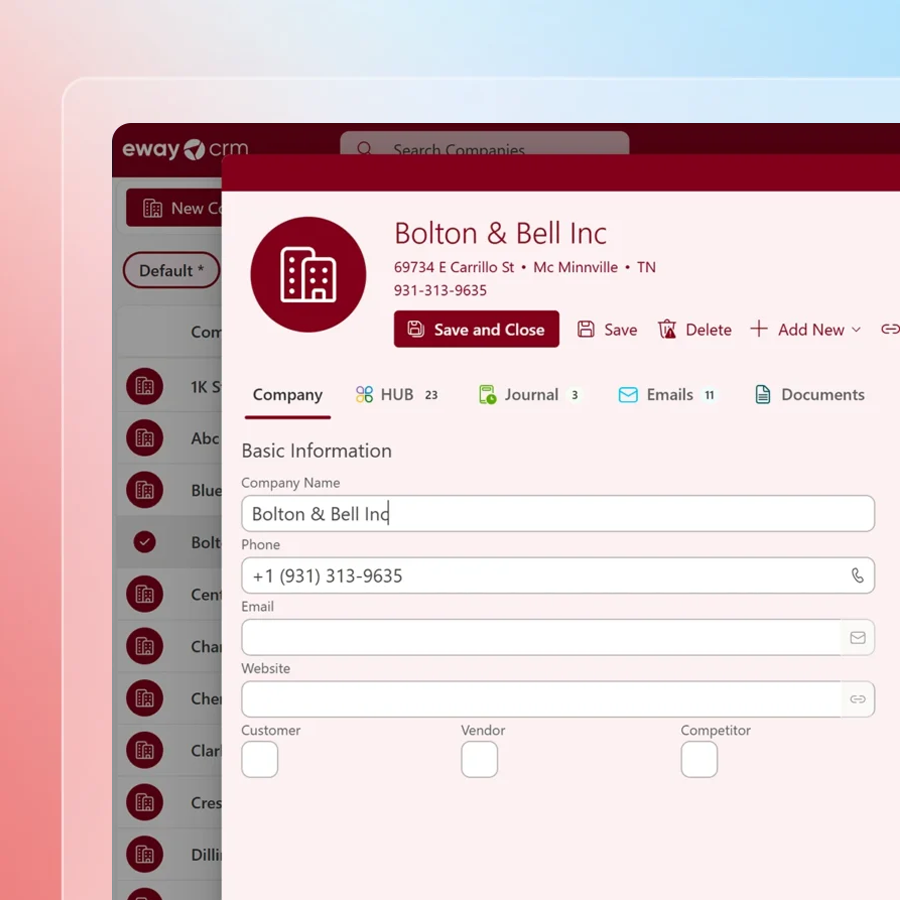
Capture leads, qualify opportunities, and move deals through your sales pipeline. Create custom pipeline stages and see where every deal stands.
Keep customer emails, notes, tasks, and documents connected to each opportunity. Your team always has the information they need without digging through inboxes.
See your pipeline value, spot deals that have stalled, and stay on top of follow-ups.
No hidden deals. No missed opportunities.
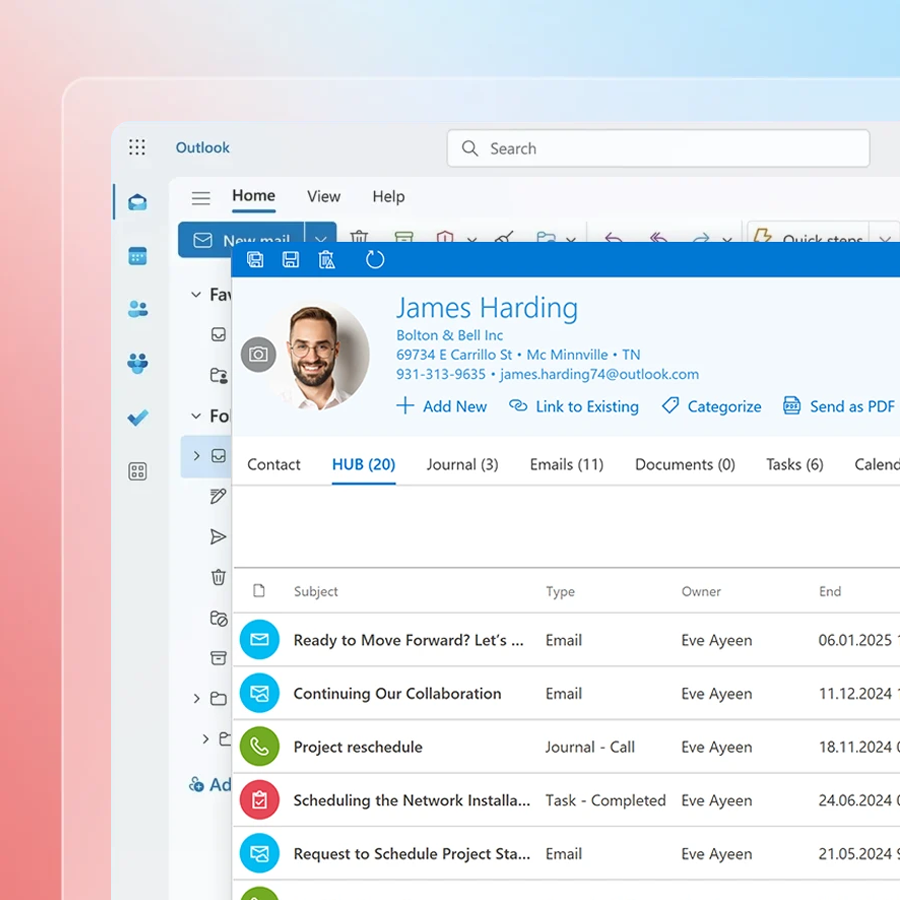
Save Time With Workflow Automation
Manual work slows teams down. Enjoy workflow automation to keep work moving.
Create follow-up tasks automatically. Ask for missing data. Move deals through stages. Calculate pipeline value. Remind users what needs attention.
Automation helps your team follow the same process every time. Handle every new lead. Turn every won deal into a project. Let tasks alert the right person.
Managers get real time visibility. Sales team gets fewer manual steps. And customers get faster responses.


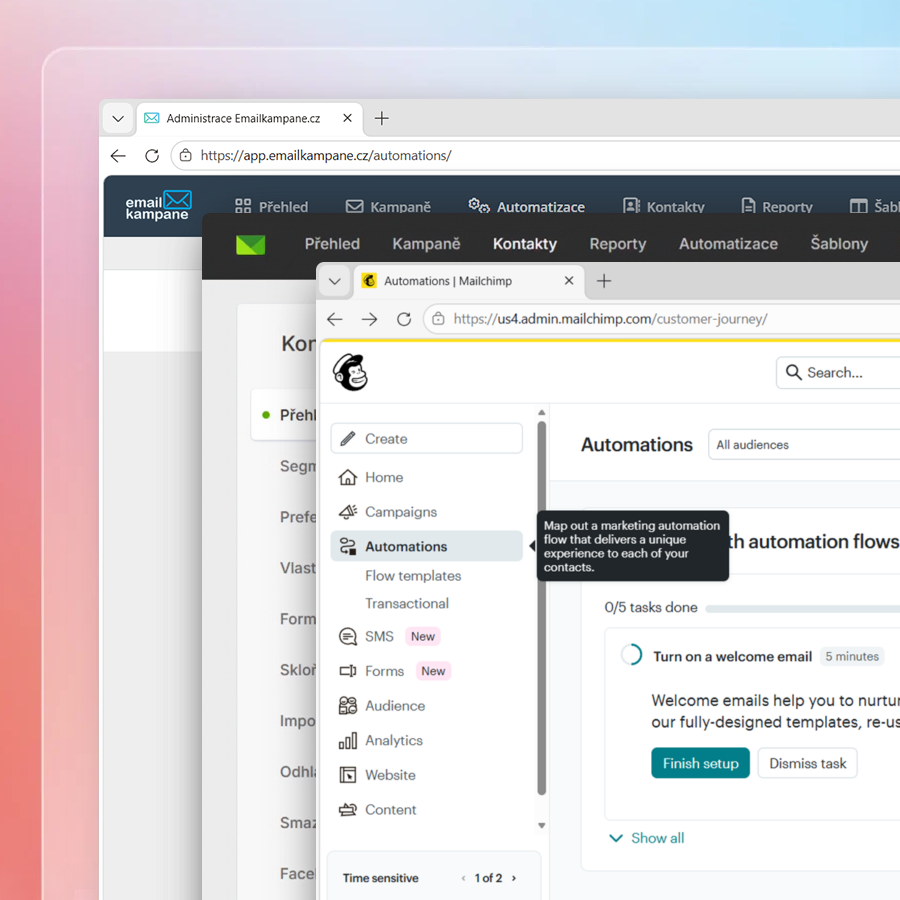
Connect eWay-CRM With Powerful Marketing Tools
eWay-CRM also supports marketing activities. Connect it with Mailchimp, Constant Contact, or Emailcampaigns.eu.
Use customer data to segment your audience. Run email campaigns. Follow up with prospects based on their activity.
Do you use landing pages, forms, or campaigns to generate leads? Keep that data organized. Website inquiries can become deals, which then move into sales pipelines.
To make communication consistent and fast, use templates for quotes, project sheets, invoices, and customer emails.
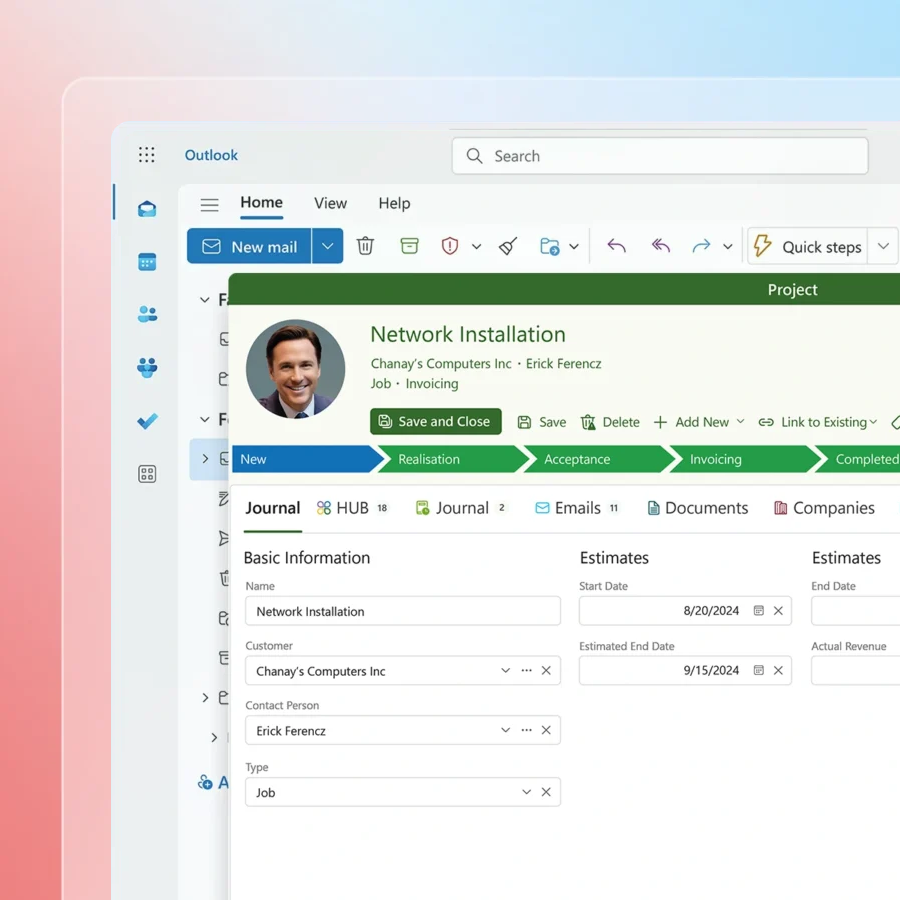
Keep Every Project Under Control
Manage delivery, assign tasks, and keep your team in Microsoft 365 environment.
When a deal is closed, the real work begins. Connect customer communication, tasks, and next steps in one shared workspace.
Fewer missed follow-ups, smoother handoffs, and better project visibility.
- Track tasks and project progress.
- Assign work to team members.
- Keep emails and notes connected to projects.
- Manage customer work directly inside Outlook.
eWay-CRM Free is more than just a CRM. Keep projects and tasks organized right inside Outlook.
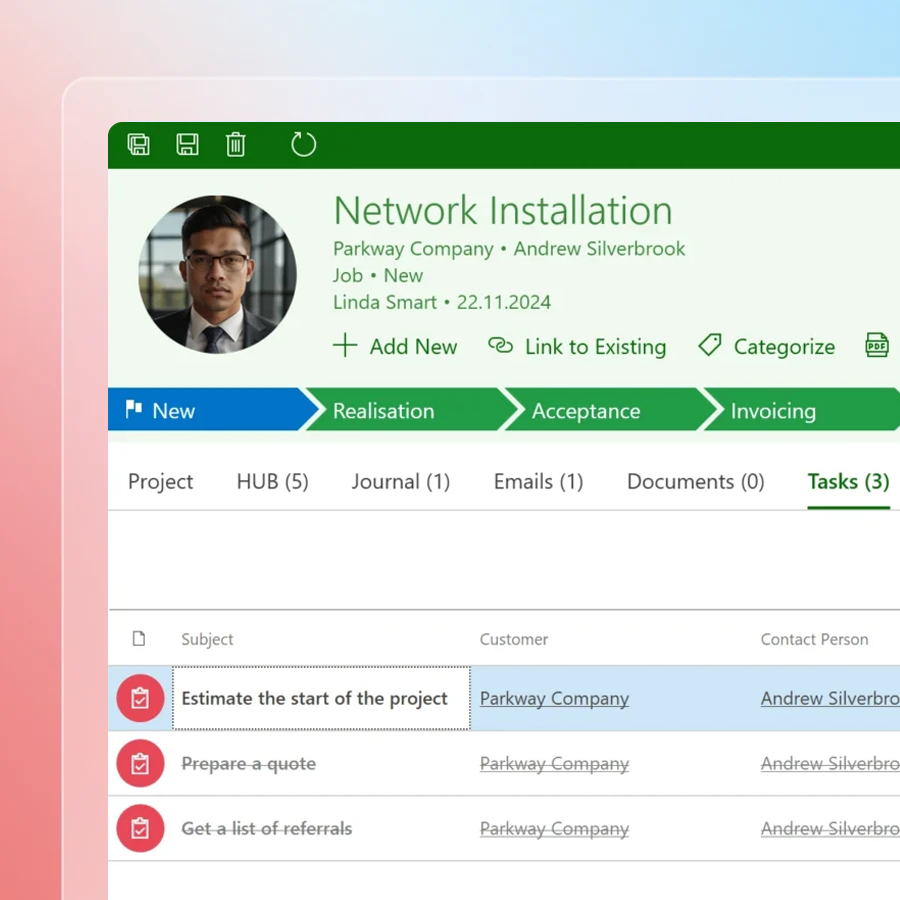
CRM for Better Customer Support
Customer support should not depend on one person’s inbox.
eWay-CRM keeps emails, journals, tasks, documents, deals, and projects linked to the customer record.
When a customer contacts your company, your team sees the full history in one place. Previous emails, open tasks, ongoing projects, and more.
Because eWay-CRM works inside Outlook, everyone works with the same customer information. Stay aligned without forwarding emails or searching through inboxes.
No lost context. No duplicate replies.

Work Anywhere with Microsoft 365, Teams, and Mobile
Keep your CRM close, wherever work happens.
eWay-CRM Free works with the Microsoft 365 apps your team already knows.
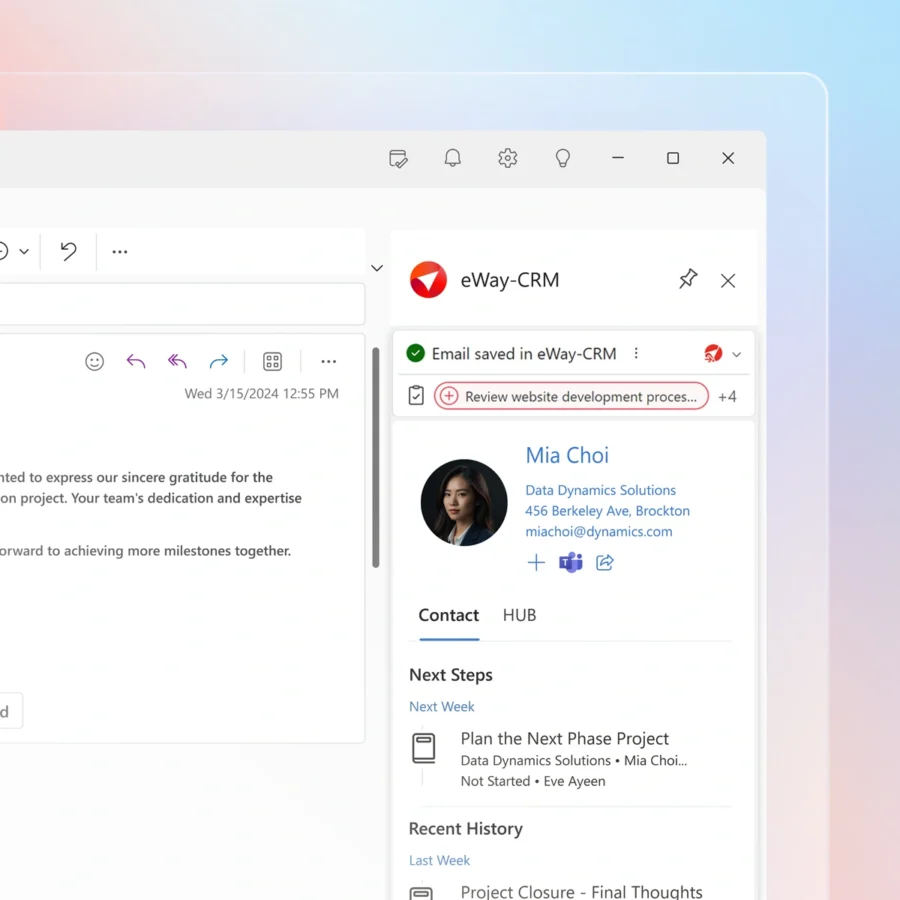
Manage customer work in Outlook, discuss it in Microsoft Teams, and check key details from your phone.
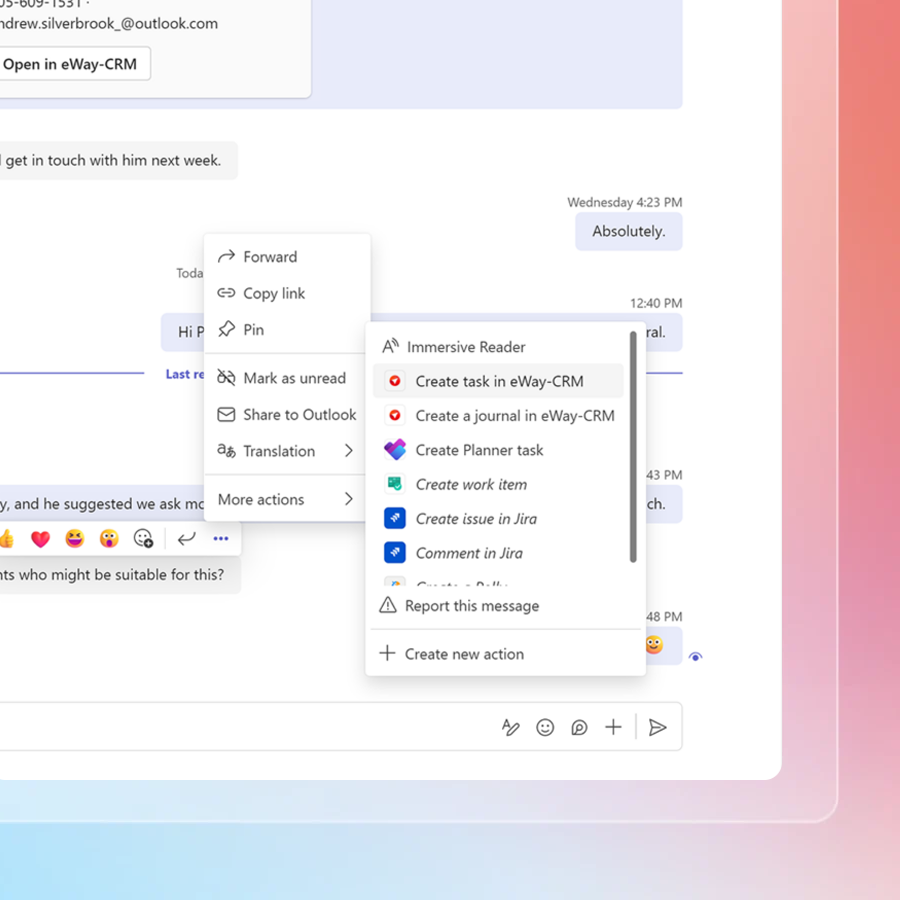
Need quick input from a colleague? Share contact, deal, task, or project in Teams. Or turn chat messages into tasks so you don’t lose anything.
Customer data, communication, and follow-ups always stay connected.
Less busywork, more getting things done. At no cost.
Security and Data Control Built Around Microsoft 365
Data security matters to us from day one.
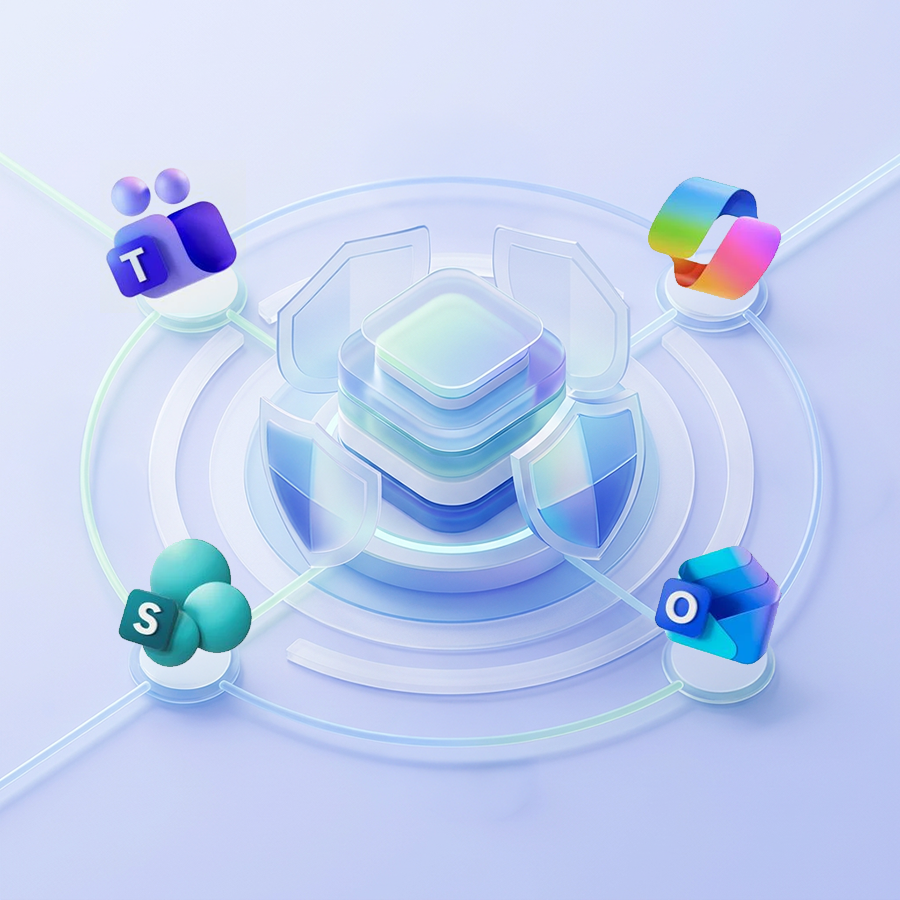
eWay-CRM is for companies working in Microsoft 365. It connects with Outlook, Teams, SharePoint, Power BI, Power Automate, and Copilot.
Organize customer data around the tools you already use.
Instead of spreading customer information across inboxes, spreadsheets, folders, and private notes, eWay-CRM helps you build one shared space.
- Centralized customer records help your team work from the same source of truth.
- Shared communication history keeps important emails, meetings, notes, and documents together
- Microsoft 365 integration keeps CRM work close to Outlook, Teams, SharePoint, and Power BI.
Control Access with Permissions
Not everyone needs access to everything.
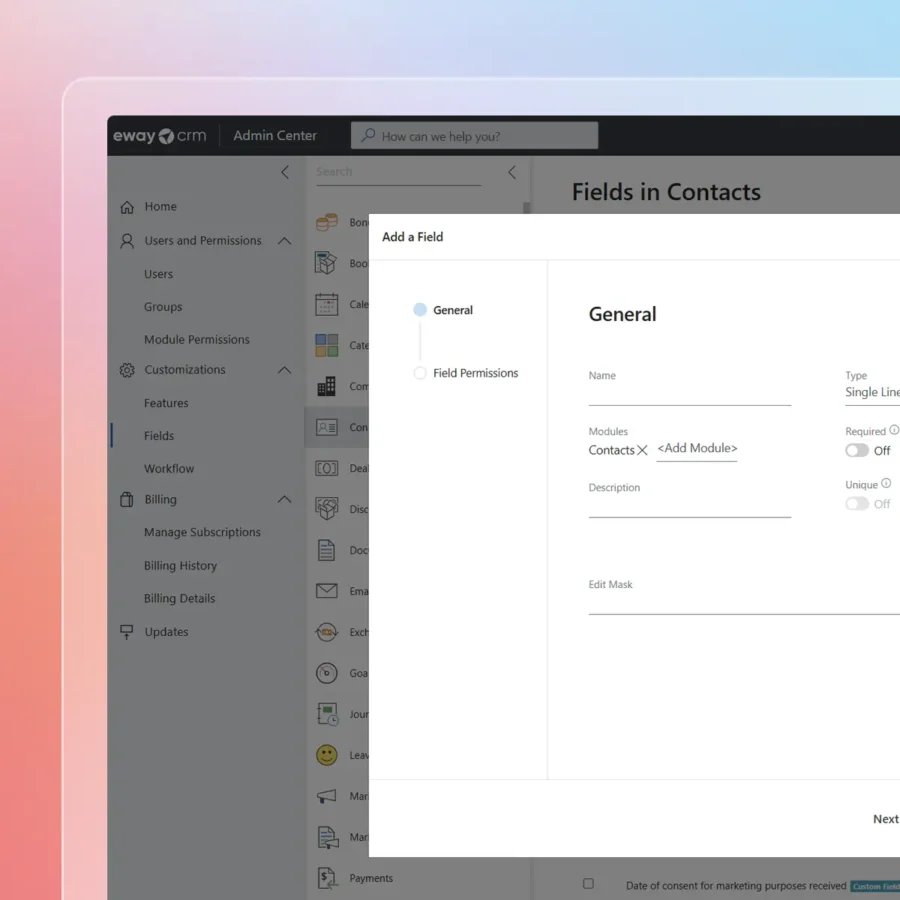
eWay-CRM supports permissions, user groups, and workflows, so your CRM can match the way your company works.
Admins can structure access by role, team, or process. This keeps CRM data useful without making it open to everyone by default.
- Create user groups.
- Set permissions for CRM modules.
- Hide modules or information for specific users.
- Customize fields, forms, workflows, and templates.
Work Securely Without Losing Ease of Use. With eWay-CRM.


How eWay-CRM Compares with Other Free CRMs
Not every free solution is usable for a real team.
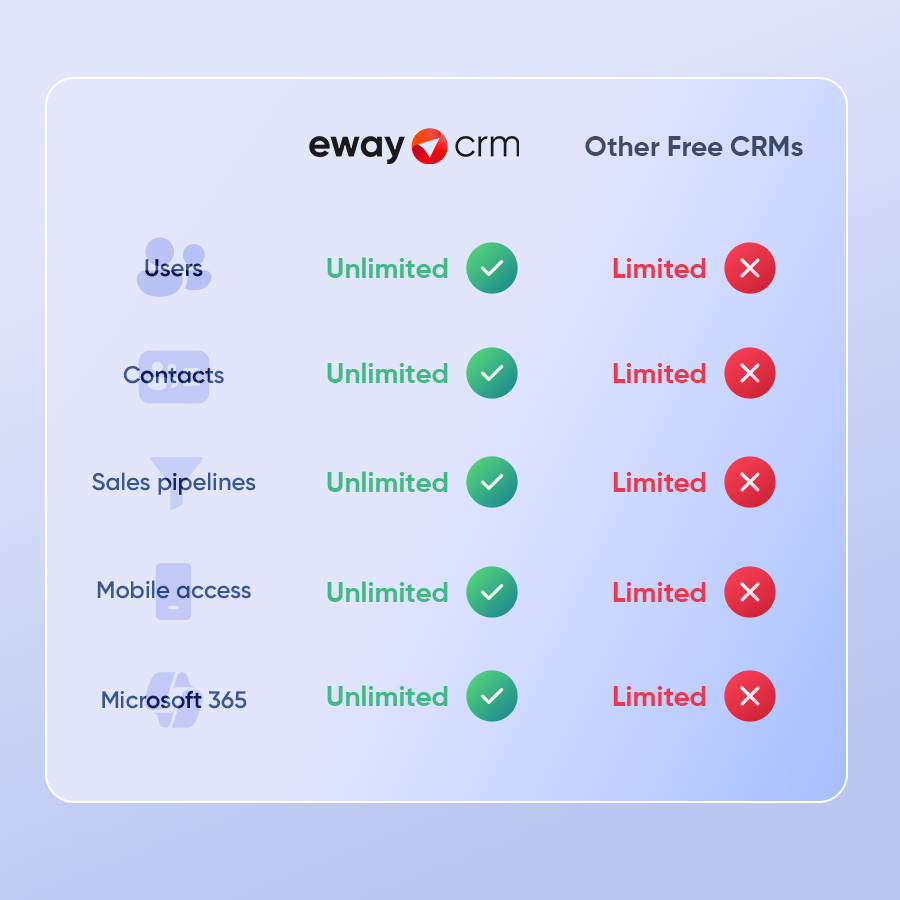
Some tools limit the number of users. Some cap your contacts. Some only offer a short free trial. Others keep key features like automation or pipelines locked behind paid plans.
We offer a different value. An accessible truly free version that supports unlimited users, unlimited contacts, sales pipelines, lead management, and more.
Who eWay-CRM Free Is For
eWay-CRM Free works well for manufacturers, construction workers, consultants, agencies, and IT companies.
It also fits service providers, non-profits, and growing sales teams. Also useful for companies that sell and deliver projects.
Use it when you need a shared customer database. Use it when leads arrive by email. Use it when you need clear sales pipeline stages.
Also especially useful for small businesses that want to move away from spreadsheets without a heavy CRM rollout.
So start simple: Add contacts. Track deals. Save communication. Build habits. Then improve the process step by step.

Why People Around The World Choose Our Free CRM
Teams choose it because it removes friction. eWay-CRM is close to the email inbox.
Incredibly useful for growing companies:
- A sales rep can open an email and create a deal.
- A manager can review the pipeline
- A support person can check the history.
- A marketer can use customer data for a campaign.
The CRM adoption starts with contact management. Continues with lead management. Then sales pipelines. And then with projects, marketing tools, and workflow automation.
You do not need a large implementation project. You do not need to train users on a new way of working.
Start with simple CRM activities and grow with the process.
Start Your Free CRM Journey in Outlook Today
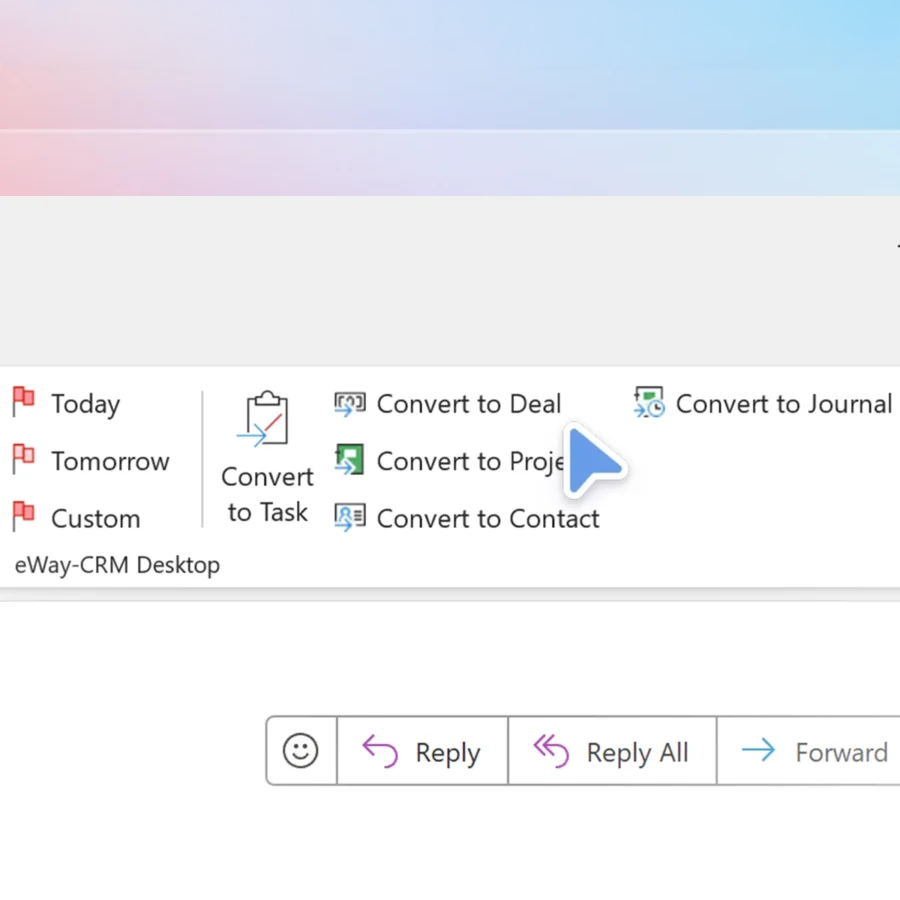
You don’t need to learn any new software. Everything looks and works exactly like Outlook.
Start for free and see why eWay-CRM is the preferred choice for Outlook users around the world!