









The Best Outlook CRM Software
Bring order to emails, contacts, opportunities, and projects.
Manage customer relationships in the Microsoft 365 environment.
No extra system to remember. No more customer history trapped in personal inboxes.
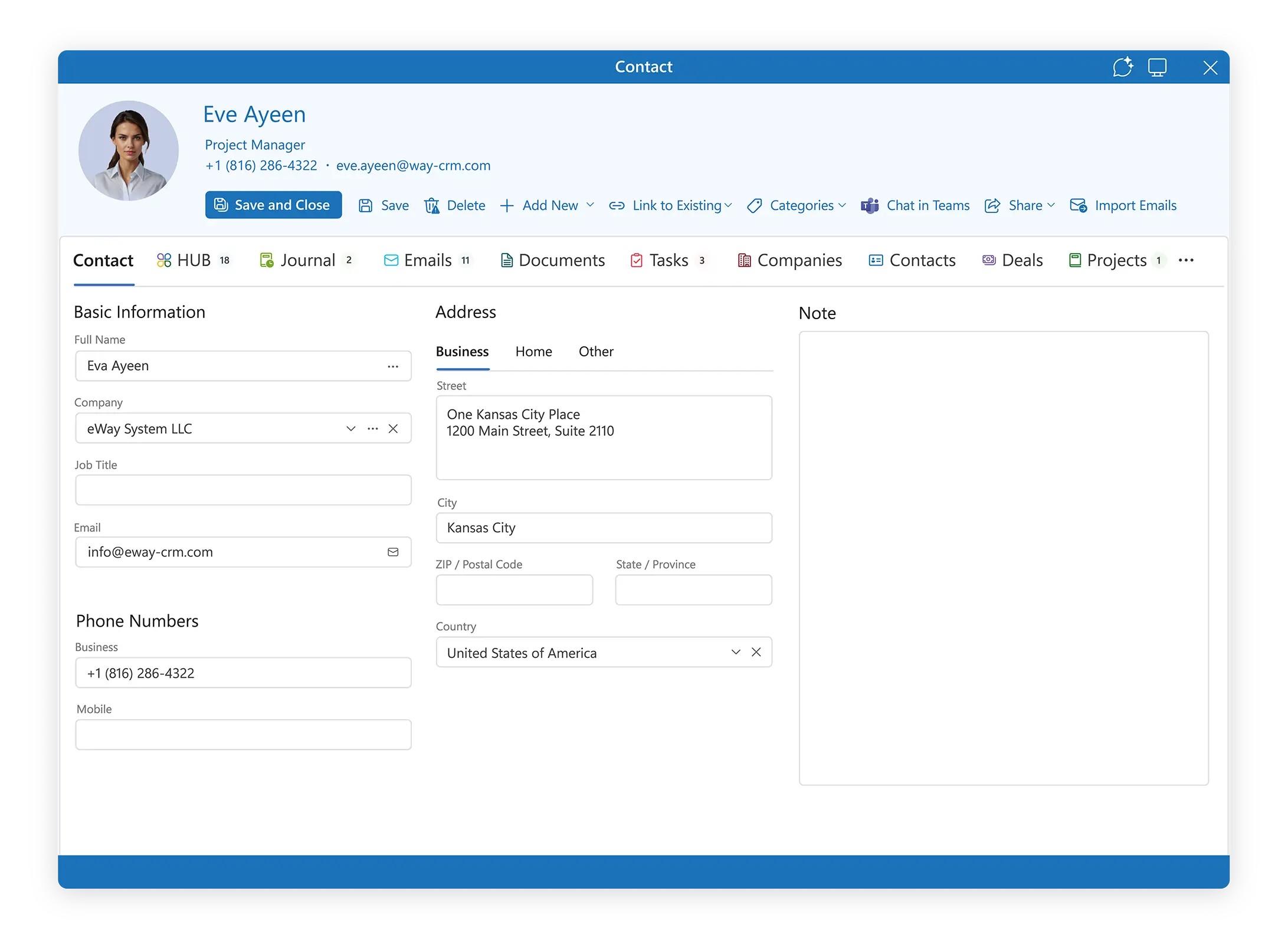
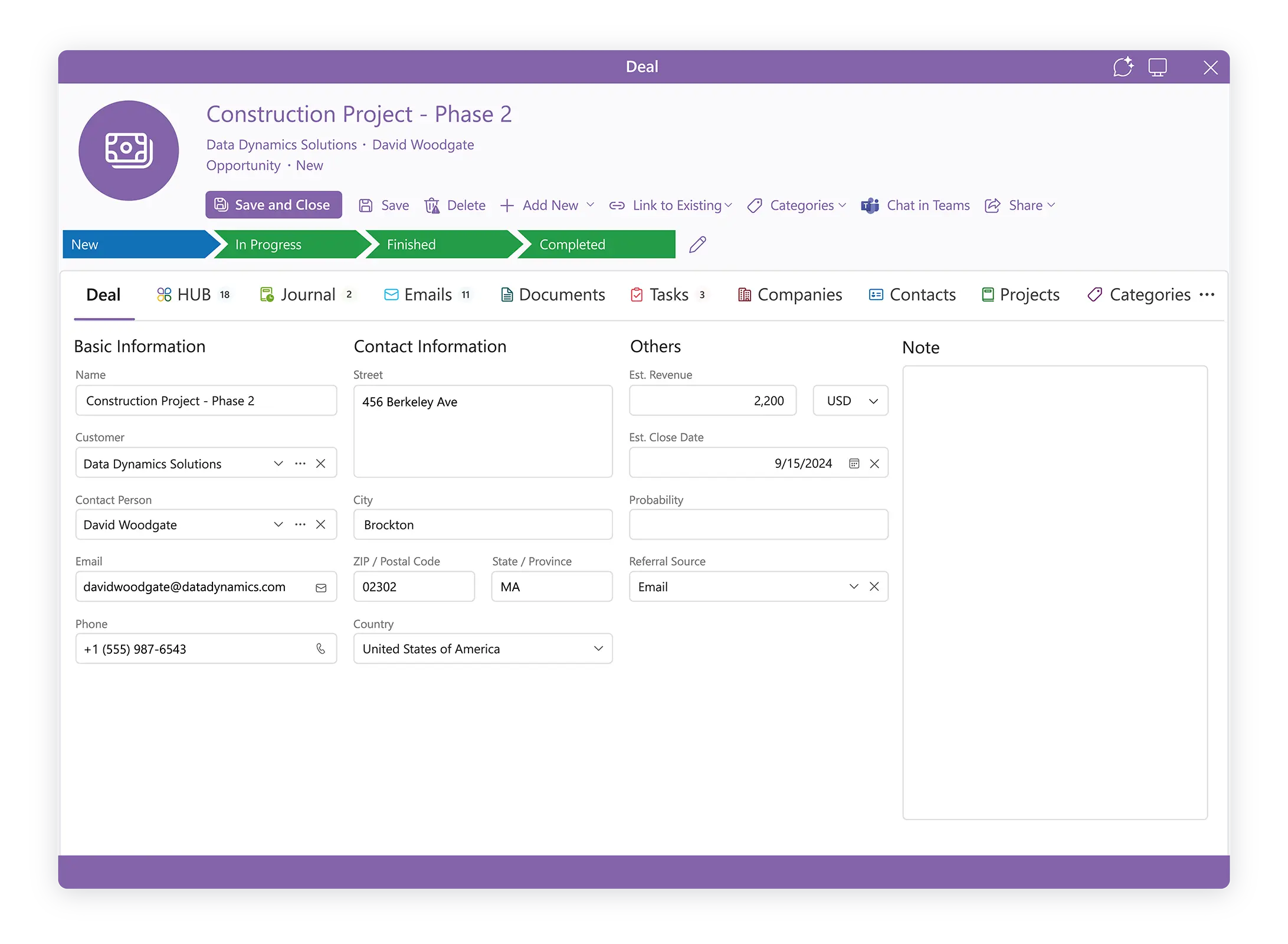
Bring Order To Your Business With CRM For Outlook
Many teams and small businesses use Microsoft Outlook every day. But customer work gets messy over time.
• Follow-ups depend on memory.
• Duplicated or missing contacts.
• Emails stay in personal inboxes.
• Deals scattered across spreadsheets.
• Managers have no clue who talked to the customer last.
eWay-CRM brings structure into the place your team already works: Microsoft 365 and Outlook.

Why People Choose CRM in Outlook
Most CRMs fail because sales reps hate learning new software.
With automatic email tracking, eWay-CRM keeps working in the background, even when your team forgets to log in.
And because it runs inside Outlook, your team can manage customers, opportunities, and emails from the inbox they already use every day.
Strong fit when you need:
• CRM inside Outlook
• Clear sales pipelines
• Shared customer history
• Microsoft 365-first environment
• Smooth sales-to-delivery handover
• Practical CRM without heavy complexity
Avoid generic CRMs people forget to open. Get an Outlook based CRM where real work happens.
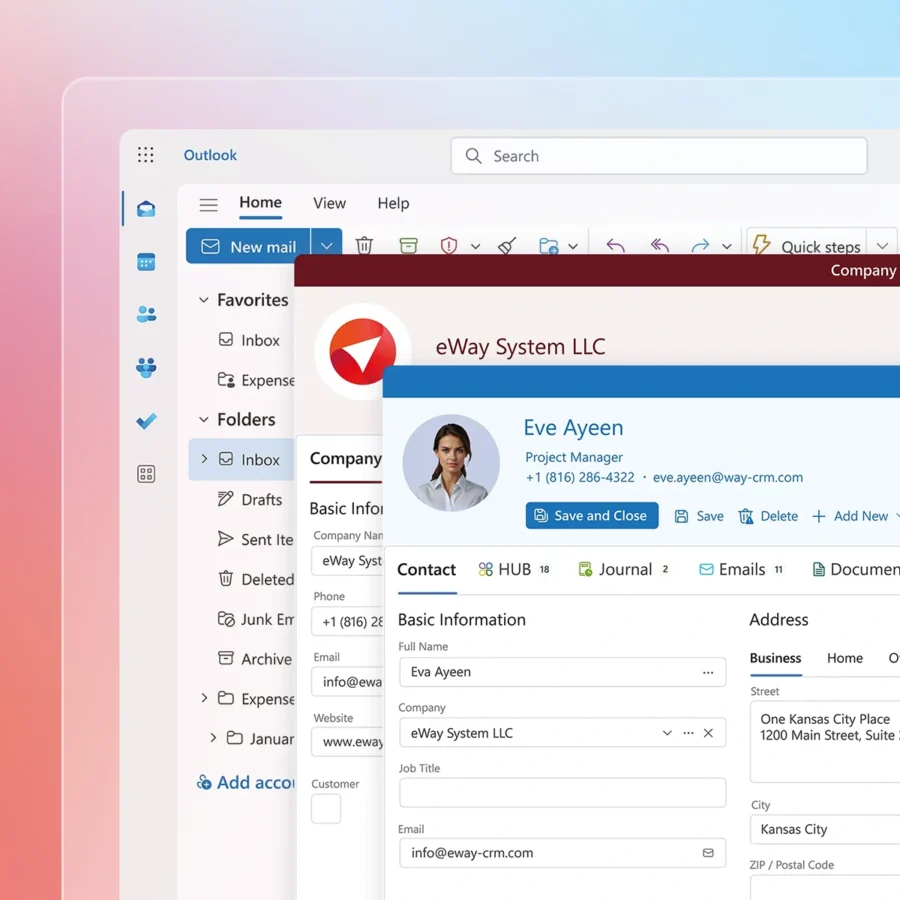
Stronger Than Basic CRM Outlook Integrations On The Market
A strong CRM Outlook integration does more than sync contacts.
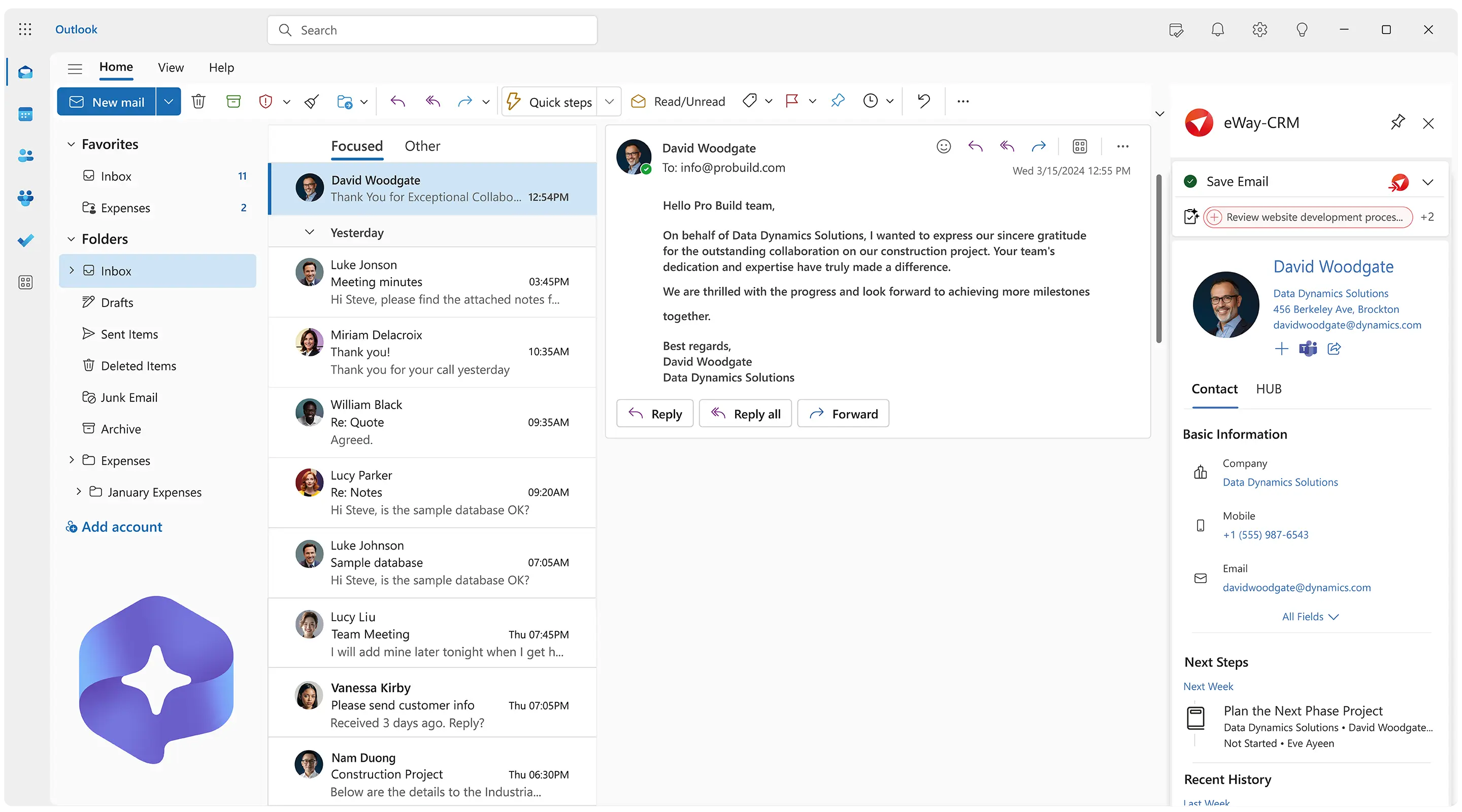
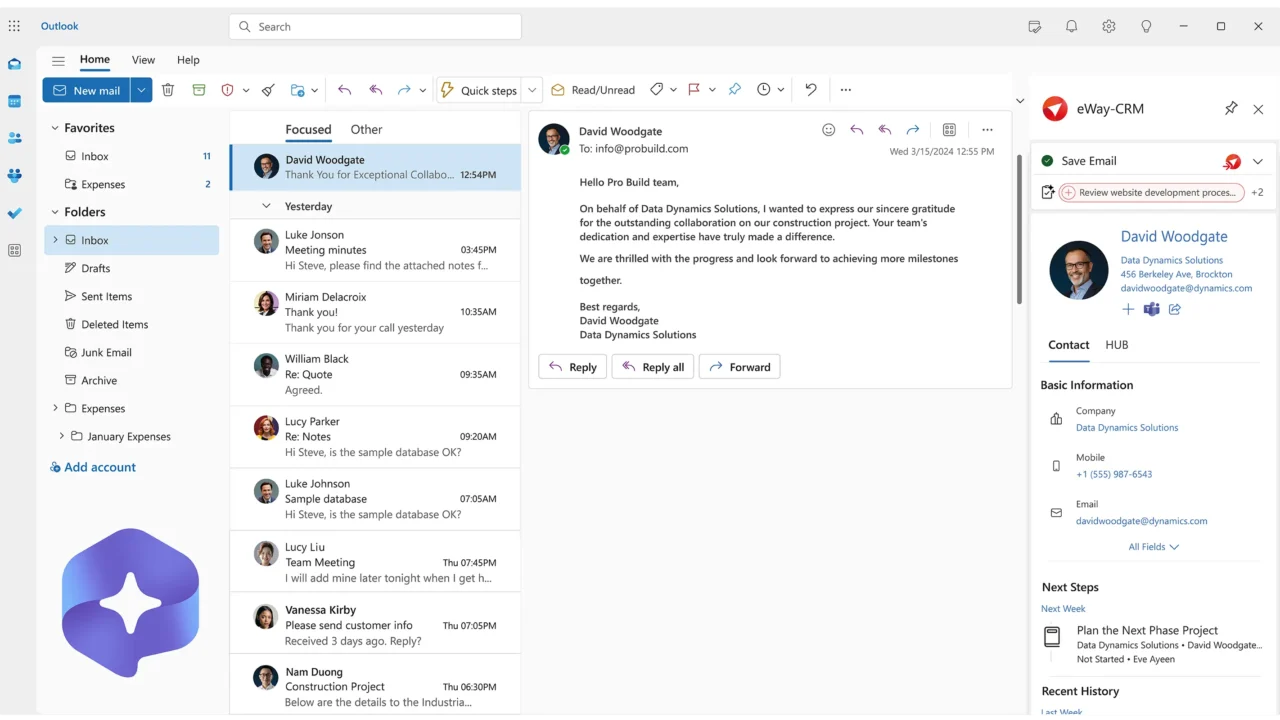
Our solution lives inside Outlook. And it connects daily communication with real customer records.
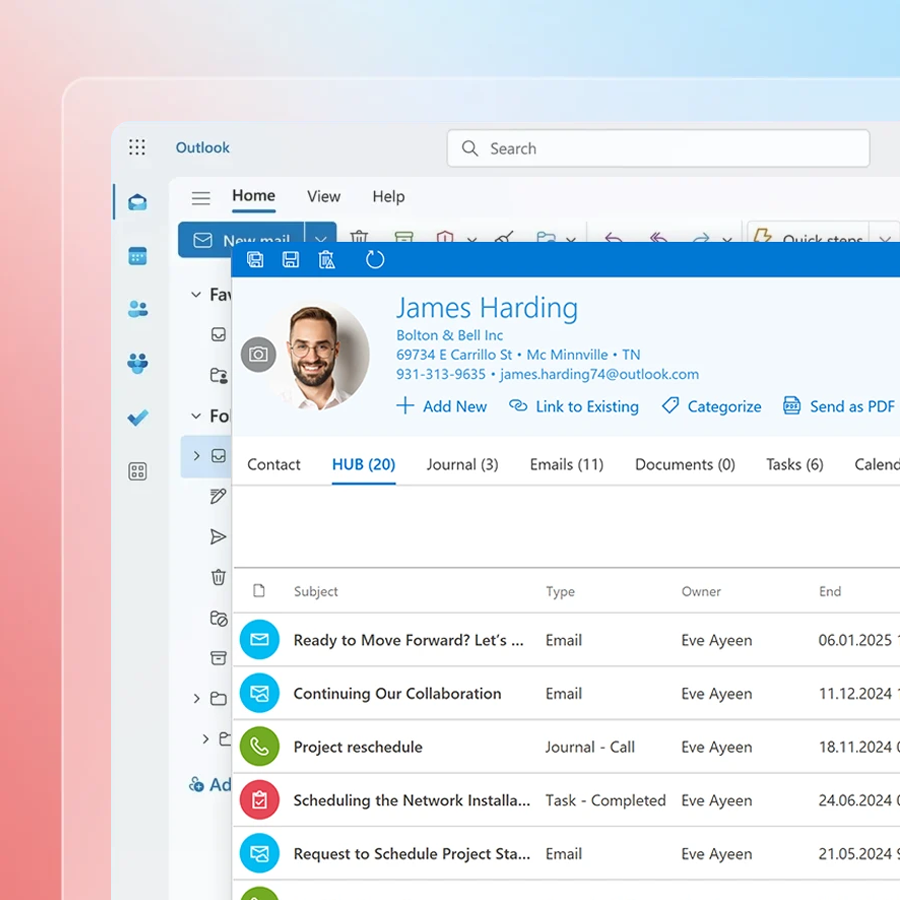
Convert emails to contacts, deals, projects, tasks and journals automatically. Or with just one click.
You will see:
• Which deal or project the email belongs to
• Who contacted the customer
• What the next step is
• Who is responsible
• What was promised
No more “check your inbox.” No more “who has the latest email?”
Everyone works from the same customer story.
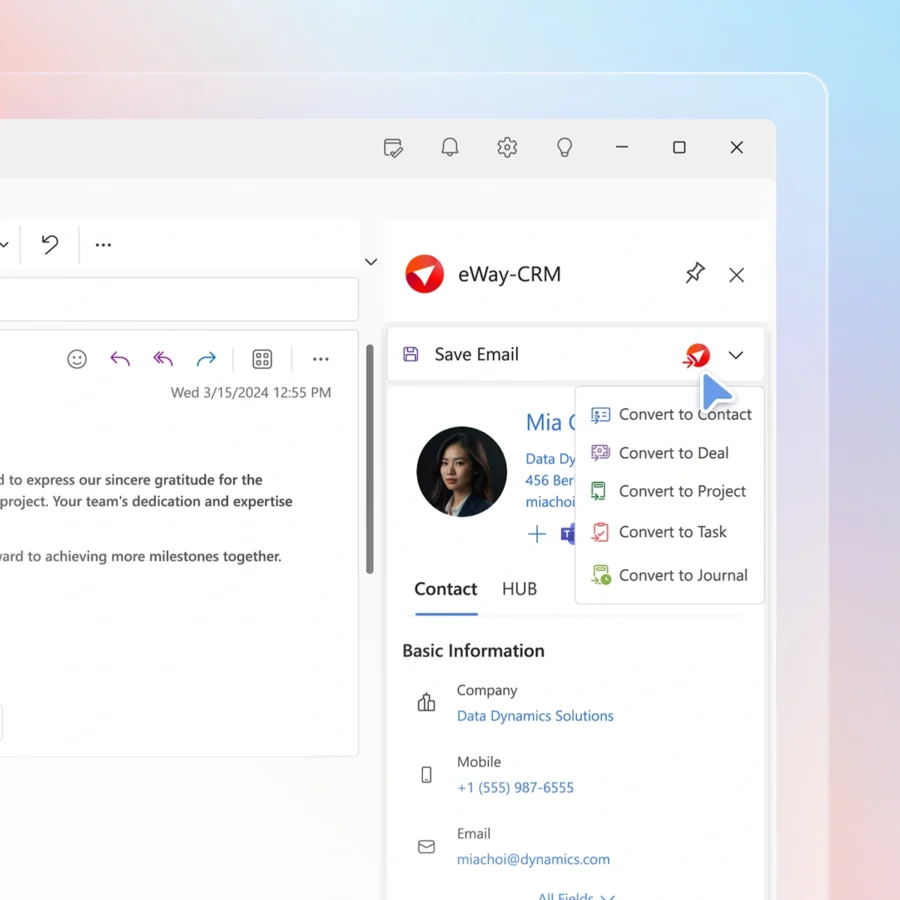
Outlook CRM Plugin and Add-in for Microsoft 365
eWay-CRM works as an Outlook CRM plugin (add-in).
People using Microsoft Outlook and other Microsoft 365 apps love eWay-CRM. We designed it to fit into daily work instead of forcing a new habit.
Use it to:
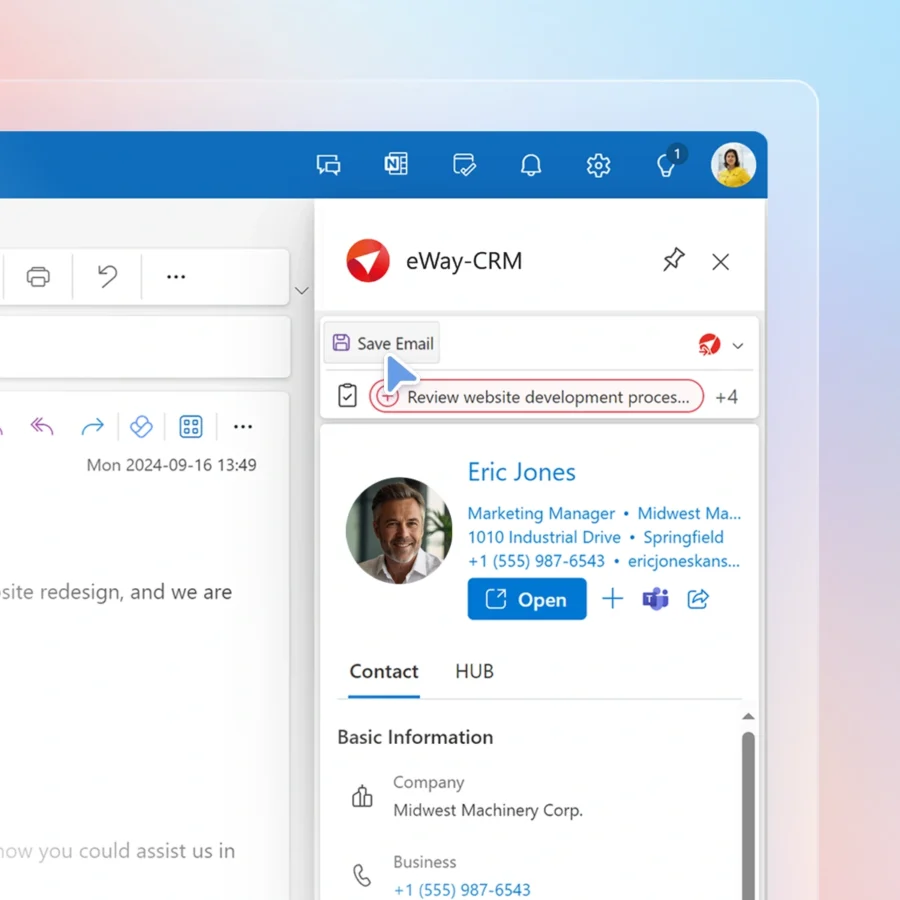
• Open CRM records right from Outlook.
• Save and track emails to the right customer.
• Create contacts, deals, or tasks from emails.
• Keep follow-ups connected to real customer work.
• Access customer context before replying.
If your team already works in Outlook, they already understand the starting point.
From First Email to Deal to Project
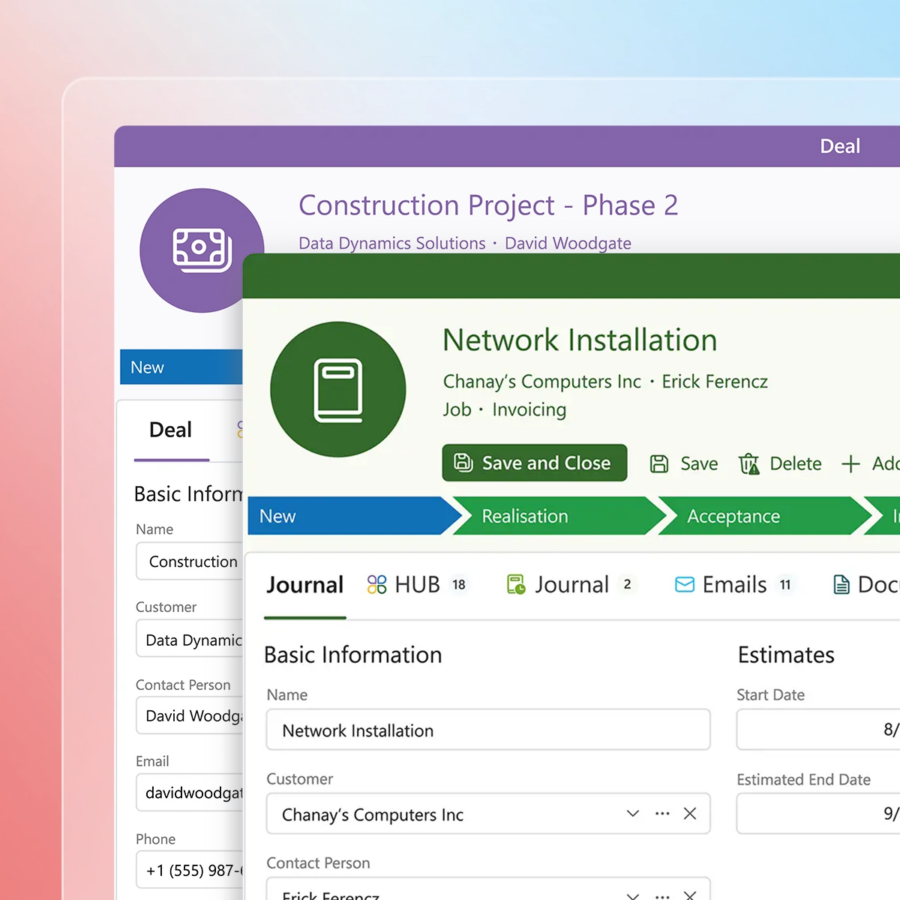
Unlike some other CRMs, eWay-CRM connects sales and delivery in one ultimate flow.
Customer work does not end when a deal is closed.
Manage deals, projects, tasks, and documents in one place. Assign responsible users, and track next steps.
That means:
• Sales keeps deal context.
• Project managers know what was promised.
• Operations can see ownership.
• Customers get a smoother experience.
One customer. One history. One flow from first contact to delivery.
Automate Your Email Marketing With Popular Platforms
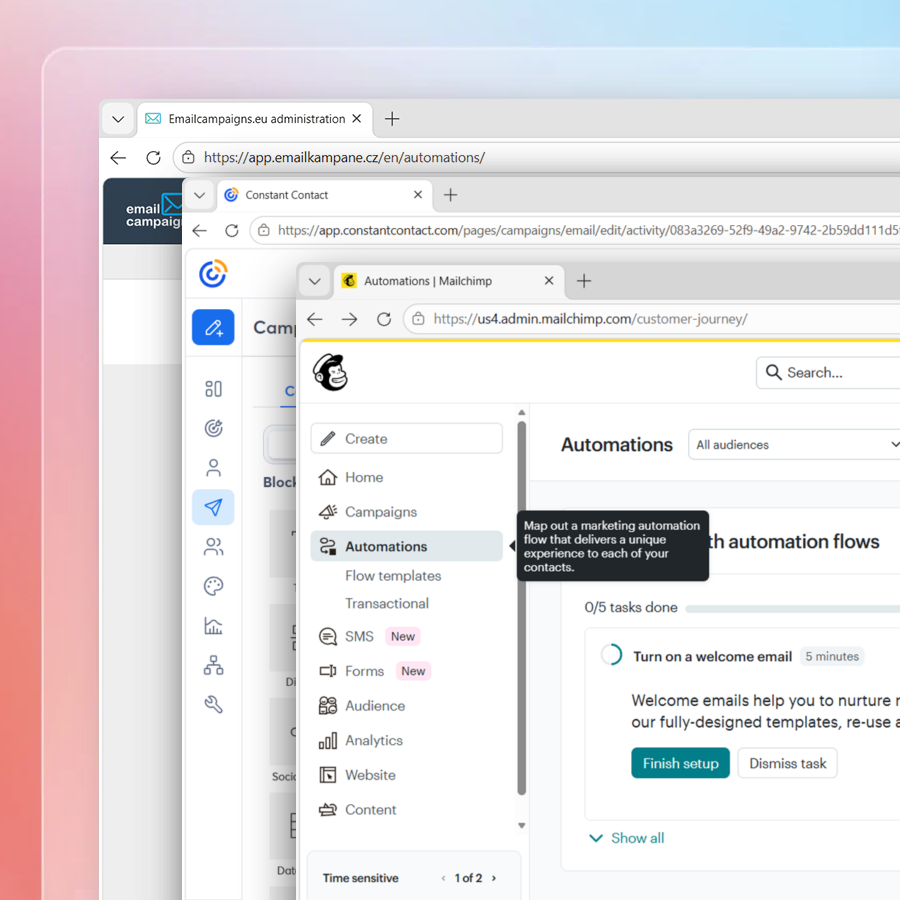
Connect eWay-CRM with popular marketing tools like Mailchimp, Constant Contact, or Emailcampaigns.eu.
Use CRM data to segment your audience and run email campaigns. Then follow up with prospects based on their activity using beautiful email templates.
Do you use landing pages, forms, or campaigns to generate leads? Keep that data organized.
Website inquiries can become deals, which then move into sales pipelines.
To make communication consistent and fast, use templates for quotes, project sheets, invoices, and customer emails.


Security and Data Control Built Around Microsoft 365
Data security matters to us from day one.
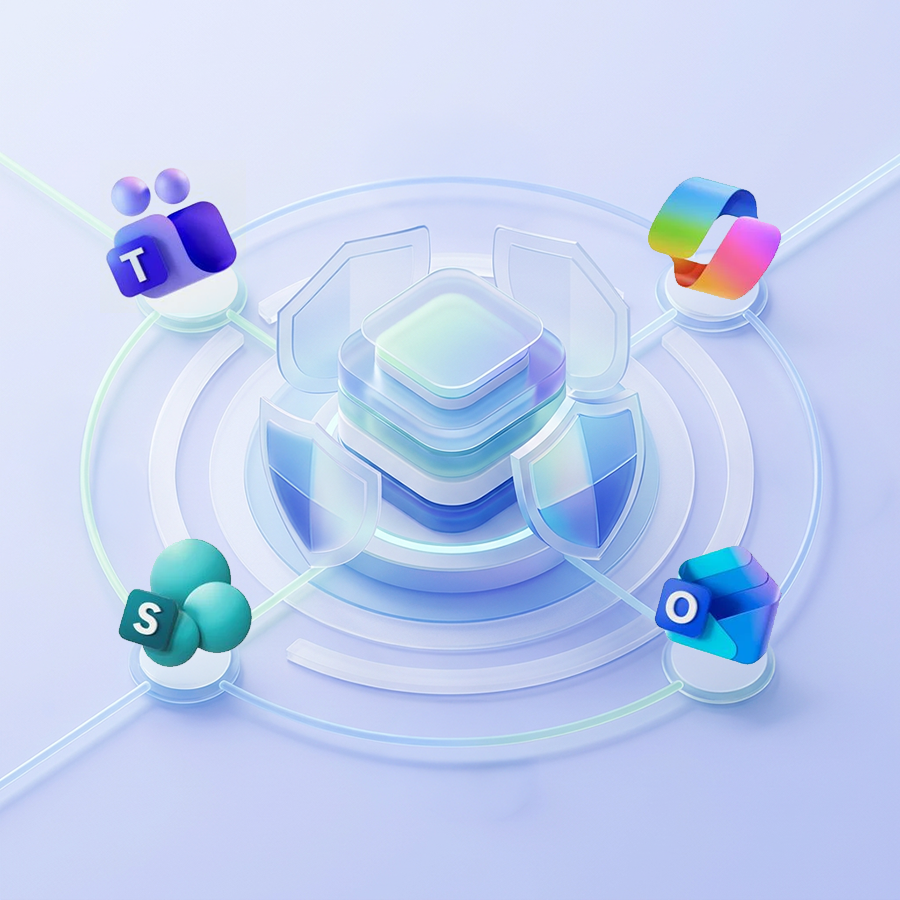
eWay-CRM is for companies relying on Microsoft 365. It connects with Outlook, Teams, SharePoint, Power BI, Power Automate, and Copilot.
Organize customer data around the tools you already use.
Build one shared space for customer information. Stop losing context across inboxes, spreadsheets, folders, and private notes.
1. Centralized customer records -> work from the same source of truth.
2. Shared communication history -> keep important emails, notes, and documents together.
3. Microsoft 365 integration -> keep CRM work close to Outlook, Teams, SharePoint, and more.
Control Who Can Access What With Permissions
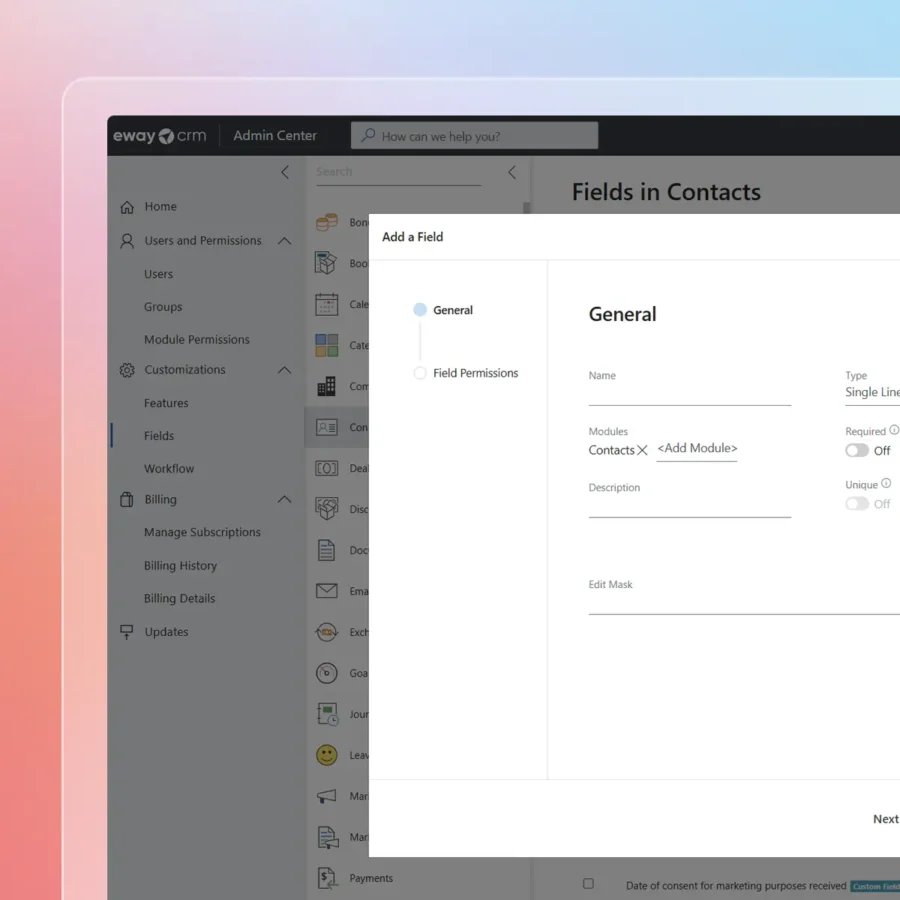
Set permissions, user groups, and workflows.
Structure access by role, team, or process. This keeps CRM data useful without making it open to everyone by default.
1. Create user groups.
2. Set permissions for CRM modules.
3. Hide modules or information for specific users.
4. Customize fields, forms, workflows, and templates.
Work securely every day without losing ease of use.
Your Company Memory Captured Automatically With The Best Outlook CRM
Customer knowledge should not live in one person’s mailbox.
Build a shared company database. Every email, note, task, and document can stay connected to the right customer, deal, or project.
This helps when:
• A salesperson is out of office.
• A project moves from sales to delivery.
• A manager needs a clear status.
• A customer asks about an old promise.
• A new team member needs context fast.
Start getting instant clarity without chasing updates.

Make Microsoft Copilot Smarter with eWay-CRM
Microsoft Copilot can help your team work faster.
But to be truly useful for customer work, Copilot needs more than messages. It needs structured business context:
• Who the customer is
• What project is in progress
• Who owns the next step
• What happened in the last email, or meeting
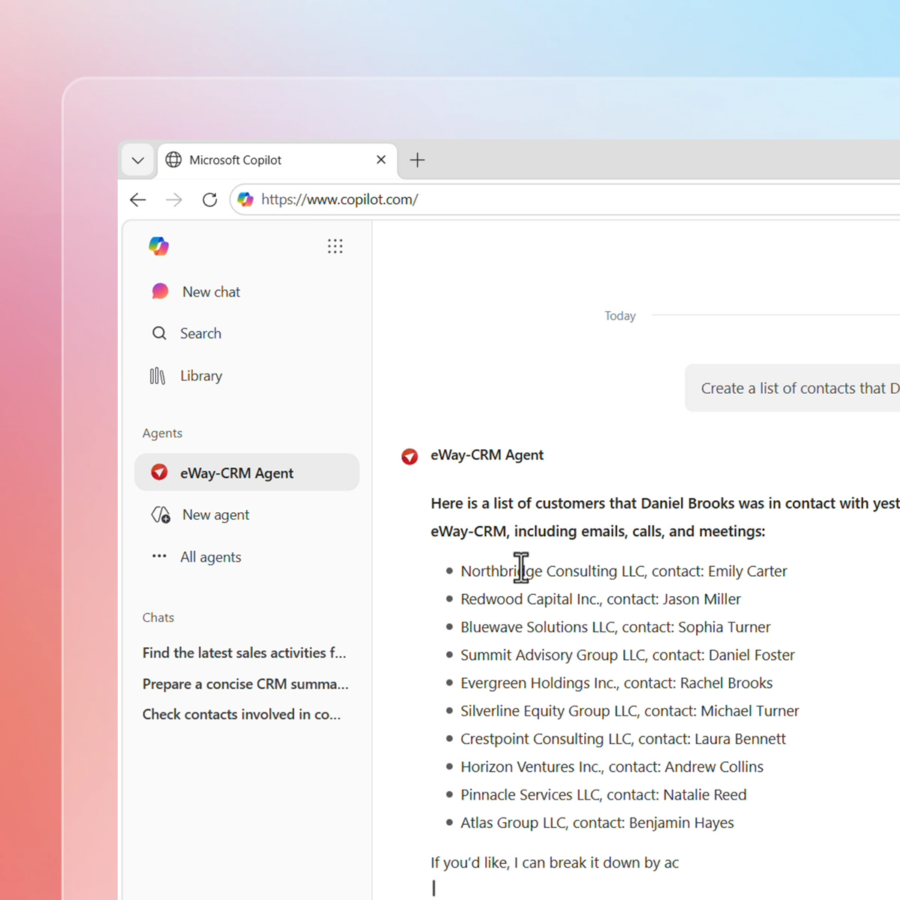
eWay-CRM gives Microsoft Copilot these missing layers.
It organizes emails, contacts, deals, tasks, projects, and documents around real customers. Directly inside Outlook and Microsoft 365 where Copilot already is.
Build a shared company database today for a stronger foundation for AI tomorrow. And work with our team to build an AI agent tailored to your business.
Simple and Free to Start. Flexible When You Need More
CRM adoption fails when the CRM system feels like extra work. Start simple with eWay-CRM.
Your team can begin with contacts, emails, deals, and tasks. Then you can add more structure and complexity when it helps.
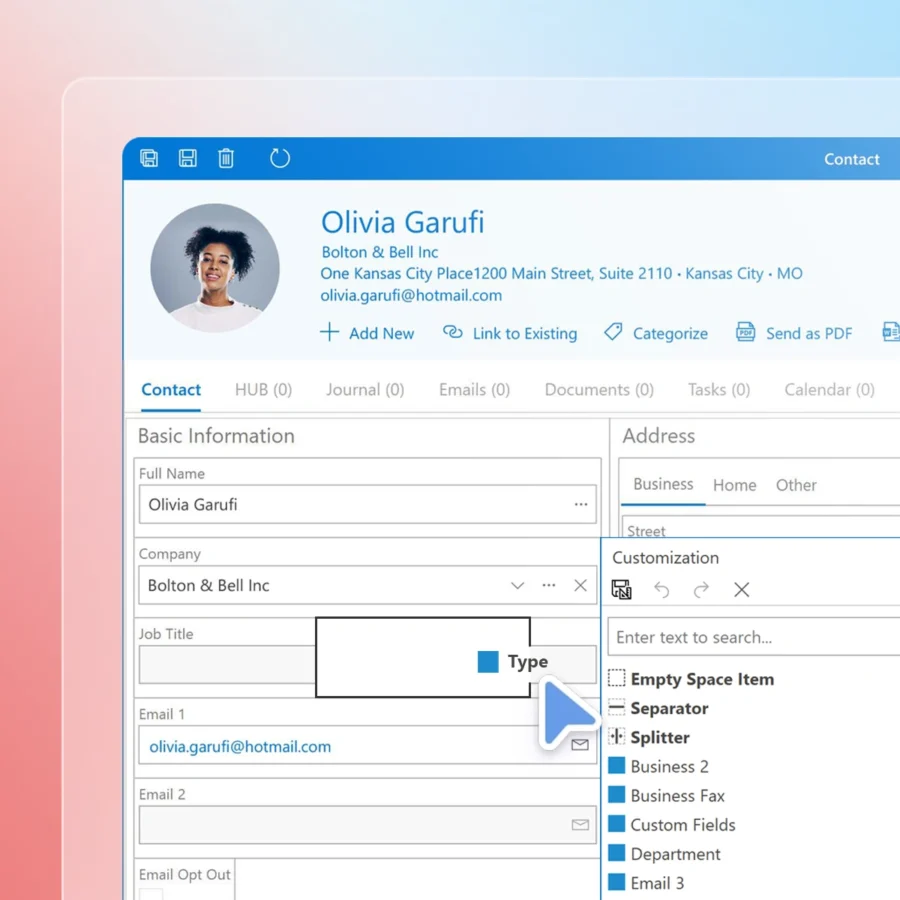
Adapt the system to your own liking. Custom fields, layouts, views, filters, workflow automations, role-based forms…We have it all.
Use it for:
• Contact management
• Sales processes
• Customer segmentation
• Project tracking
• Reporting views
• Team workflows
• Marketing lists
Start with basics. Add complexity only where it pays off.
Start Free with The Best CRM for Outlook
Bring order to customer work inside Outlook.
Keep emails, contacts, deals, tasks, and projects connected.
Get one shared customer memory.
Start where your team already works.