

HubSpot Alternatives: 7 Cheaper CRMs for Microsoft 365 Users


HubSpot offers an impressive range of sales, marketing, and customer service tools, but it can become expensive as your needs grow. If your team already works in Outlook, Teams, and Microsoft 365, another CRM may fit your daily workflow and budget better. Here are 7 HubSpot alternatives worth considering.
In this comparison, we did not rank these CRMs by feature count. We looked at how well each product supports a team that already uses Microsoft 365 and what it offers compared with HubSpot. The main criteria were:
- Working with email and CRM data in Outlook
- Contact, calendar, and activity sync
- Connections with Teams, SharePoint, OneDrive, Power BI, and Power Automate
- Contact management, sales pipelines, and automation
- Project management, marketing, and customer service capabilities
- Entry-level pricing and features that require a higher plan or add-on
- Implementation effort and day-to-day usability
The prices below are public list prices in U.S. dollars, usually with annual billing. They do not include sales tax, negotiated discounts, implementation, or optional add-ons unless noted otherwise. Always confirm current pricing with the vendor before buying.
If Outlook integration matters more to you than replacing a specific HubSpot feature, see our detailed comparison of CRMs for Outlook.
Quick comparison
Benchmark: HubSpot
Best for: Companies that want CRM, sales, marketing, customer service, content, and data tools in one platform.
Not ideal for: Teams that only need a simple CRM in Outlook. Also not ideal for teams that want predictable costs as their contact list and requirements grow.
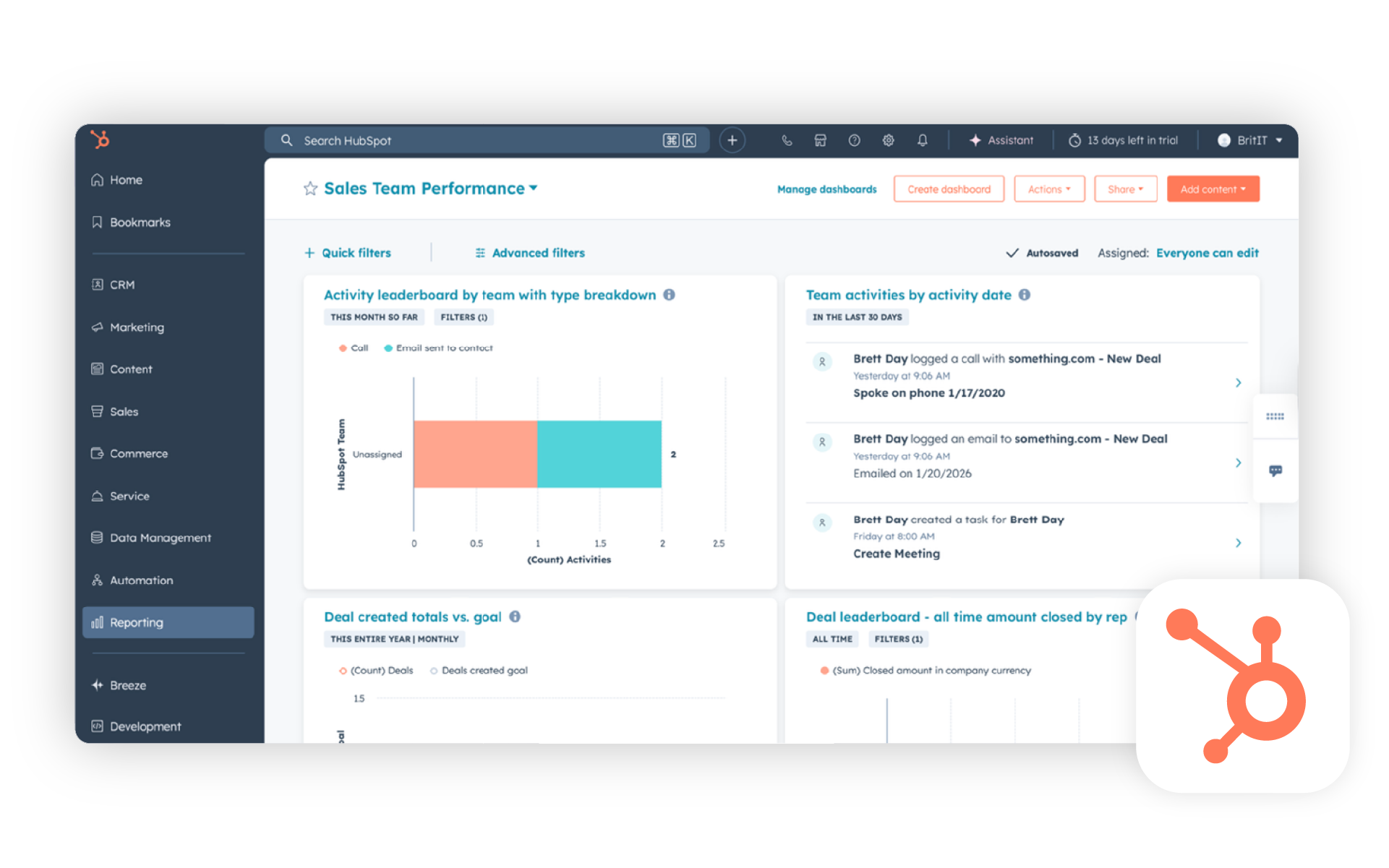
We use HubSpot as the benchmark for this comparison rather than counting it among the seven HubSpot alternatives. Its main advantage is the range of sales, marketing, and customer service tools available on a single platform.
The free edition can be a useful starting point for a very small team. The difference becomes clear later. More advanced automation, reporting, sequences, larger marketing databases, and higher Hub editions can raise the total cost significantly. Instead of looking only at the first month, estimate what the platform will cost after your team and database grow.
How it fits into Microsoft 365
HubSpot lets users access CRM data from Outlook, track email opens and clicks, and use email templates. It also integrates with Teams and offers a connector that brings HubSpot CRM data into Microsoft 365 Copilot. However, Microsoft 365 does not become the main workspace for HubSpot CRM. Users still need to switch between HubSpot and Microsoft 365.
Key features
- Contact and company management
- Sales, Marketing, Service, Content, and Data Hubs
- Forms, email marketing, and lead capture
- Pipelines, activities, templates, and meeting scheduling
- Reporting, automation, and AI depending on the plan
- Outlook add-in and Microsoft Teams integration
Pricing
HubSpot offers a free Customer Platform for up to two users. Current pricing lists Starter from $7 per user per month with annual billing under a promotional offer. Professional from $1,283 per month for six seats, and Enterprise from $4,610 per month for eight or more seats. Pricing and limits vary across individual Hubs.
1. eWay-CRM
Best for: Small and midsize B2B companies that handle most sales, administration, and customer communication in Outlook.
Not ideal for: Teams built around Google Workspace or companies that want a complete marketing platform comparable to HubSpot.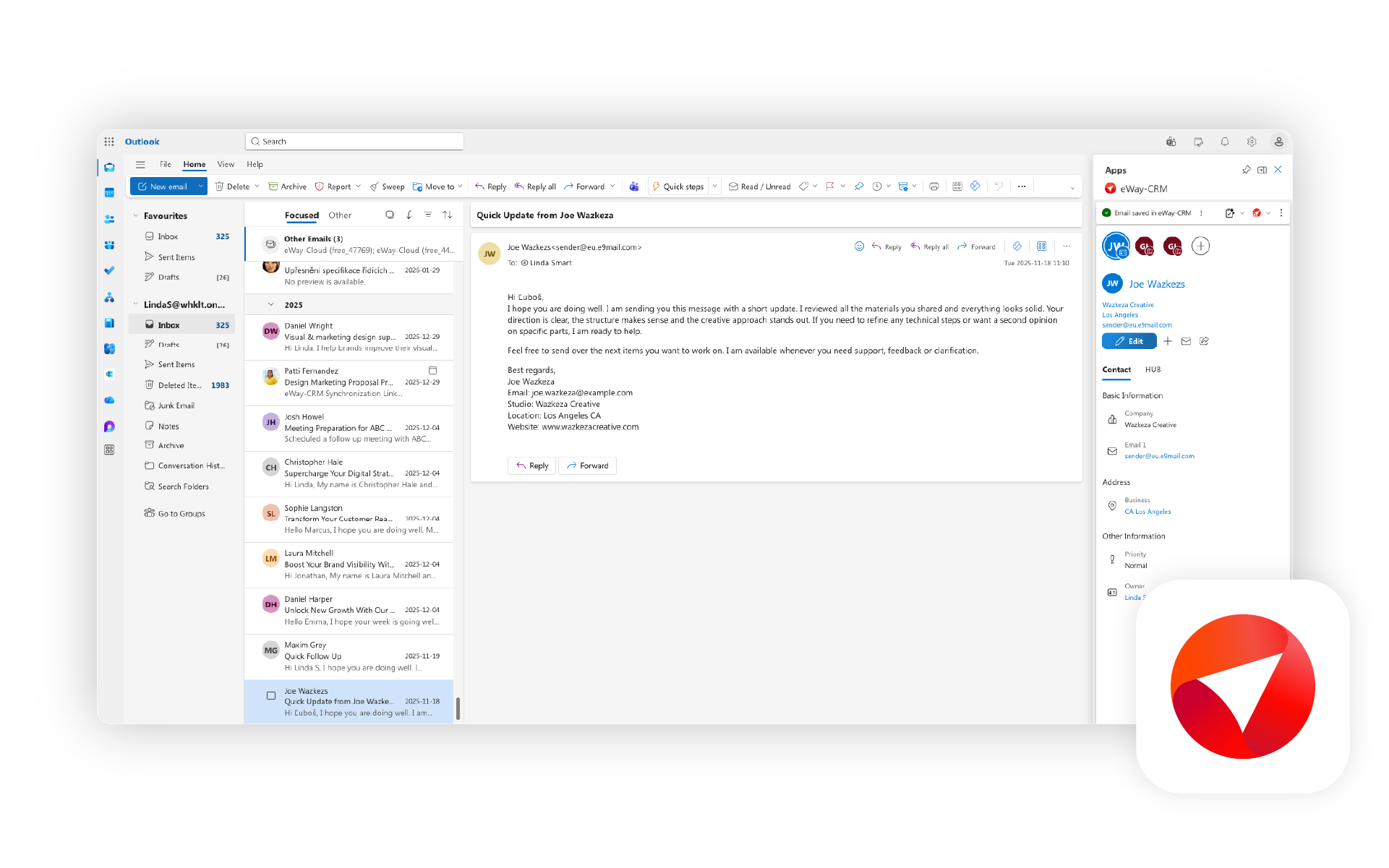
eWay-CRM builds the CRM workflow around Microsoft 365. As an Outlook CRM, it lets users view contact history, save emails, and turn messages into contacts, tasks, opportunities, or projects. This goes beyond simply syncing email with a separate CRM.
Another distinguishing feature is the connection between sales and delivery. Projects, tasks, documents, and communication can stay linked to the customer after a deal closes. That is useful for manufacturers, service businesses, consulting firms, and project-based companies.
How it fits into Microsoft 365
eWay-CRM is the most Outlook-centered product in this comparison. Its Microsoft 365 footprint also includes Teams, SharePoint, Power BI, and Power Automate. Outlook remains the primary workspace and shared communication history stays connected to customer records.
Key features
- Contacts and companies
- Deals and workflows
- Automatic and manual email saving
- Task and project management
- Outlook for Windows, web, Mac, and mobile
- Teams, SharePoint, Power BI, and Power Automate integrations
- Custom fields, forms, views, and permissions
Pricing
eWay-CRM offers a free plan for unlimited users. Lite starts at $18, Standard at $24, and Plus at $36 per user per month with annual billing. Email saving, synchronization, automation, permissions, and support vary by plan.
2. Microsoft Dynamics 365 Sales
Best for: Midsize and larger companies with complex sales processes, Power Platform investments, and extensive customization requirements.
Not ideal for: Small teams that want a simple, affordable CRM they can deploy quickly without an administrator or implementation partner.
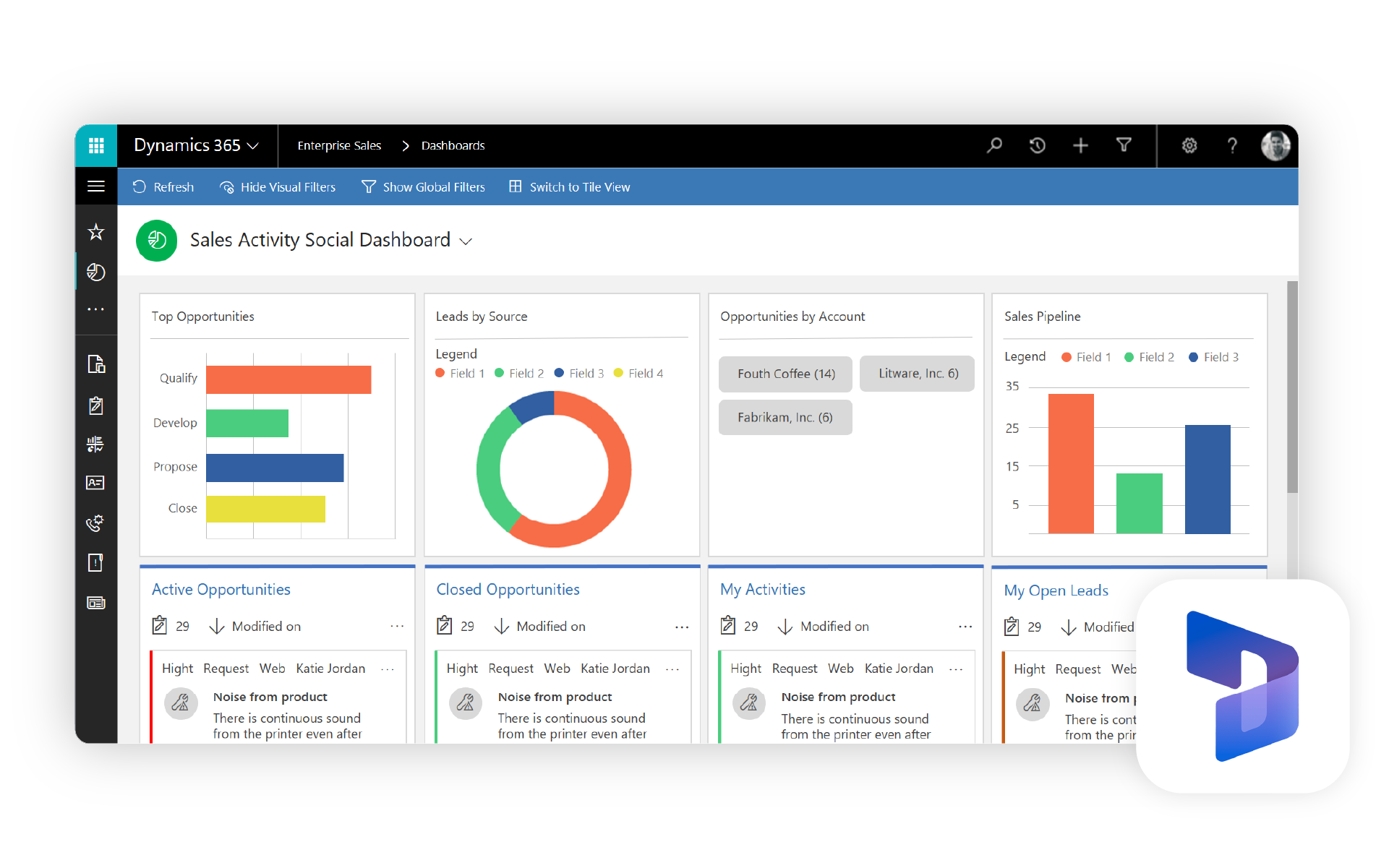
As the name suggests, Dynamics 365 Sales has the deepest technical connection with Microsoft 365 in this comparison. It uses Dataverse, you can extend it with Power Apps, and you can automate it through Power Platform. For companies already using these technologies, it can become a logical long-term platform.
That potential comes at a cost. Beyond subscriptions, companies may need process design, configuration, permissions management, migration, and training. For a simpler SMB use case, Dynamics may not be a cheaper HubSpot alternative.
How it fits into Microsoft 365
Dynamics 365 Sales connects closely with other Microsoft tools. Salespeople can work with CRM data in Outlook and Teams. Companies can also extend and automate the system with Power Apps and other Power Platform tools.
Key features
- Lead, contact, companies, and deals management
- Sales process automation
- Reporting and dashboards
- Dataverse and Power Apps
- Automation and customization
- Copilot capabilities
- Outlook and Teams scenarios
Pricing
Sales Professional costs $65, Sales Enterprise $105, and Sales Premium $150 per user per month with annual billing. Microsoft offers a free trial. AI, advanced automation, and sales intelligence capabilities depend on the plan and any Copilot Credits used.
3. Zoho CRM
Best for: Small businesses that want a broad set of CRM features at a reasonable price and may already use other Zoho apps.
Not ideal for: Teams that want the simplest possible system or a CRM that primarily operates inside Outlook.
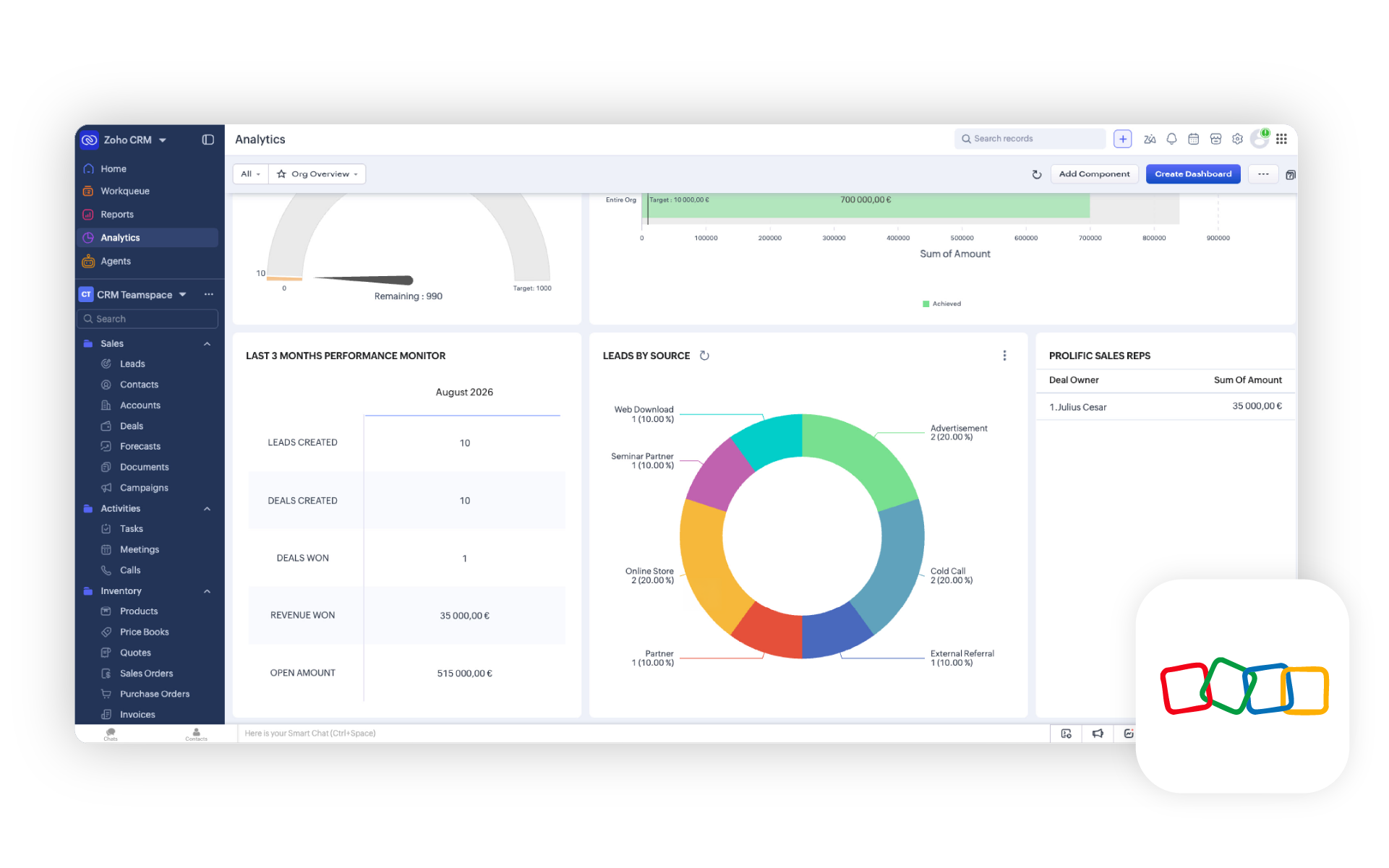
Zoho CRM is an affordable general-purpose CRM with a broad feature set. Beyond contacts and pipelines, it offers automation, reporting, and custom modules. More advanced process and AI capabilities in paid editions.
For Microsoft 365 users, the main advantages are contact, task, and calendar sync plus integration with Teams. On the other hand, most work still happens in Zoho CRM which can mean more switching between applications.
How it fits into Microsoft 365
Zoho CRM synchronizes contacts, tasks, and calendar events with Microsoft 365. In Microsoft Teams, users can view CRM dashboards and share information about contacts, leads, companies, and opportunities in conversations.
Key features
- Contact, company, lead, and deal management
- Workflow automation
- Tasks, meetings, and calls
- Email templates and integrations
- Reports, APIs, and mobile apps
- Microsoft 365 synchronization
- CRM dashboards and record sharing in Teams
Pricing
Zoho CRM offers a free edition for three users. Standard starts at $14 per user per month with annual billing. Professional at $23, Enterprise at $40, and Ultimate at $52. Pricing may vary by region.
4. Pipedrive
Best for: Sales teams that want a clear visual pipeline and do not need the full marketing ecosystem offered by HubSpot.
Not ideal for: Companies that expect a deeply integrated CRM workspace inside Outlook. Also not ideal for businesses that need customer service and marketing tools in the base price.
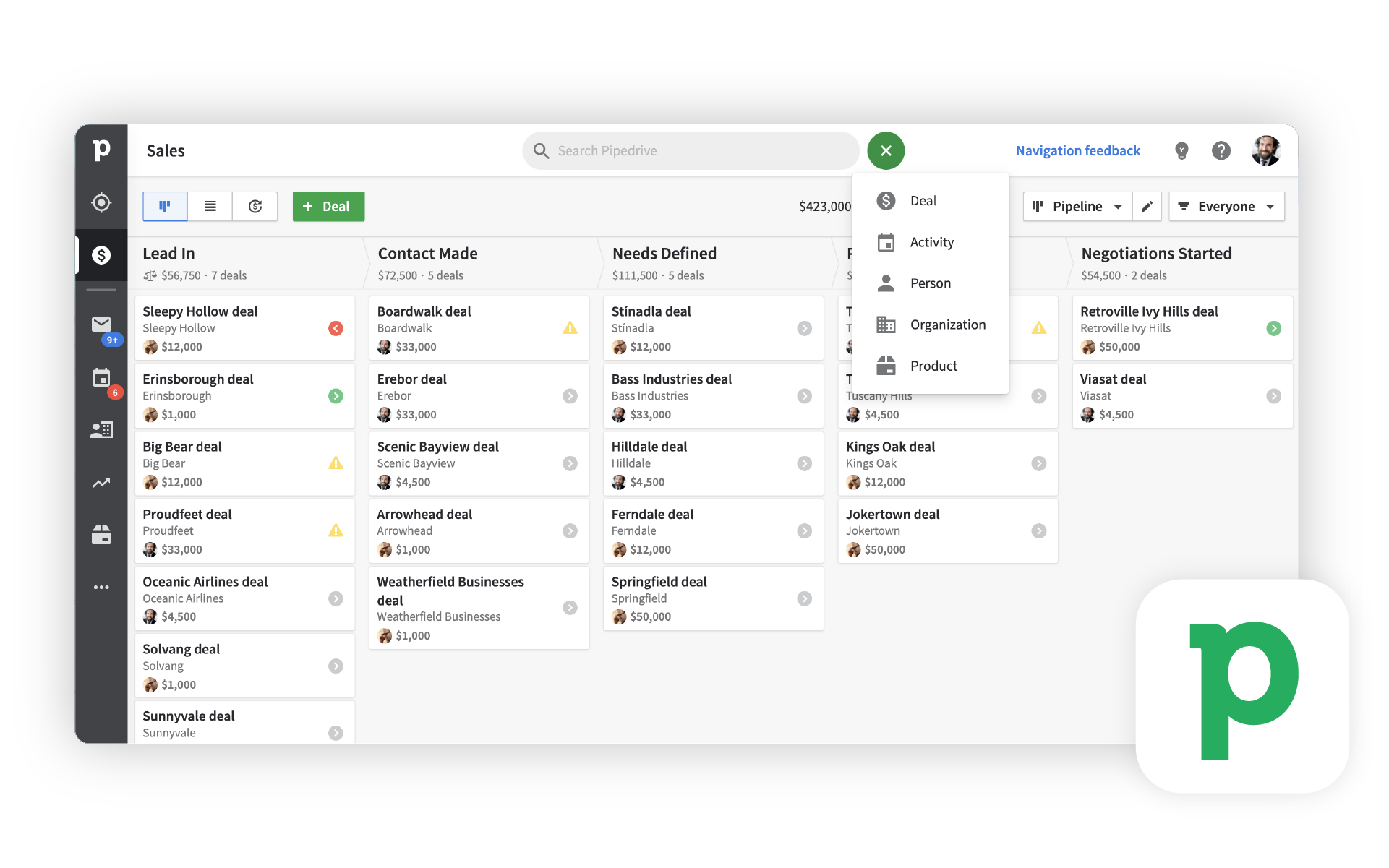
Pipedrive gives sales teams a clear view of each deal and its next scheduled action. It is a good fit for teams that mainly want a CRM for managing sales.
Pipedrive can synchronize email and link messages to contacts and deals. Email is managed primarily within Pipedrive. To view and edit CRM data directly in Outlook, users need a separate third-party add-in that becomes paid after a seven-day trial.
How it fits into Microsoft 365
Pipedrive synchronizes email and calendar data with Outlook. Working with CRM records directly inside Outlook requires a separate paid add-in from an external vendor.
Key features
- Visual and customizable pipelines
- Contacts, companies, deals, and related activities
- Email sync and manual logging through Smart Bcc
- Email templates, open and click tracking, and automated follow-up actions
- Reports and dashboards
- Marketplace integrations and paid add-ons
Pricing
Lite costs $14, Growth $39, Premium $59, and Ultimate $79 per user per month with annual billing. LeadBooster, Projects, and Smart Docs cost extra on Lite and Growth but are included in Premium and Ultimate. Campaigns and Web Visitors are separate add-ons on every plan.
5. Salesflare
Best for: Small B2B sales teams that want to capture contacts and interactions automatically from email, calendars, and other sources.
Not ideal for: B2C companies, marketing-led teams, or organizations that need extensive customer service and project management modules.
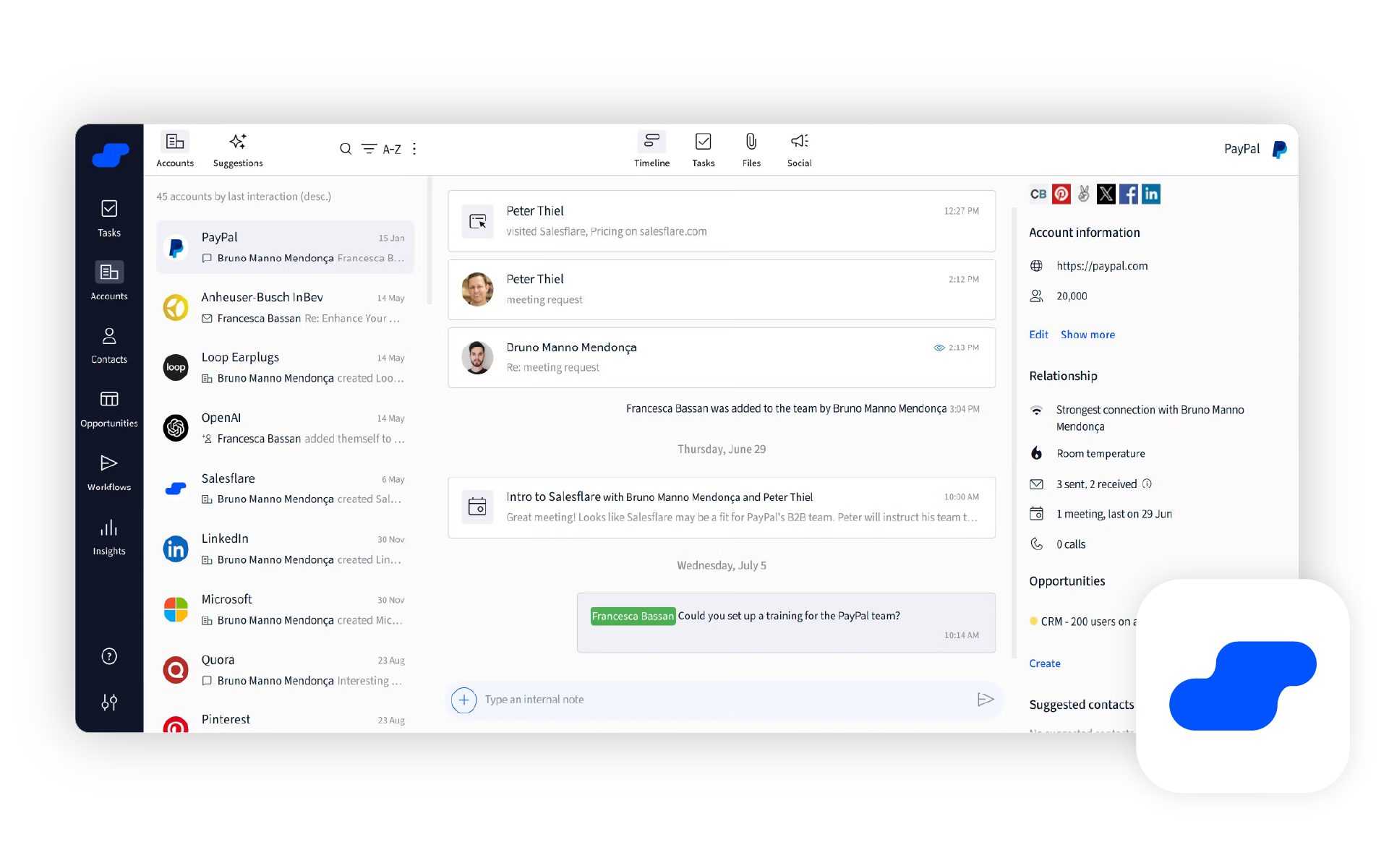
Salesflare addresses a common reason CRM data becomes outdated: salespeople do not want to enter everything manually. It builds contact records and interaction timelines from email, signatures, calendars, and other sources.
Every Salesflare plan includes Microsoft 365 integration and the Outlook add-in. Users can view customer information and manage leads directly from the inbox.
How it fits into Microsoft 365
Salesflare connects with Microsoft 365 and displays customer information beside an open email through its Outlook add-in. Users can manage leads, track email opens and clicks, and automatically add contact details from email signatures.
Key features
- Automatic contact enrichment from emails and signatures
- Automatic logging of meetings and phone calls
- Visual pipeline and follow-up reminders
- Outlook and Gmail sidebars
- Email templates and campaigns with open and click tracking
- Website visit tracking
- Mobile app
Pricing
Growth plan costs $29, Pro $49, and Enterprise $99 per user per month with annual billing. Enterprise requires at least five users. Each plan includes a different number of credits for finding new contacts and their email addresses. You can purchase additional credits separately.
6. Freshsales
Best for: Startups and growing sales teams that want CRM, email, chat, and phone capabilities in one affordable product.
Not ideal for: Teams that expect broad Microsoft 365 integration. Or need advanced sequences and automation in the least expensive plan.
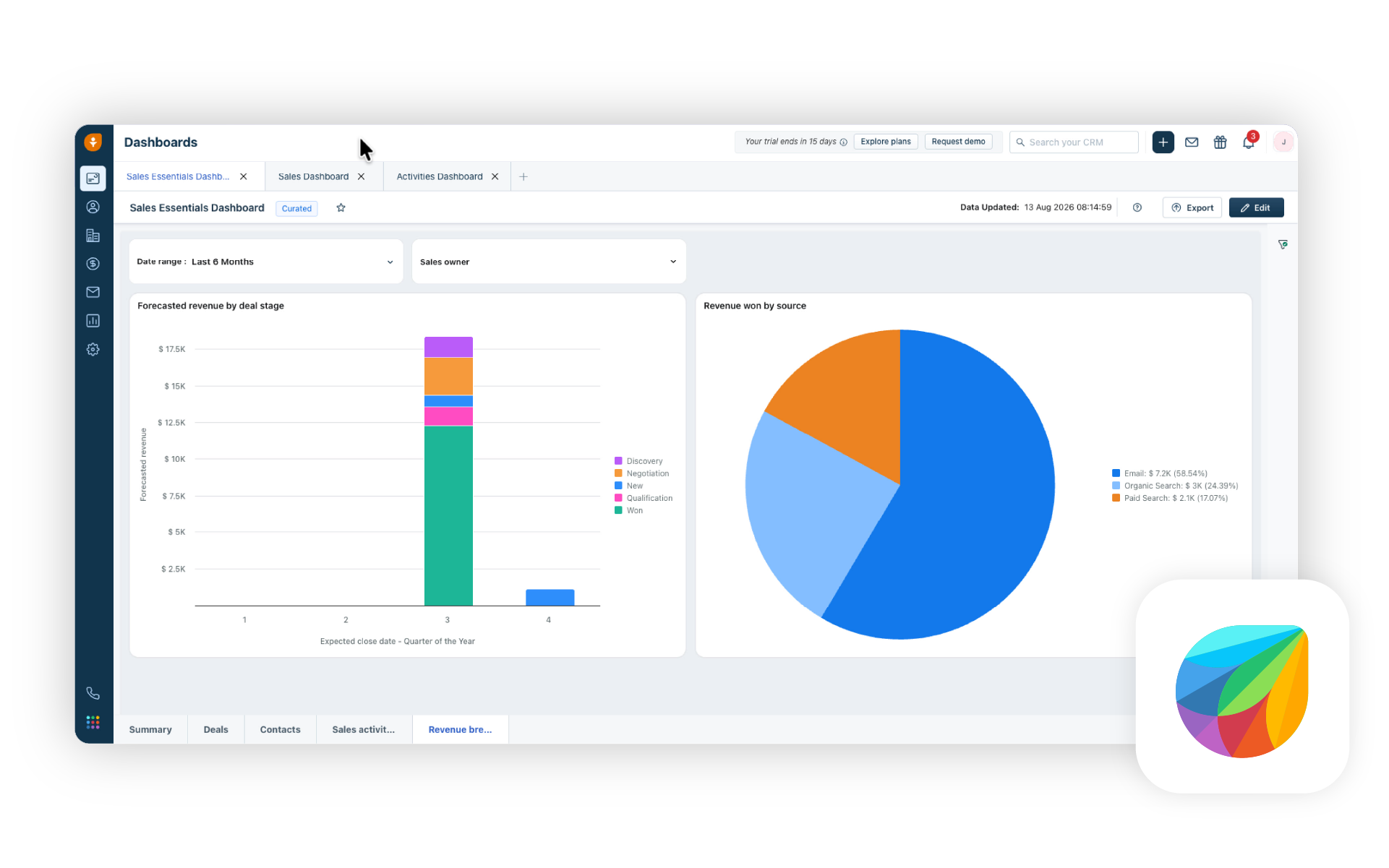
Freshsales is one of the more affordable CRM options in this comparison. The Growth plan includes contact and sales management, email templates, chat, phone, and basic automation. If these features meet your needs, this is a good value for $9 per user per month (with annual billing).
More advanced features require higher plans. For example, Pro plan includes automated email sequences and costs $39 per user per month with annual billing. Teams that want systematic outbound outreach should budget for the higher tier.
How it fits into Microsoft 365
The Freshsales Outlook add-in displays information about the relevant lead or contact beside an open email. Users can also create a contact or add an activity, note, or tag from Outlook. Calendar sync with Microsoft 365 is two-way, so meetings created in one system appear in the other.
Key features
- Contact, company, and sales management
- Deal views organized by sales stage
- Customer communication through email, chat, and phone
- Email templates, custom fields, and basic automation
- Contact scoring
- Deal insights in the Pro plan
- Outlook add-in and calendar integration
Pricing
A free edition is available for up to three users. Growth costs $9, Pro $39, and Enterprise $59 per user per month with annual billing. You must pay extra for some AI and other capabilities as paid add-ons.
7. Insightly
Best for: Companies that move from a closed sale into implementation, client work, or project delivery.
Not ideal for: Teams that want a free CRM or automatic two-way sync of Outlook contacts.
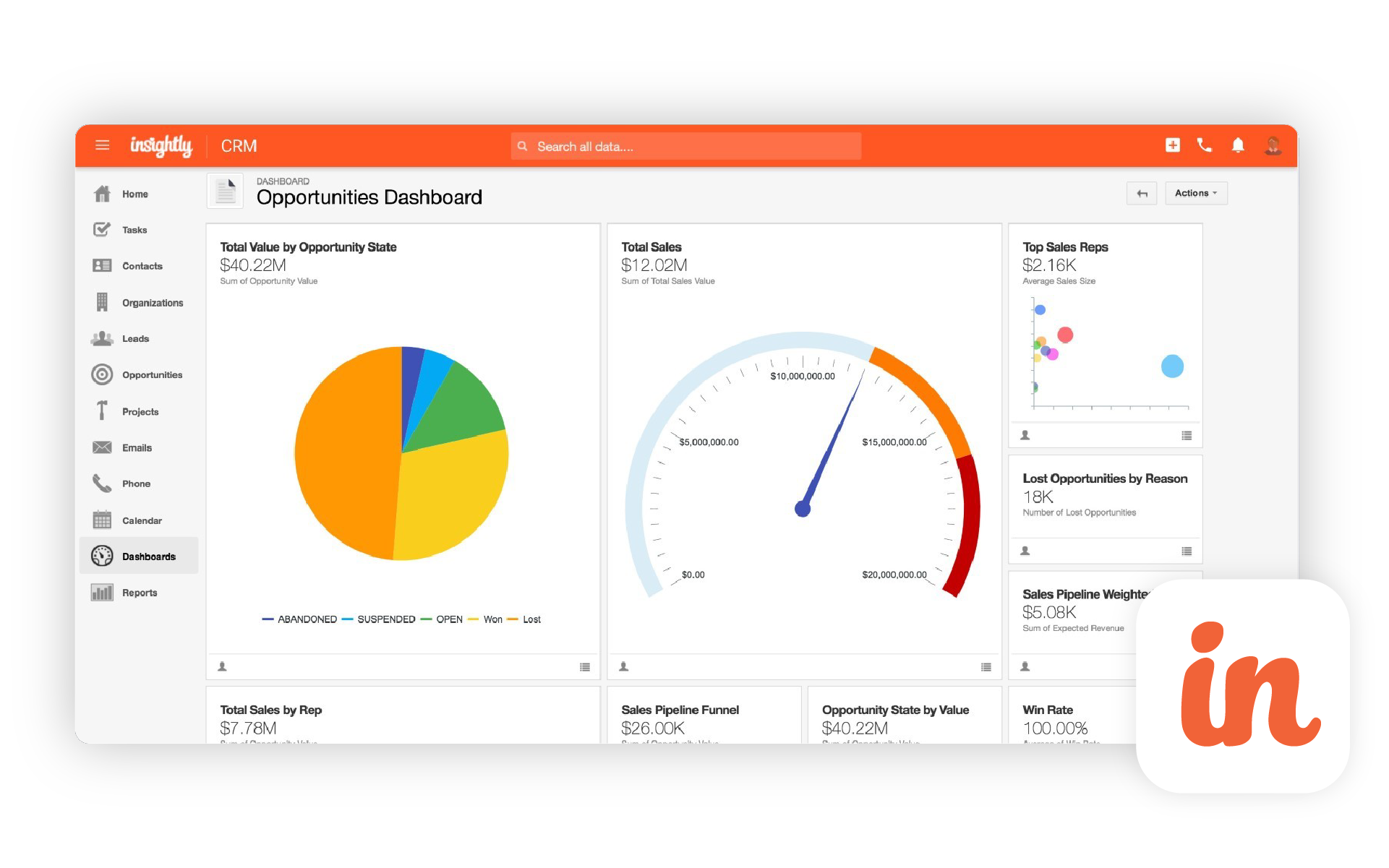
Insightly combines CRM and project management in its entry-level paid plan. That is useful when a closed deal is the beginning of implementation or delivery, not the end of the process.
The Outlook connection lets users view CRM information and save emails directly to Insightly. You can also synchronize calendar events and tasks between Outlook and the CRM. Feature availability depends on the integration and AppConnect plan.
How it fits into Microsoft 365
The Outlook add-in displays CRM information and saves emails directly to Insightly. Paid plans support two-way calendar sync between Outlook and Insightly. Users can also link OneDrive files to CRM records. Outlook contacts do not synchronize automatically.
Key features
- Lead, contact, company, and deal management
- Project management
- Advanced reports and dashboards
- Workflow automation and lead routing in Professional
- Outlook sidebar
- Two-way calendar sync between Outlook and Insightly
- OneDrive file connections
Pricing
Plus costs $29, Professional $49, and Enterprise $99 per user per month with annual billing. Plus and Professional include a 14-day trial with no credit card required.
Conclusion
HubSpot can still be worth the investment for companies that use its tools in one connected platform. It is harder to justify when a team pays for all those capabilities but still spends most days in Outlook and Microsoft 365.
In that case, start with the workflow you actually need. eWay-CRM is the strongest HubSpot alternative for teams that want CRM directly in Outlook and need to connect sales with projects. Dynamics 365 is better suited to a complex Microsoft environment. Zoho CRM offers broad functionality at a lower price, Pipedrive keeps pipeline management simple, Salesflare automates data capture, Freshsales provides an affordable sales toolkit, and Insightly connects sales with delivery.
The best HubSpot CRM alternative is not the one with the longest feature list. It is the CRM that keeps customer information organized without adding unnecessary administrative work, fits the tools your team already uses, and remains affordable as your business grows.
FAQ
Is HubSpot really expensive?
It depends on how you use it. The free edition and Starter plans can be affordable. Costs rise when a company needs professional automation, more seats, additional marketing contacts, or multiple Hubs. Estimate the cost after your team and database grow, not just the entry price.
Which HubSpot alternative has the best Microsoft 365 integration?
Dynamics 365 offers the deepest technical connection with Microsoft’s platform. For SMBs that want CRM inside Outlook plus Teams, SharePoint, Power BI, and Power Automate connections without an enterprise implementation, eWay-CRM is the more practical option.
Which HubSpot alternative should I choose?
Choose eWay-CRM if Outlook is your team’s main workspace and you want to connect email, CRM, tasks, and projects.
Choose Dynamics 365 Sales if your company already uses Dataverse and Power Platform and can support a more demanding implementation.
Choose Zoho CRM for broad functionality at a lower price.
Choose Pipedrive for a clear sales pipeline.
Choose Salesflare to reduce manual CRM data entry.
Choose Freshsales for an affordable combination of CRM, email, chat, and phone.
Choose Insightly when project delivery follows the sale.
How should I compare the true cost of CRM software?
Do not compare license prices alone. Include paid add-ons, contact limits, storage, implementation, and capabilities available only in higher tiers. Estimate the price as your team grows and use the trial to test key tasks such as data import, email logging, opportunity management, and reporting.
Can I switch from HubSpot without losing data?
Most CRMs can import core records, but migration coverage varies. Before switching, verify the transfer of contacts, companies, opportunities, activities, email history, custom fields, attachments, and relationships between records. Start with a test migration using a copy of your data.
What needs to be migrated from HubSpot to another CRM?
Companies usually need to move more than contacts and companies. Opportunities, custom fields, notes, activities, attachments, and record relationships may also matter. Before migration, confirm which data HubSpot can export and whether the selected CRM can import it correctly.
Will emails and communication history move to the new CRM?
That depends on both systems. Contacts and opportunities are usually easier to move than complete email history, attachments, and links between messages and customer records. Test this part with a small data sample before the full migration.
Can HubSpot workflows and automations be migrated?
Automations usually do not transfer as ready-to-use processes. They need to be rebuilt using the new CRM’s tools. A migration is also a good opportunity to remove unused workflows and keep only the automations that deliver clear value.
How long does it take to migrate from HubSpot?
The timeline depends on data volume, custom fields, automation, integrations, and training needs. Moving a simple contact database is much easier than migrating a CRM connected with marketing, customer service, and other business systems.
Do I need a consultant to migrate from HubSpot?
An internal administrator may be able to handle a small database and a simple setup. Professional help becomes more useful when the system includes custom objects, complex automation, multiple pipelines, or integrations with other business applications.
How can I prevent data loss during CRM migration?
Create a complete export, clean the data, and run a test import first. Then compare record counts, custom fields, contact-to-company relationships, and opportunity assignments before moving the full database.