Best Customers Hide in Outlook. How To Find Them?

Your best customers don't look special in dashboards. They're not the loudest or the biggest. They're often the quietest—reliable, low-maintenance, profitable. The problem? By the time they stop ordering, it's too late. The good news? The early warning signs are already in Outlook, hiding in plain sight.
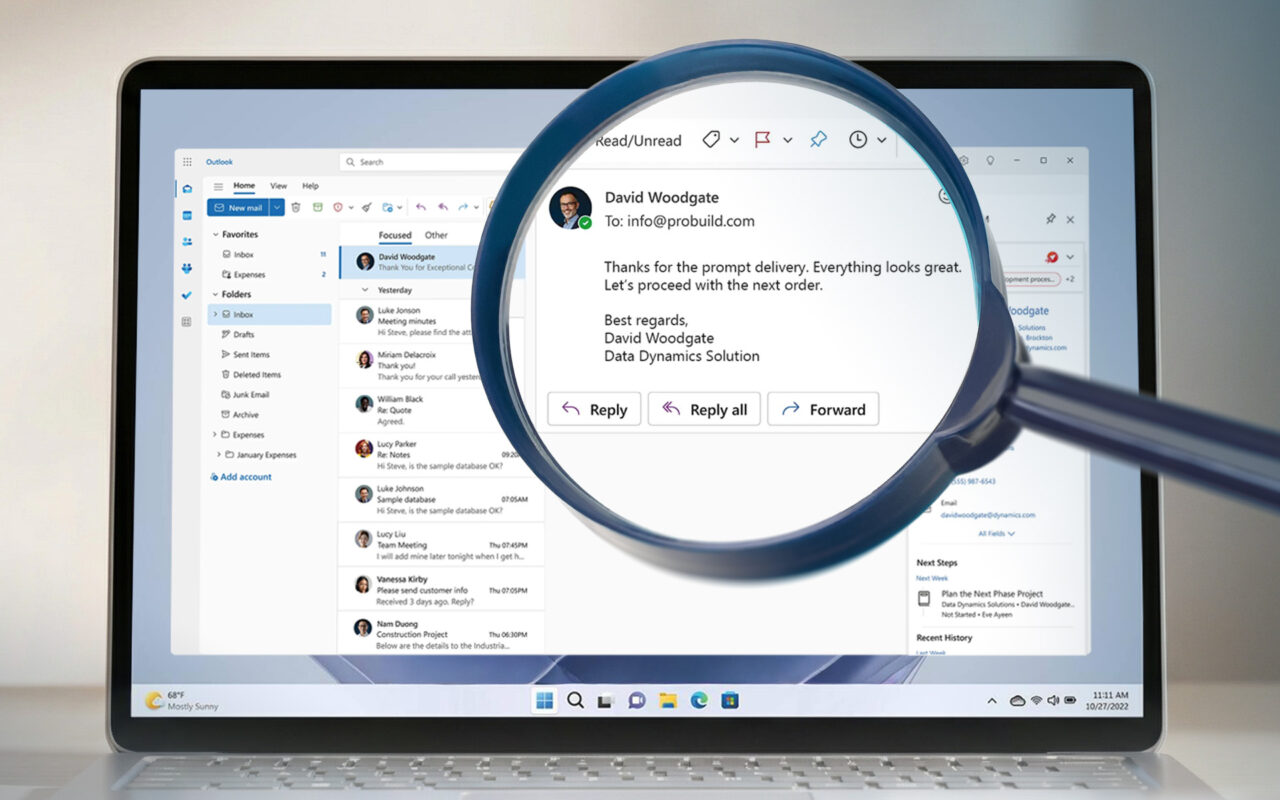
If you want CRM to drive profit—not just order history—start where relationships actually live. Open Outlook. Turn on eWay-CRM's auto-tracking. The answers are already there. Why is that? Most CRMs track activity. Emails sent. Meetings held. Deals won. That tells you what happened, not who really matters.
Here's the pattern: A customer places medium-sized orders, responds quickly, rarely escalates, and doesn't haggle. In CRM, they look average. Another customer places big orders, needs constant changes, calls frequently, and pushes on price. In CRM, they look important.
Economically, the first customer funds the business. The second one consumes it.
Customer value changes first in communication, not in accounting. And that's exactly where eWay-CRM gives you an edge.
- Your best customers don't look dramatic in CRM
- Communication patterns change before revenue does
- eWay-CRM shows value signals because it lives in Outlook
- Quiet customers often matter most
- Auto-tracking eliminates the data entry excuse
Where value signals actually show up
Look at customers who reply quickly and keep regular meeting rhythms. Look at accounts where emails are calm and solution-focused. These customers reorder without drama and stay longer than anyone notices.
Now watch for changes. Replies that slow down. Meetings that disappear from calendars. Quotes going unanswered. By the time revenue drops, you've already lost them. Because eWay-CRM lives inside Outlook—not as a separate system—these patterns become immediately visible. Every email auto-tracks to customer records. Every meeting syncs to company histories. The full context sits in your reading pane.
Every qualifying email saves to the right customer record—attachments included. No manual logging. No forgotten context. Open any company card in the Outlook pane and see the full email history. Notice which customers need three emails to confirm an order versus those who respond in one. The difference between profitable and draining becomes obvious.
So what do we recommend doing weekly? Ask three questions: Who haven't we heard from that used to be reliable? Who consumes time without growing? Who is quiet, stable, and underappreciated?
Then act. Check in with quiet high-value customers proactively. For high-effort, low-return accounts, tighten boundaries. Attention allocated intentionally improves value.