Why Microsoft Tasks Beats Email For Getting Things Done

Email feels professional. It feels polite. And that's exactly why it fails. Office managers and HR coordinators who've made the switch to Microsoft Tasks report the same shift: less noise, fewer follow-ups, and deadlines that actually stick. Not because Tasks is revolutionary—but because it's built to create accountability instead of conversations.
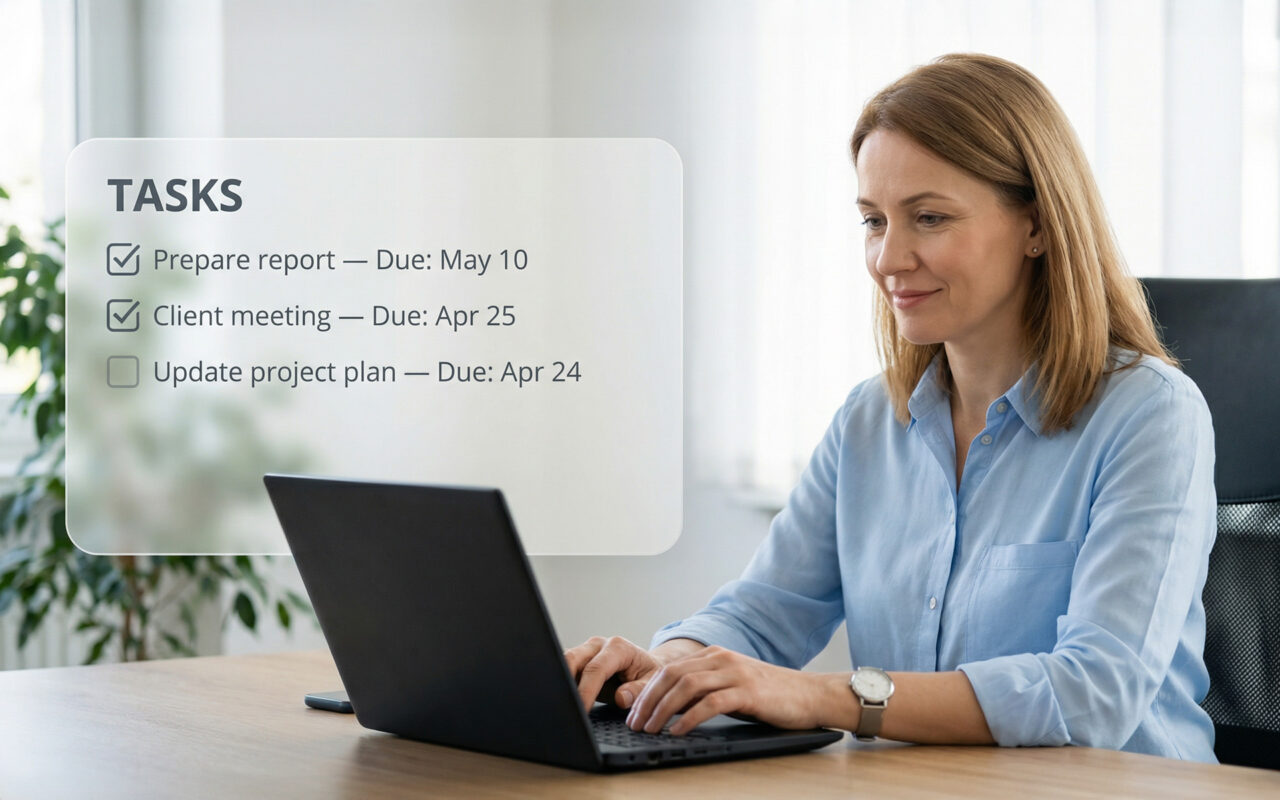
In small and mid-sized businesses, work doesn't fall through the cracks because people don't care. It falls through because requests disappear. Emails feel optional. Teams chats feel urgent for ten minutes, then get buried. Tasks work differently: they create a visible commitment with a due date, an owner, and a trail you can follow.
The shift: from asking to expecting
When you send an email, you're making a request. When you assign a task, you're expecting delivery. That distinction explains why office managers and HR leads see faster responses once they switch. A task shows up in someone's daily workload. It ages. It becomes uncomfortable to ignore. Email never does.
In practice: You stop writing reminder emails. You stop forwarding old threads. You stop wondering if anyone saw your message. The system handles the follow-up.
What most teams miss
Tasks live where people already work—Outlook, Teams, Microsoft 365. No separate app to remember. For SMBs, that ease of adoption matters more than flashy features.
Tasks quietly become the record. Instead of endless CC chains, everything stays attached: descriptions, files, updates, comments. Months later, you're not digging through inboxes—you just open the task.
Attachments carry context. HR coordinators attach onboarding checklists, policy docs, or candidate notes. Office managers include CRM exports, quotes, internal updates. The task becomes a mini case file.
Deadlines shift behavior. A message can be ignored without guilt. A task with a due date sitting next to your name creates pressure—subtle, but real. That's why Tasks outperform email.
Tasks reduce meeting bloat. Instead of status check-ins ("Who's handling what?"), you assign tasks with owners and dates. The task list becomes your agenda and follow-up log.
Why this matters for office managers and HR
You're at the center of everything: recruitment, onboarding, vendor coordination, leadership requests. Everyone sends you things. Tasks give you a respectful but firm way to respond: "Here's the request. Here's who owns it. Here's the deadline."
No confrontation. No micromanagement. Just clarity. And because Tasks integrate naturally into tools your team already uses, you're not asking anyone to adopt something new. You're just changing how work gets tracked.
Where CRM fits
For SMBs using CRM daily, Tasks become the bridge between customer data and internal execution. A task can reference a client, attach CRM notes, and still appear in everyone's daily plan. You're not replacing your CRM—you're operationalizing it. This works especially well for HR and ops teams who need context but don't want to live inside the CRM.
If your emails get ignored and your Teams messages disappear, the problem isn't your people. It's the medium. Microsoft Tasks work because they turn communication into accountable work—without adding friction. For office managers and HR coordinators in SMBs, that's not a nice-to-have. That's how you survive. If you want replies, stop sending messages. Start assigning outcomes.
Practical Tip: The Monday Morning Task Batch
Start each week by converting your pending requests into tasks—all at once.
Every Monday morning, spend 15 minutes going through last week's emails and Teams messages. Any request that needs action becomes a task with three things: a clear owner, a specific due date, and one attached file or note for context.
Then send a quick message: "I've created a task for this so it doesn't get lost—you'll see it in your Outlook task list."
What happens: Within two weeks, people start expecting tasks instead of chasing emails. Your inbox becomes quieter. Follow-ups drop by half. And when someone asks "What's the status?" you just open the task—the history is right there.
The key: Consistency matters more than perfection. Even if you only convert 5-7 items per week, you're building a new rhythm. People learn that if it matters, it becomes a task.
Bonus move: Create a "Waiting On" task list for items you've delegated. One glance tells you what's overdue without digging through sent mail.