


For many B2B teams, customer relationships are managed from the inbox. New leads arrive by email, meetings move deals forward, and follow-ups often begin with a message that needs a response.

A good CRM for Outlook keeps key customer history, contacts, deals, and next steps close to daily conversations. Instead of asking people to update another system later, it helps them manage customer work where it already happens.
But not every CRM approaches Outlook in the same way. Some center on the inbox, while others simply provide an add-in to log emails or view records. We compared nine leading options to see which ones provide the best fit for Outlook and Microsoft 365 users in 2026.
List of CRMs for Outlook:
1. eWay-CRM
2. HubSpot
3. Zoho CRM
4. Salesflare
5. Salesforce
6. Pipedrive
7. Microsoft Dynamics 365
8. Insightly
9. Nimble
1. eWay-CRM
Best for: SMBs that want customer work to stay inside Outlook and Microsoft 365.

eWay-CRM places a stronger emphasis on the Outlook inbox than any other product in this comparison. Microsoft 365 supports its add-in across Outlook on Windows, Mac, web, and mobile platforms.
For teams that want deep integration with Outlook, eWay-CRM links emails, meetings, tasks, and deals in Microsoft 365. It also extends into Teams, SharePoint, Power BI, and Power Automate. Smaller teams can also start with a free CRM and expand their setup as their needs grow.

2. Hubspot
Best for: teams that want CRM, sales, marketing, and service in one platform.
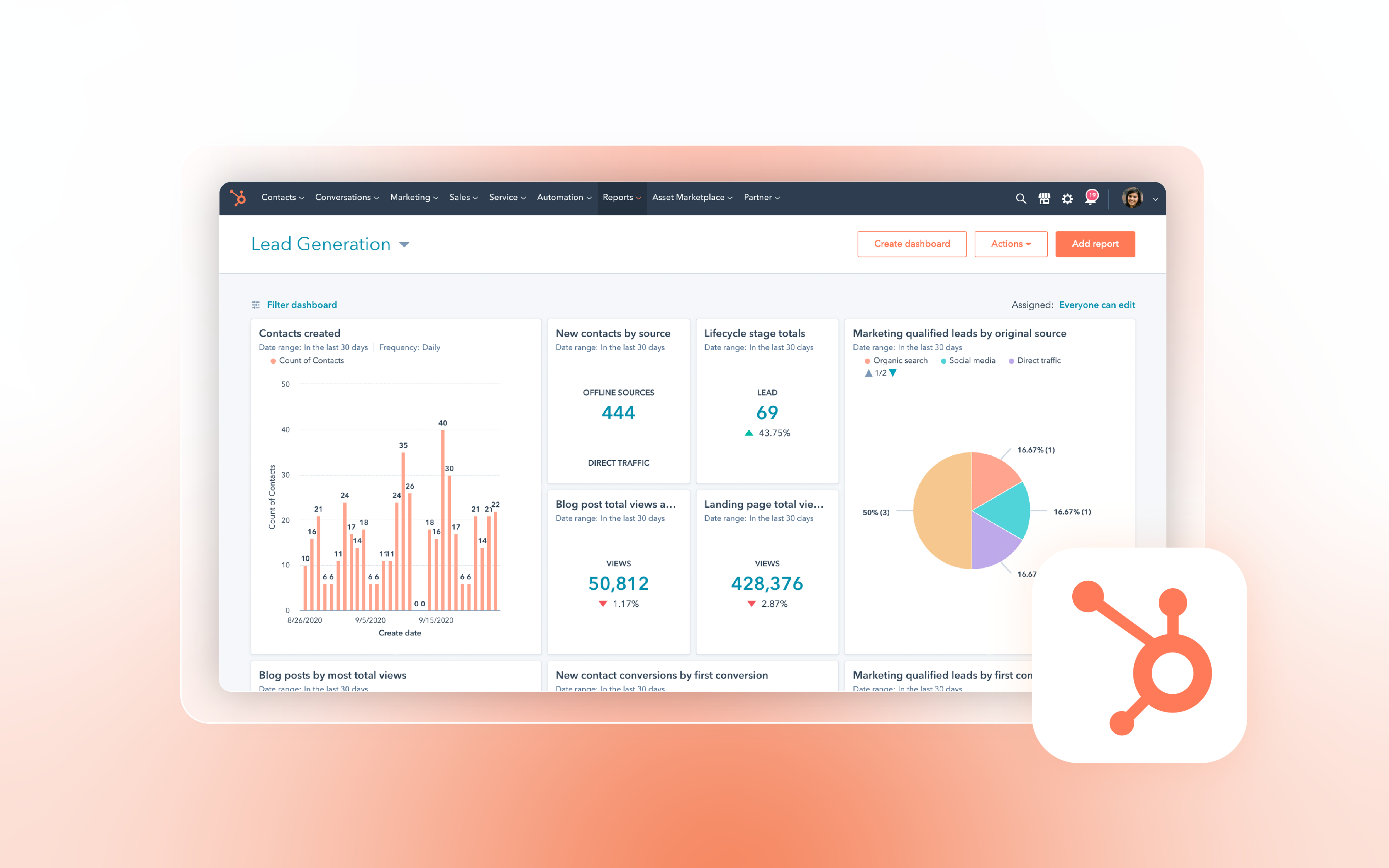
HubSpot’s Office 365 add-in supports Outlook for Windows, Mac, and the web. It can log and track emails and expose sales tools and contact profiles in the inbox. The modern Office 365 add-in is the right option for new Outlook; HubSpot’s older Windows desktop add-in is in maintenance mode. HubSpot is a broader customer platform, so the center of gravity remains HubSpot rather than Outlook.

3. Zoho CRM
Best for: SMBs that want a broad feature set at a competitive price.
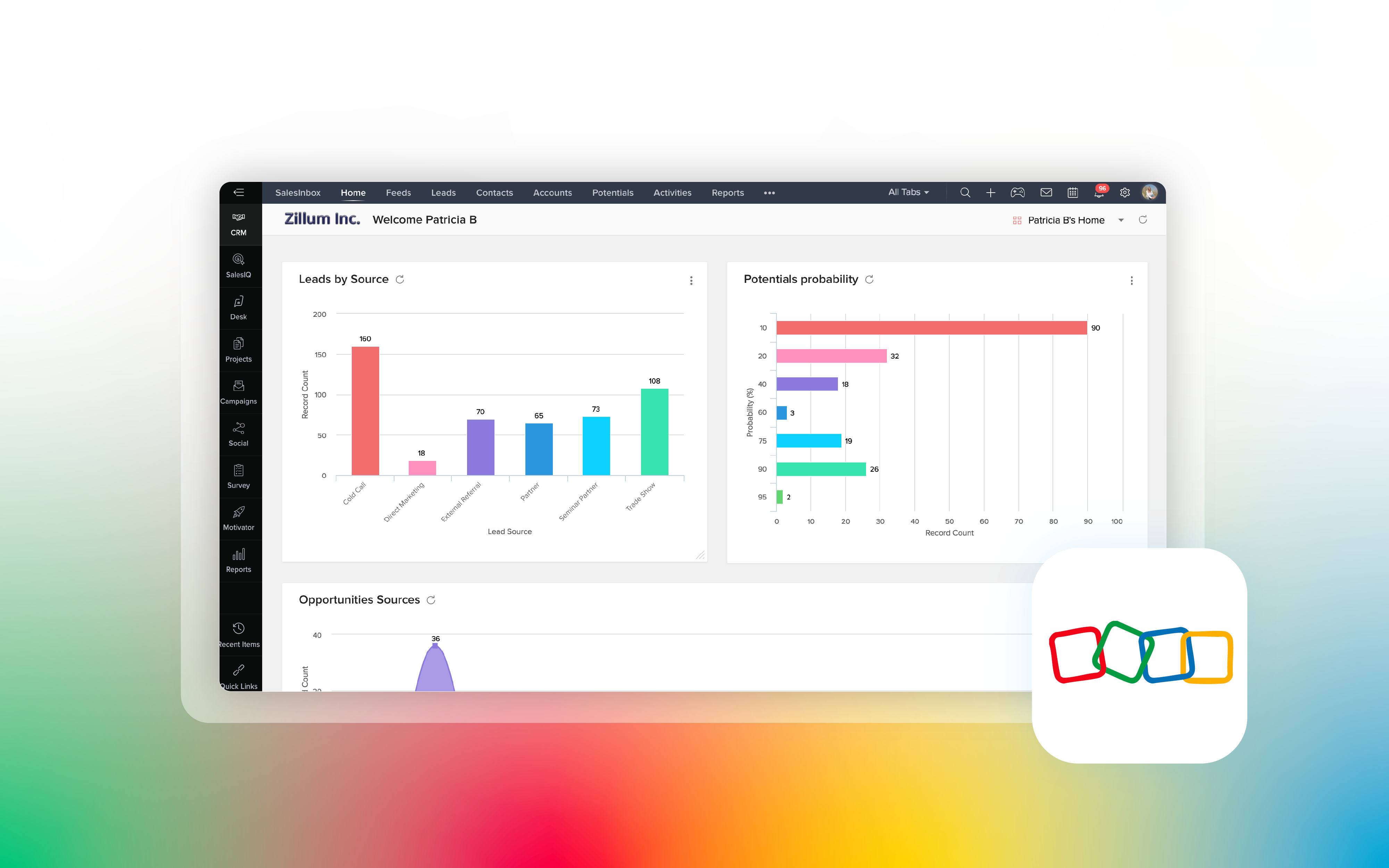
Zoho’s Outlook add-in brings CRM records into the Outlook interface. It lets you create leads and contacts. You can link emails to records, create activities and deals, or add notes from your inbox. Its wider Microsoft 365 integration can synchronize contacts, tasks, and meetings and bring CRM context into Teams.
This extensive feature set comes with added complexity. Teams should plan time for setup and choose which Zoho tools they truly need.
4. Salesflare
Best for: small B2B teams that want less manual data entry.
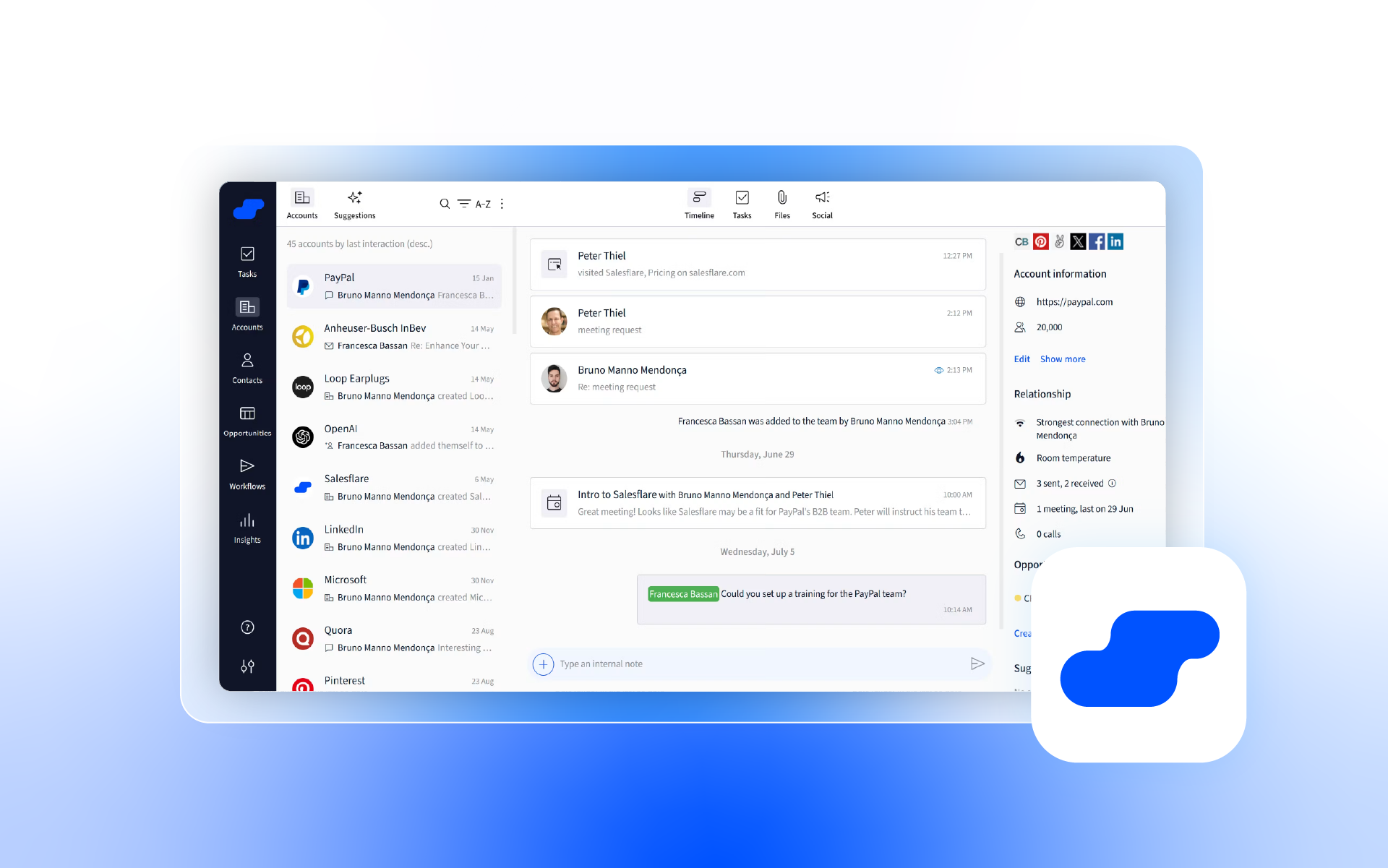
Salesflare combines an Outlook sidebar with automatic contact and company data capture, email and meeting logging, relationship timelines, reminders, and follow-up support. Its modern add-in works across Outlook for Windows, Mac, and the web for Microsoft 365 accounts. It is a strong fit for small B2B sales teams that want their CRM to stay up to date with less admin, rather than complex enterprise-wide processes.

5. Salesforce
Best for: larger sales organizations with complex processes and customization needs.
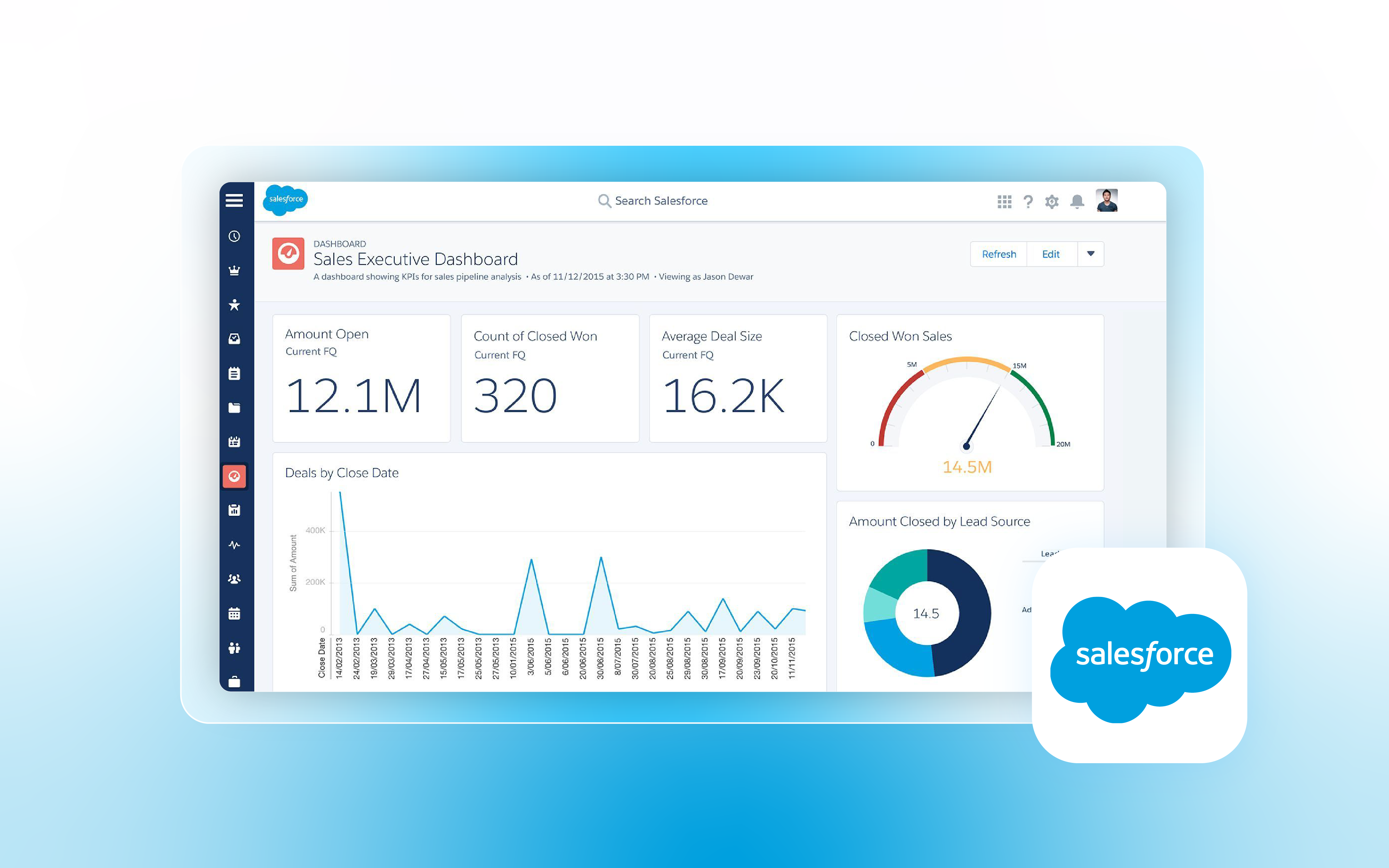
Salesforce Outlook Integration lets users view Salesforce records, log emails and events, and create records from Outlook. Inbox and Einstein Activity Capture can add productivity and automatic capture, but licensing and administration vary. Salesforce is a powerful enterprise platform, not a lightweight Outlook CRM, and implementation typically involves Salesforce and Microsoft administrators.

6. Pipedrive
Best for: sales teams that prioritize a simple, visual deal pipeline.
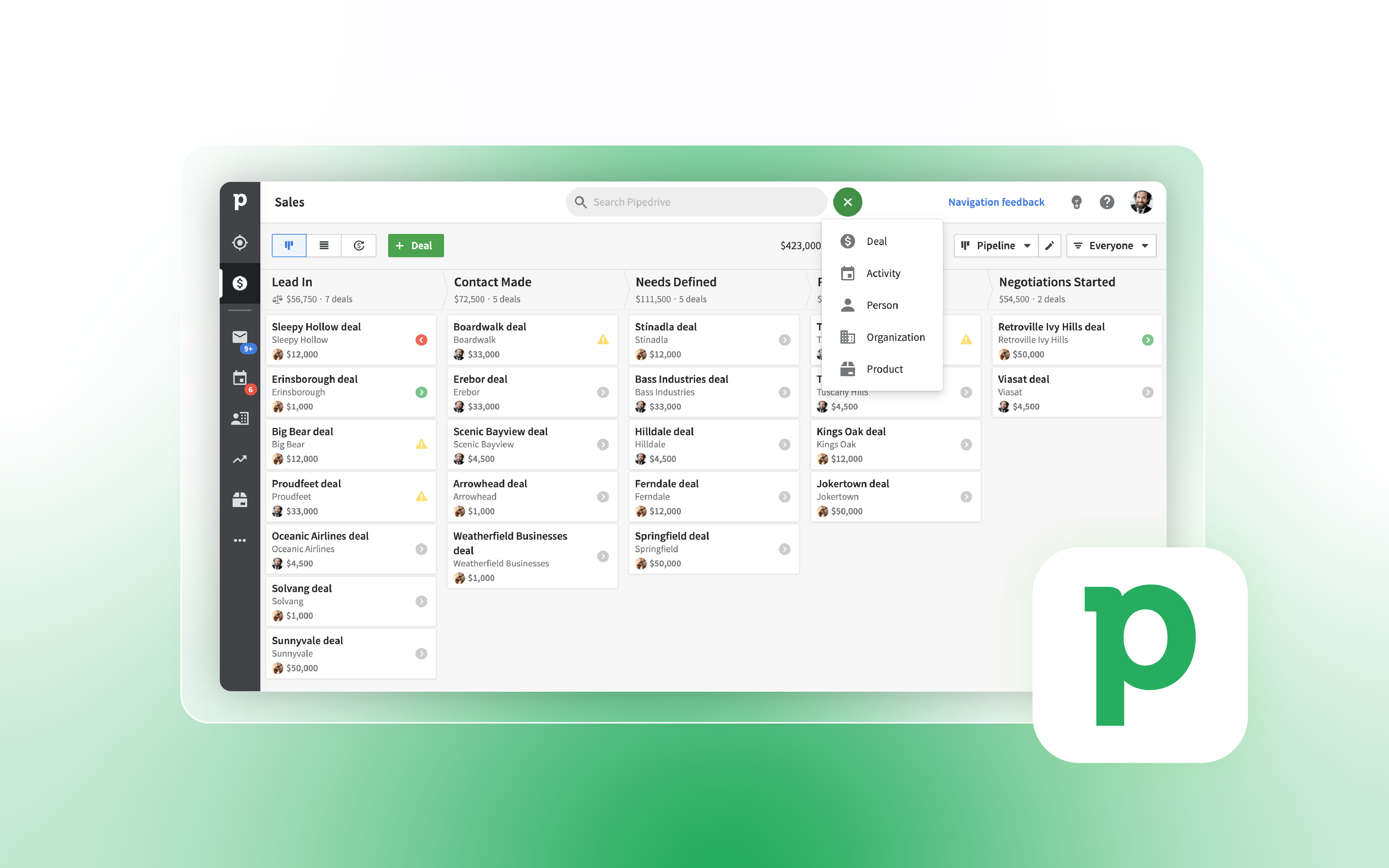
Pipedrive remains easy to understand for pipeline-focused teams. Its current Outlook sidebar option is a paid marketplace app from Baymats, not a first-party Pipedrive-built add-in. It can expose contacts, organizations, deals, activities, and notes in Outlook and create new records. That is useful, but buyers should review the third-party dependency and its separate subscription in their workflow.

7. Microsoft Dynamics 365
Best for: organizations already invested in Microsoft 365, Power Platform, and Dataverse.
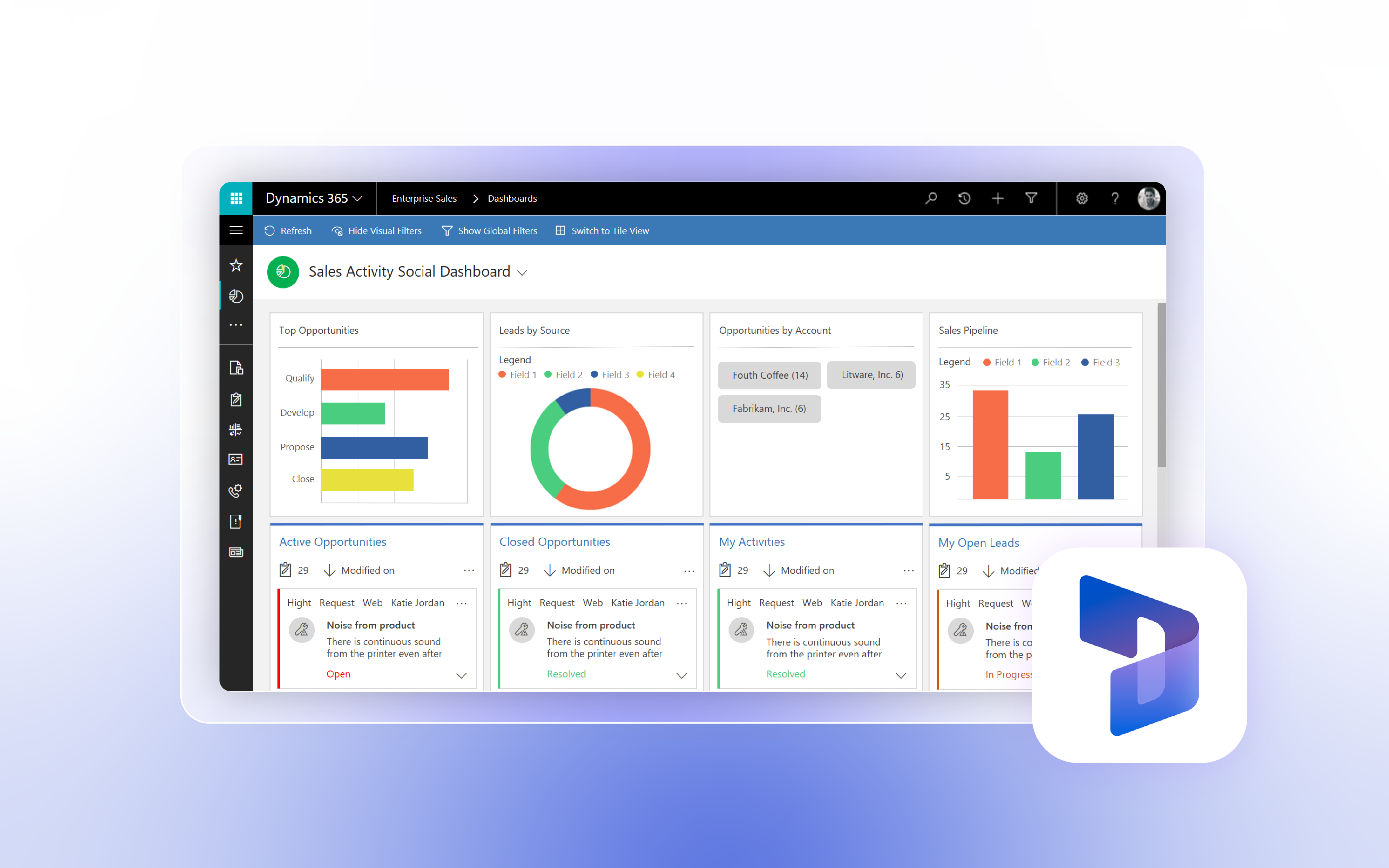
Dynamics 365 App for Outlook runs on desktop, web, and supported mobile clients. It can link emails, meetings, and appointments to CRM records. It shows contextual information, syncs contacts, and inserts templates or knowledge content where supported. It offers the strongest Microsoft platform alignment on this list, but smaller teams may find it too complex.

8. Insightly
Best for: teams that want CRM plus project-oriented workflows.
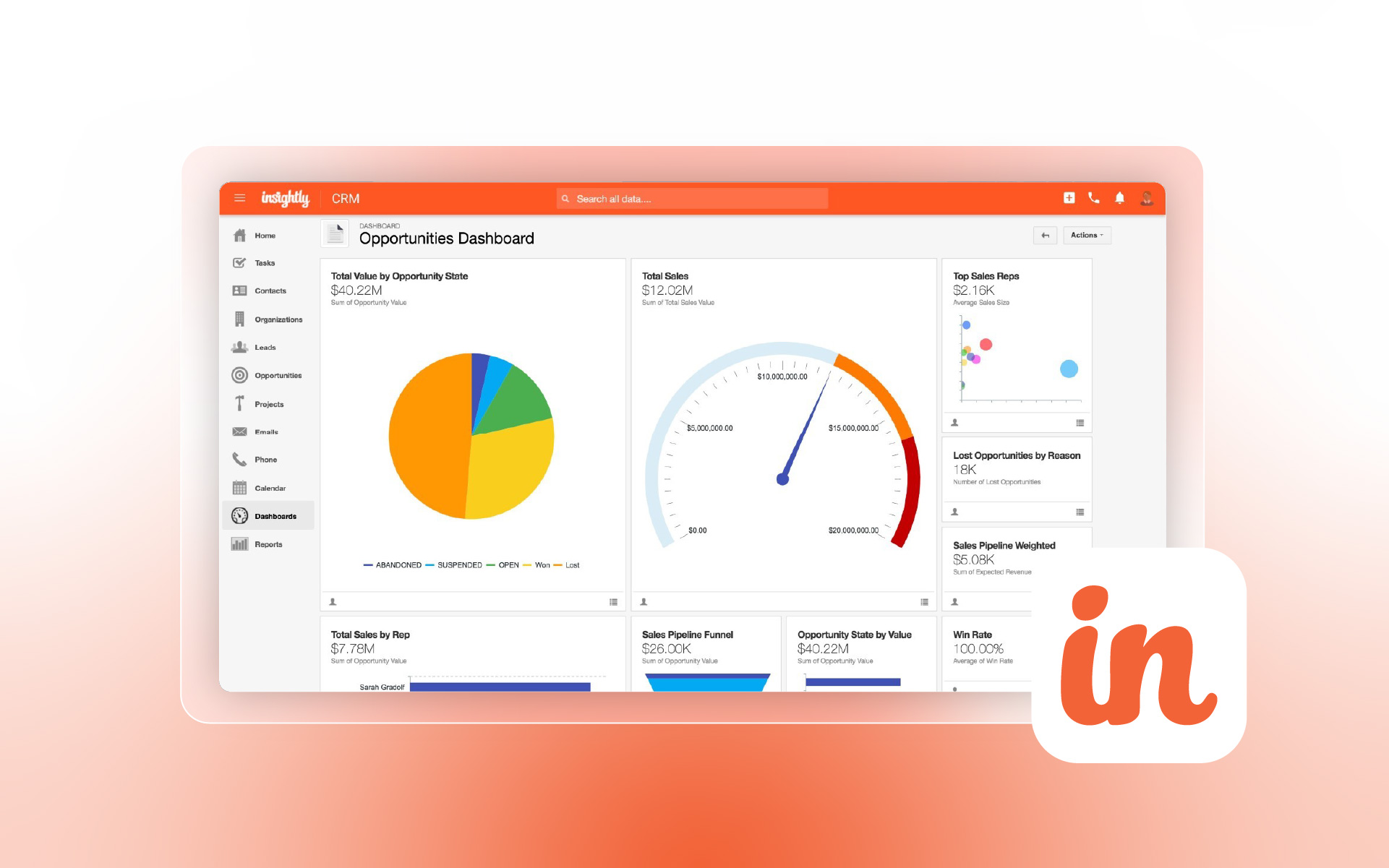
Insightly’s Outlook sidebar can search and update records, save emails, create tasks, and work with opportunities and projects. Paid plans can also synchronize Exchange calendars. The important limitation is explicit in Insightly’s own help: it does not offer Outlook contact sync. This makes it a credible Outlook companion, but not one of the deepest inbox-first options.

9. Nimble
Best for: relationship-driven sellers, consultants, and small teams.
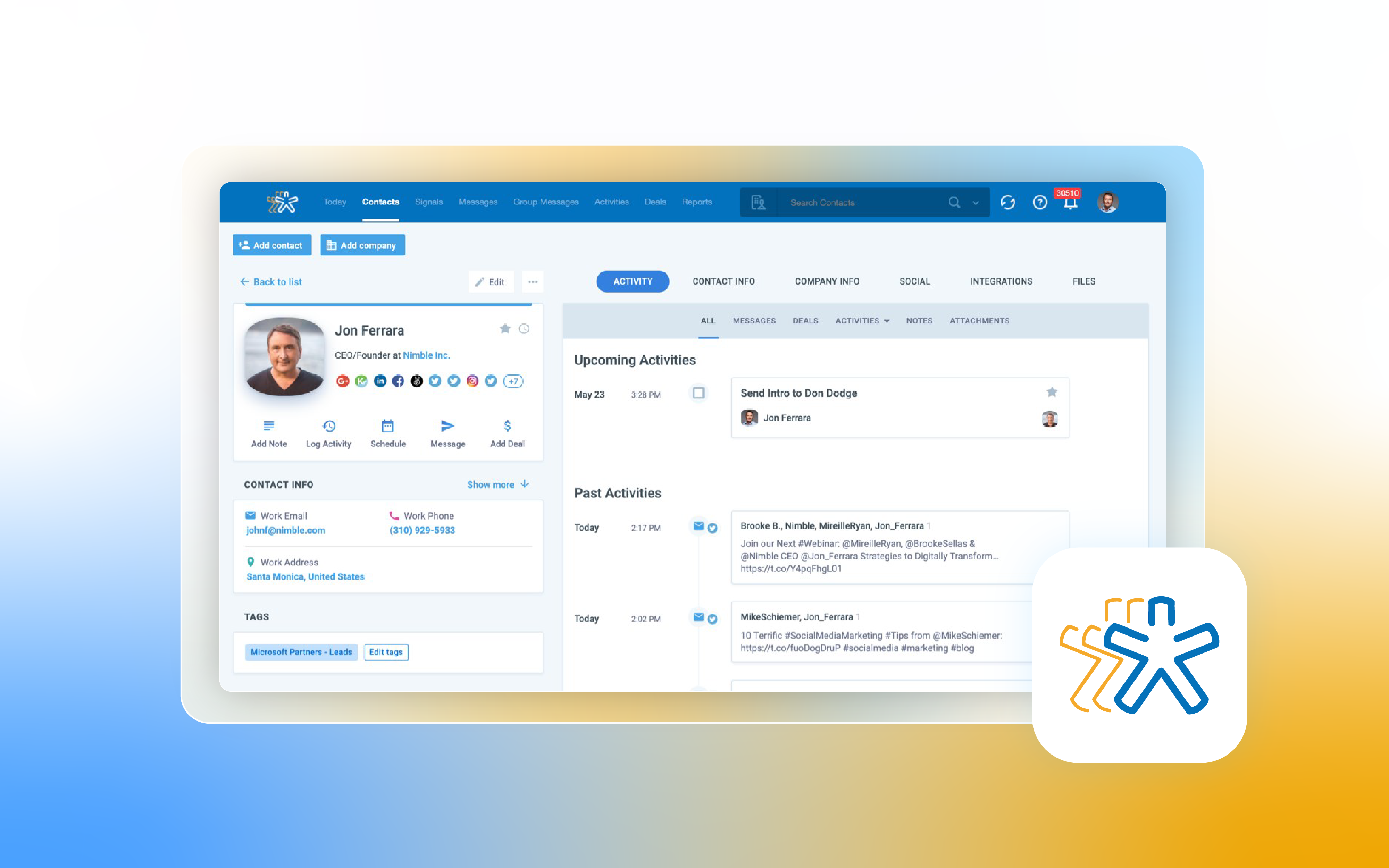
Nimble’s designers explicitly built it around Microsoft 365 and Outlook. Its add-in works in Outlook on desktop, in the browser, and on mobile.
Microsoft 365 connections can sync contacts, email history, and calendar activity. Particularly strong for contact intelligence, relationship history, and lightweight follow-up. Teams that need complex forecasting, permissions, or enterprise process control may outgrow it.

Final Recommendation: Which CRM Should You Choose?
Choose eWay-CRM if… your team works mostly in Outlook and Microsoft 365. It also needs shared email history, contacts, deals, tasks, and projects near the inbox.
Choose HubSpot if… you want a broader customer platform and are comfortable making HubSpot the main workspace.
Choose Zoho CRM if… feature range and value matter more than having the most refined Outlook-first experience.
Choose Salesforce if… you need enterprise customization, governance, and ecosystem depth and can support the implementation.
Choose Pipedrive if… your priority is a simple visual pipeline and a third-party Outlook add-in is acceptable.
Choose Dynamics 365 if… you want enterprise CRM on the Microsoft stack and already have the resources to run it well.
Choose Salesflare if… you run a small B2B sales team and want automation to reduce CRM data entry.
Choose Insightly if… you value the CRM plus project combination and can live without Outlook contact sync.
Choose Nimble if… relationship intelligence and Microsoft 365 contact management matter more than complex sales operations.
FAQ
2. Does a CRM need to support the new Outlook?
Yes. Microsoft states that COM add-ins are not supported in the new Outlook for Windows, while web add-ins are. If your CRM depends on older integration methods, you should test it before migrating users.
3. Is there a difference between an Outlook CRM and a CRM with Outlook integration?
Yes. A CRM with Outlook integration usually adds a sidebar or logging feature. An Outlook CRM is built more deeply around how people actually work in Outlook, including customer history, tasks, meetings, and team collaboration in that same environment.
4. Which CRM is best for small businesses using Microsoft 365?
For small and medium-sized businesses using Microsoft 365, the strongest fits in this comparison are eWay-CRM, Nimble, and Salesflare, because all three are practical for smaller teams and have clear Outlook/Microsoft 365 workflow value.
5. Which CRM has the deepest Microsoft 365 fit?
At the enterprise end, Microsoft Dynamics 365 has the deepest native Microsoft 365 alignment. For SMBs that want a more inbox-centered experience, eWay-CRM is one of the most naturally integrated Microsoft-first options.