
Drowning in emails? Meeting notes all over the place? If you're a manager, you already know that lack of time is what keeps you from doing the actual strategic work you're supposed to be doing. Here's the thing: Microsoft Outlook can be your best friend for taming the chaos. These five habits aren't rocket science, but they'll give you back up to two hours every day. Real, focused time you can actually use.
1. The 4D Method for Inbox Zero
Stop opening the same email five times hoping it'll magically resolve itself. Your inbox isn't storage—it's a processing center. Use the 4D approach:
- Delete: Junk? Kill it immediately.
- Defer (Schedule): Takes more than 2 minutes? Drag that email straight onto your Calendar icon and block out time to deal with it properly.
- Delegate: Not your problem? Forward it and archive your copy.
- Do: Can you knock it out in under two minutes? Just do it now.
2. Turn Emails into Tasks & Projects (with eWay-CRM)
Most emails are actually the beginning of something bigger. Stop copy-pasting like it's 2005.
- In Outlook: Use the Task feature to spin an email into a follow-up action. The original message stays attached.
- With eWay-CRM: Hit that "Save to eWay-CRM" button and turn emails into actual CRM records. Client inquiry? Make it a Project. Meeting request? Turn it into an Activity. New contact? Create a Contact/Company record.
- Why this rocks: Everything related to that client or project—emails, files, notes—lives in one place. No more digging through your inbox at 4:45 PM trying to find that one message.
3. Master Quick Steps and Rules
You're probably doing the same 5-10 actions over and over all day (filing client emails, forwarding reports, etc.). Automate that stuff.
- Quick Steps: Bundle multiple actions into one click. Example: Make a Quick Step that moves a message to your "Client Work" folder AND tags it as "Processed" at the same time.
- Rules: Let Outlook handle the boring stuff. Set up a rule to automatically shunt newsletters and FYI emails into a "Read Later" folder with notifications off.
4. Categorize Your Contacts (and See Their History Instantly)
Walking into a meeting and scrambling to remember who this person is and what you talked about last time? That's a waste of brainpower.
- Outlook Categories: Tag your contacts—"VIP Client," "Internal Team," whatever makes sense for you.
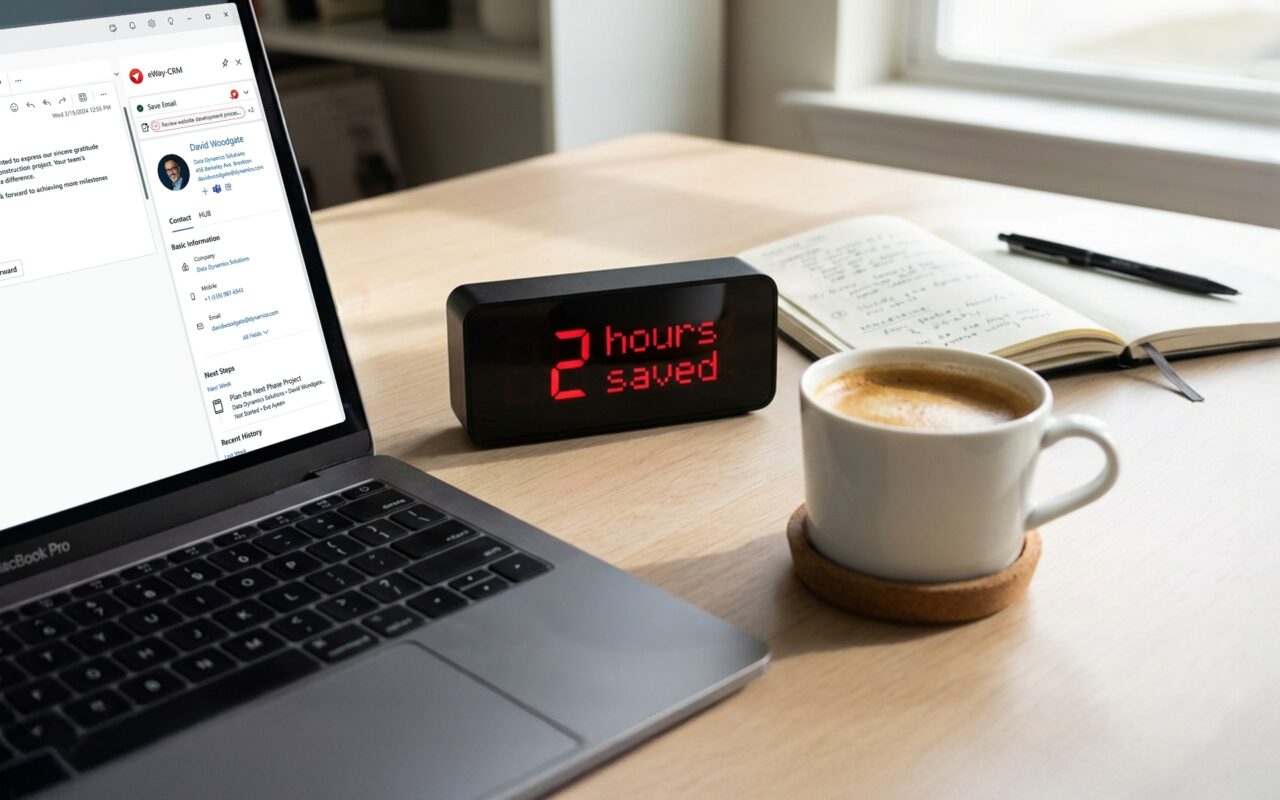
- eWay-CRM bonus: When someone emails you, eWay-CRM shows you everything about them in a sidebar. Past projects, old deals, every document you've ever shared. Context appears like magic.
5. Schedule Email Time Blocks (and Kill Those Notifications)
You can't get anything done if Outlook is dinging at you every 90 seconds. Context-switching murders productivity—this isn't opinion, it's science.
- Schedule specific check-ins: Block out 3-4 short windows in your calendar for email (like 9 AM, 11:30 AM, 2:30 PM, 4:30 PM).
- Turn off notifications: Outside those blocks, disable everything—desktop alerts, sounds, pop-ups, all of it. Your deep work will thank you.
Get Your Time Back
Look, the tools are already sitting on your computer. It's the habits that actually matter. Start using Outlook smarter (and pair it with free CRM for Outlook), and you'll find those two hours. Use them for the strategic work you've been putting off or just leave the office at a reasonable time for once.
Your call.